Setting Preferences
Connection
Using Your Zodiac Handheld 119
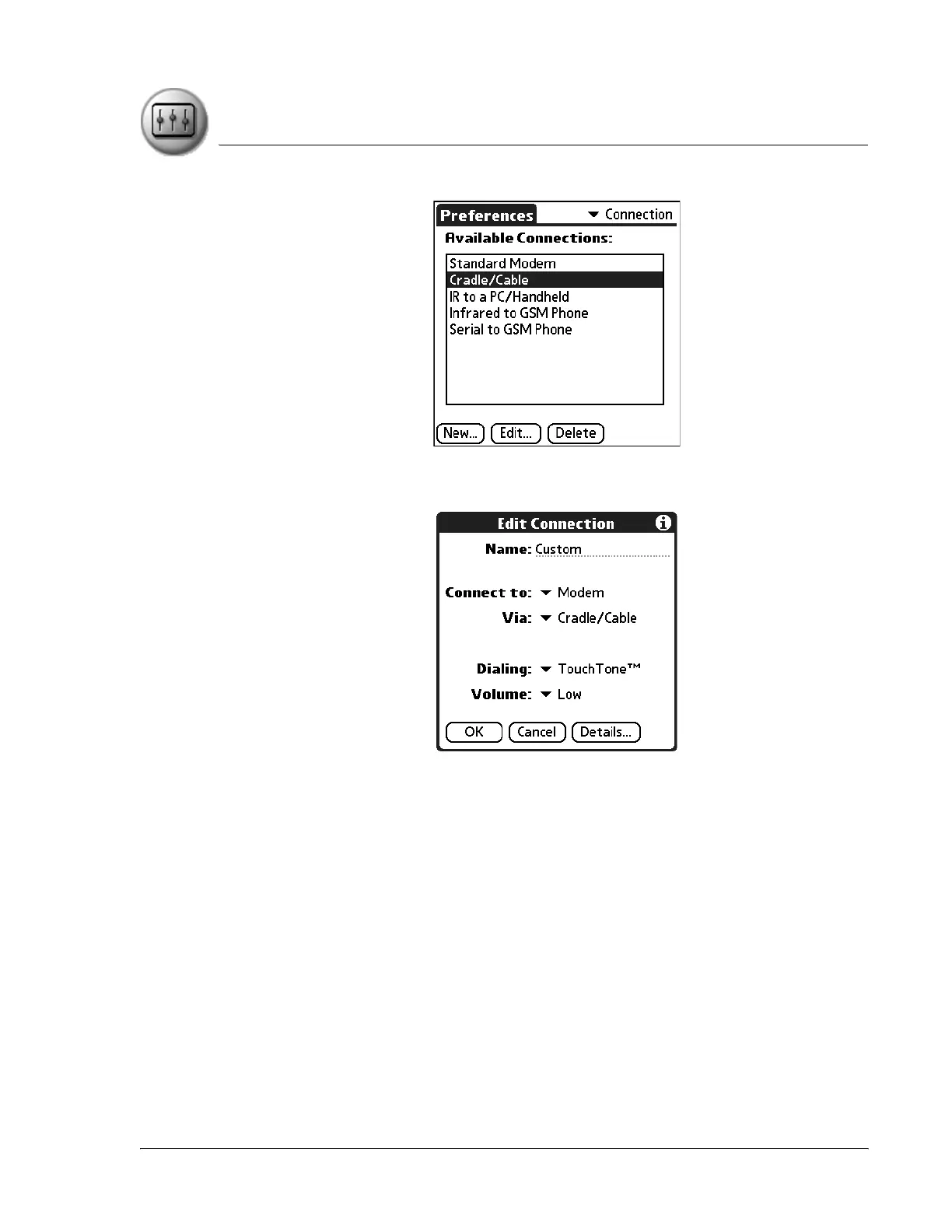
When you create or modify Connection Preferences, you are presented with
the following choices:
• Name. Assign or modify the configuration name. This is the label that
appears in the list in the Connection Preferences screen.
• Connect to. Select the type of device to which you want to connect
your handheld. The choices are: PC, Modem, Phone, and Local
Network.
• Via. Select the method you are using to connect your handheld and
the selected device. The choices are: Cradle/Cable, Infrared, and
Bluetooth.
• Dialing (modem only). Indicate whether to use Touchtone or Rotary
dialing tones. Select Rotary only if your telephone service does not
support TouchTone dialing.
• Volume (modem only). Indicate how loud you want the dialing tones.



 To Next Page