Managing Applications
Customizing the Home screen display
Using Your Zodiac Handheld 44
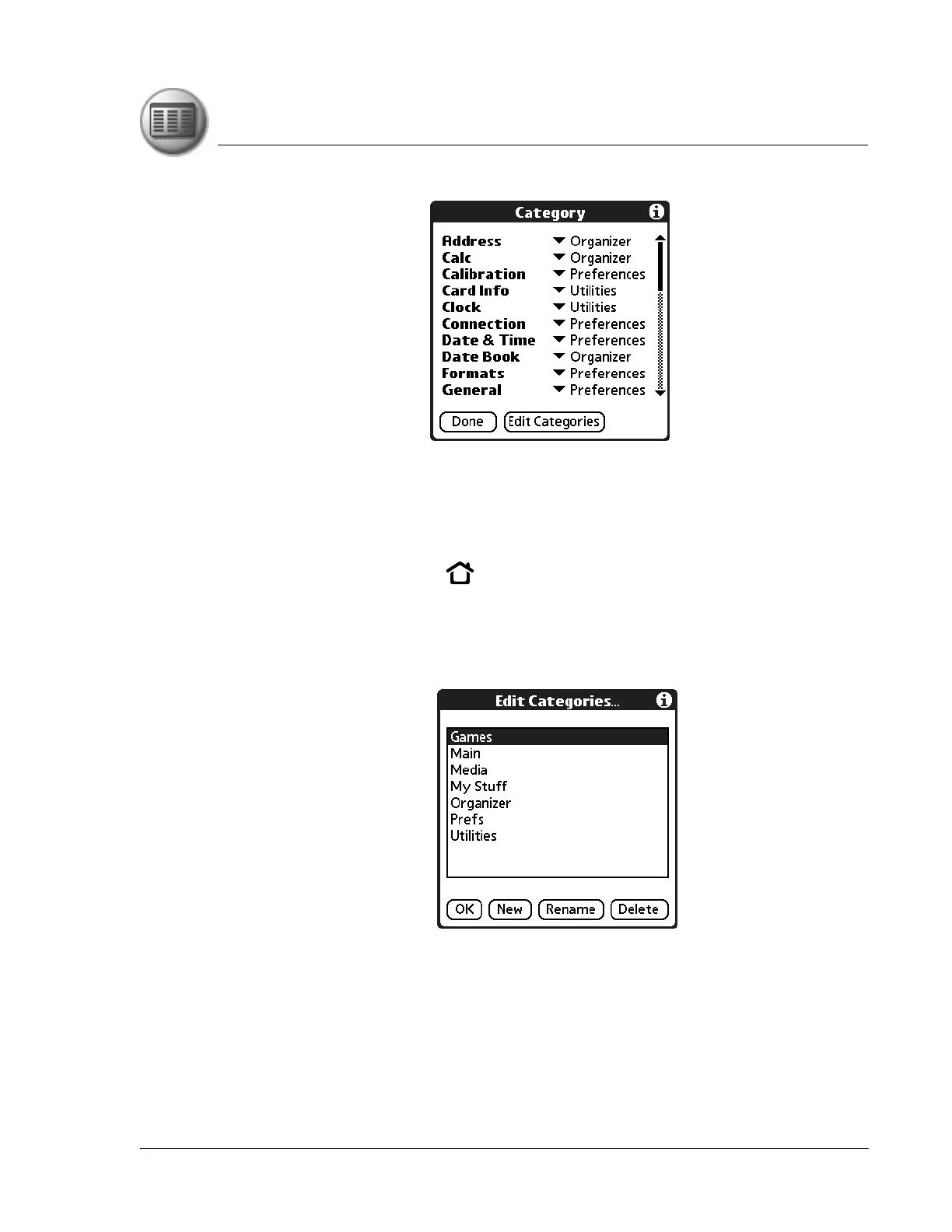
4. From the pick list next to an application, select a different category.
5. Tap Done.
Creating or renaming a category
1. Press the Home button .
2. Tap your user name in the title bar to open the menus.
3. From the App menu, select Category.
4. Tap Edit Categories.
5. Tap New or Rename.
6. Enter the category name, and then tap OK to add or rename the category.
7. Tap OK to close the Edit Categories dialog box.
8. Tap Done.



 To Next Page