Using Address Book
Adding custom fields at the end of Address Edit screens
Using Your Zodiac Handheld 84
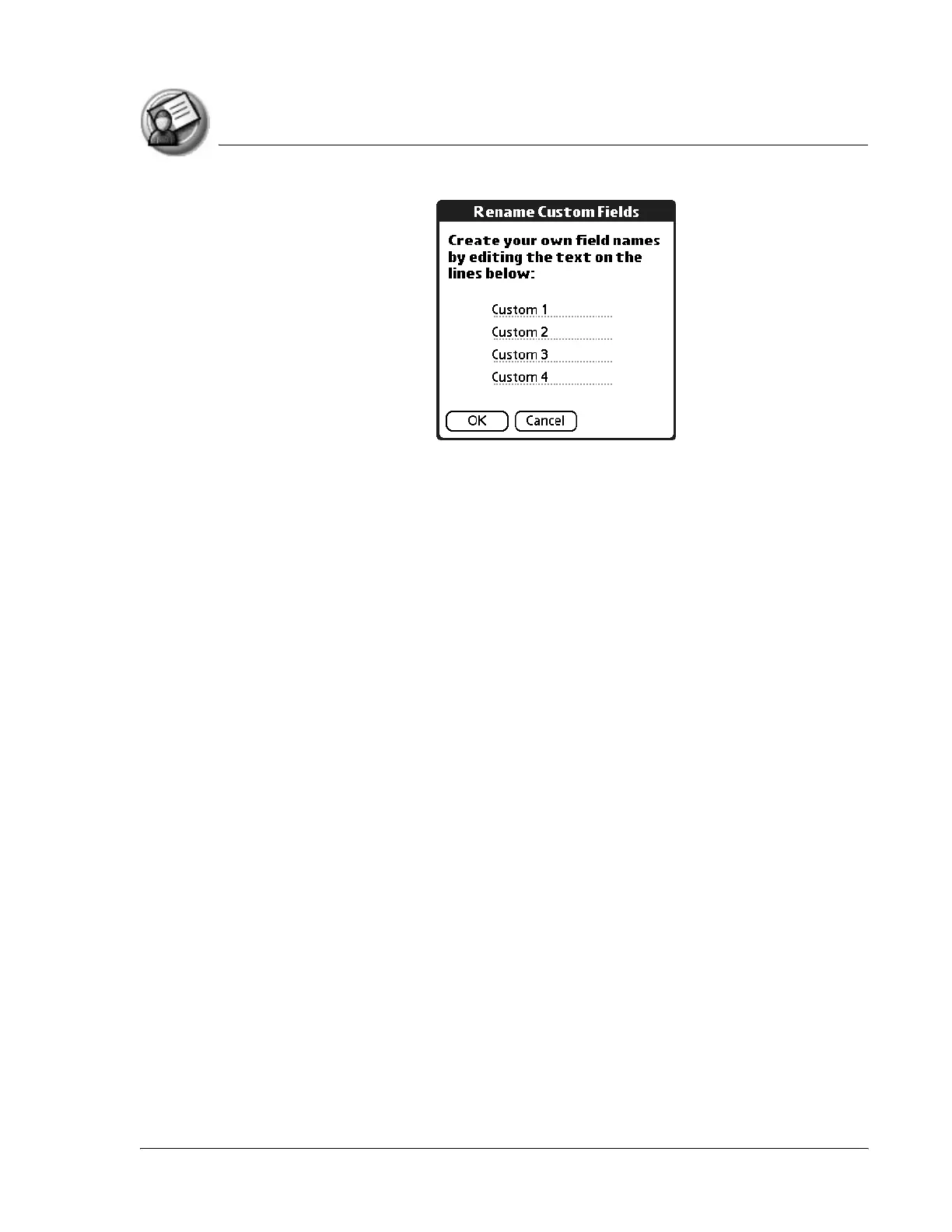
3. In the Input Area, rename the fields to identify the information you’ll
enter in them. The names you give the custom fields appear in all entries,
at the end of the Address Edit screen.
4. Tap OK in the Rename Custom Fields dialog box.
5. Tap Done.



 To Next Page