Cardio WAVE EXCITE +: Service & maintenance manual - rev. 4.1
Pagina 9.14
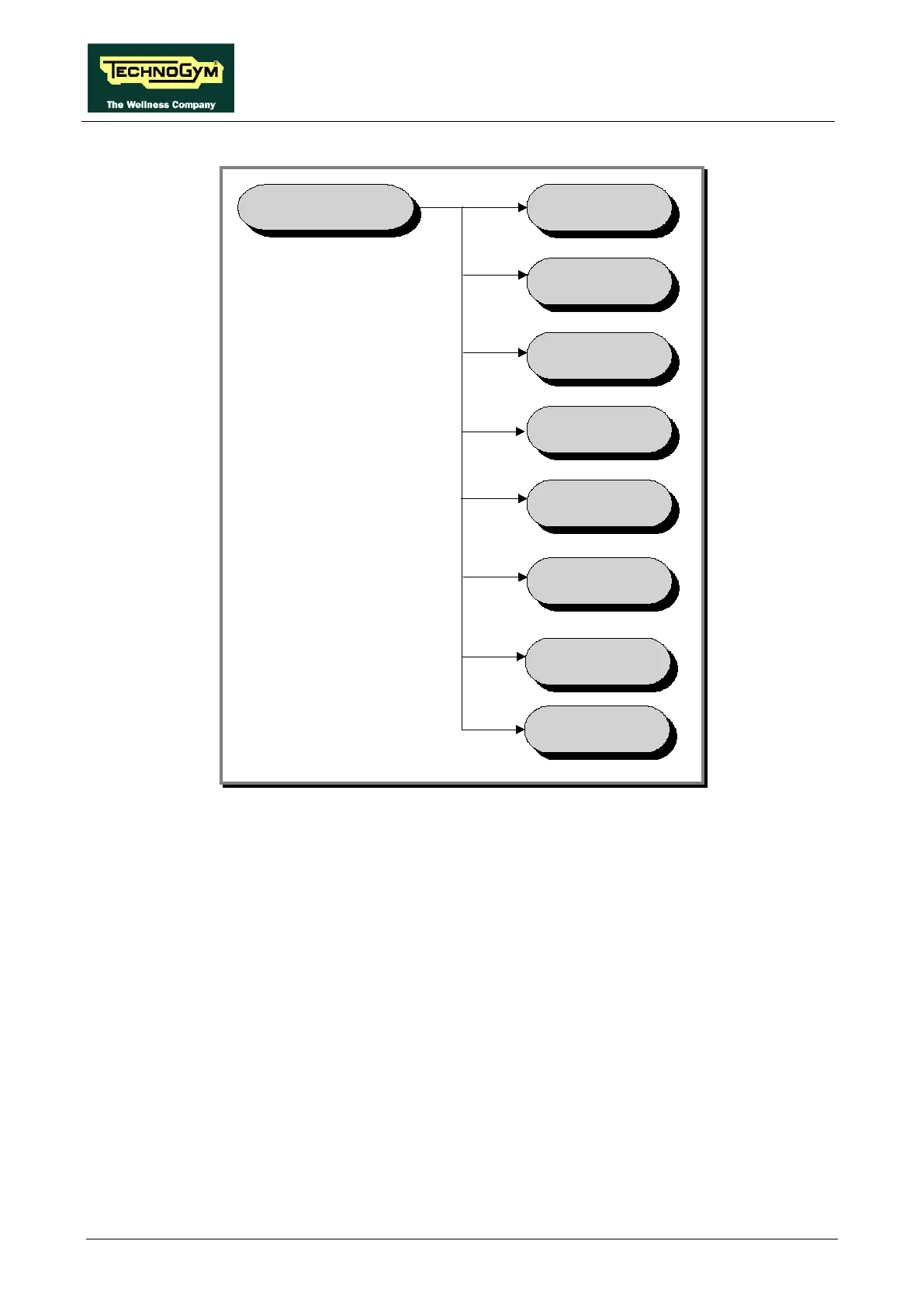
TECHNICAL
CONFIGURATION
OPERATING
D ATA
LOW KI T
MENU
LOW KI T
P AR AM.
HIGH KIT
VERSION
STANDARD
SETTI NGS
ERRORS LOG
KEY READER
VERS.
BOOT
VERSION
To scroll through the list of parameters, press the + or – effort level keys to display the next or the
preceding item.
To modify a parameter value, it is necessary to press the ENTER key: when the current parameter
value starts to blink, press the CLEAR key to erase the current value and then use the number keys
to enter the desired new value. Save the changes made by pressing the ENTER key.
To cancel the operation, press the CLEAR key for a few seconds.
The various parameters are described below.















 To Next Page