Operation
Alarms Menu
Thermo Electron Corporation Model 48i Instruction Manual 3-87
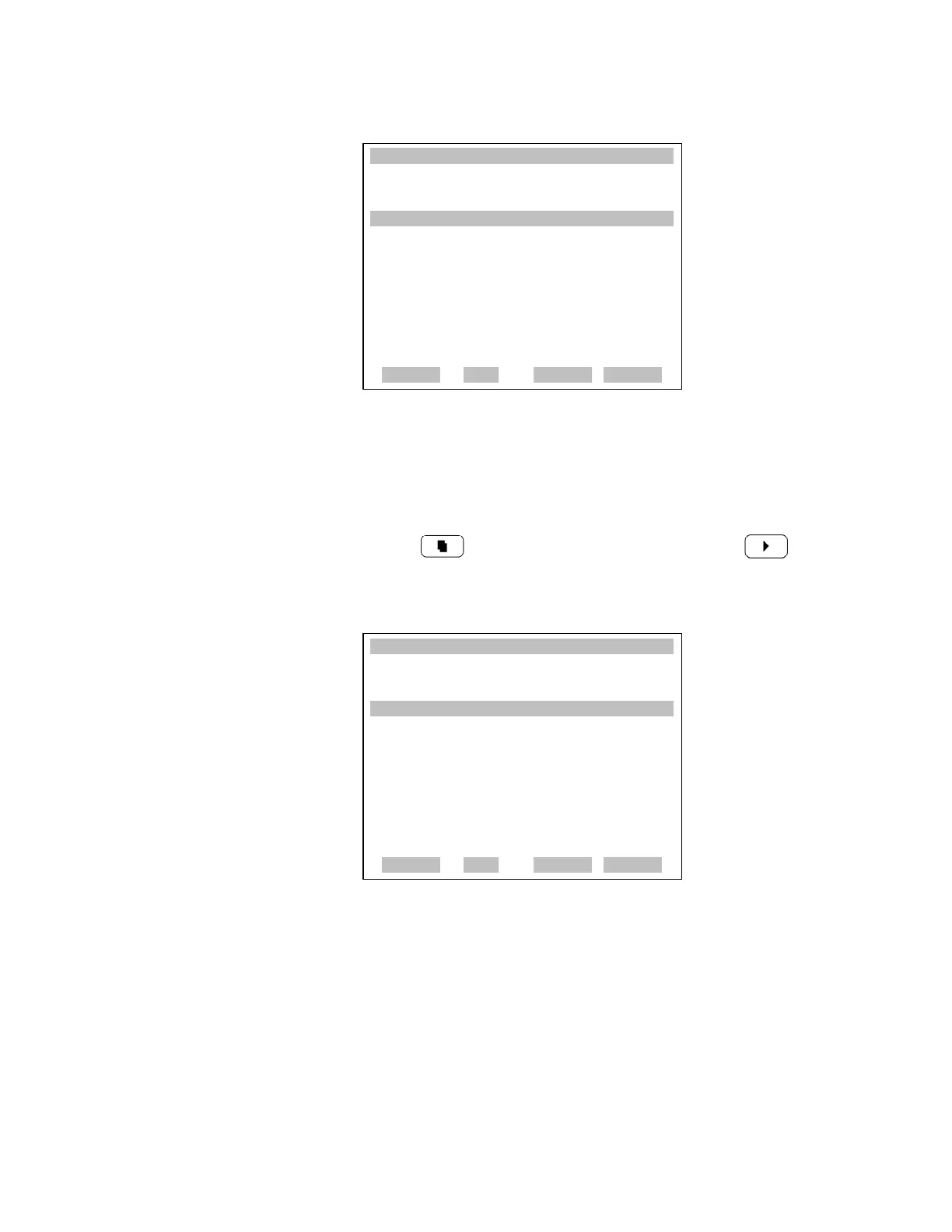
Contact Information The Contact Information screen displays the customer service information.
• In the Main Menu, choose Diagnostics > Contact Information.
• Press to return to the Diagnostics menu or to return to
the Run screen.
Alarms Menu The alarms menu displays a list of items that are monitored by the analyzer.
If the item being monitored goes outside the lower or upper limit, the status
of that item will go from “OK” to either “LOW” or “HIGH”, respectively.
If the alarm is not a level alarm, the status will go from “OK” to “FAIL”.
The number of alarms detected is displayed to indicate how many alarms
have occurred. If no alarms are detected, the number zero is displayed.
XXLO WCONCENTRATIONXXLO W
CO 15.80 PPM
SAMPLE 12:34 ALARMx
INSTRUMENT CONFIGURATION:
>I/O EXPANSION BOARD YES
ZERO/SPAN VALVES YES
ZERO AIR SCRUBBER YES
WHEEL PURGE YES
DILUTION RATIO NO
AUTO CALIBRATION NO
RANGE AVG DIAGS ALARM
XXLO WCONCENTRATIONXXLO W
CO 15.80 PPM
SAMPLE 12:34 ALARMx
CONTACT INFORMATION:
CALL CENTER: 508-520-0430
WEB: WWW.THERMO.COM
RANGE AVG DIAGS ALARM











 To Next Page