Operation
Service Menu
3-106 Model 48i Instruction Manual Thermo Electron Corporation
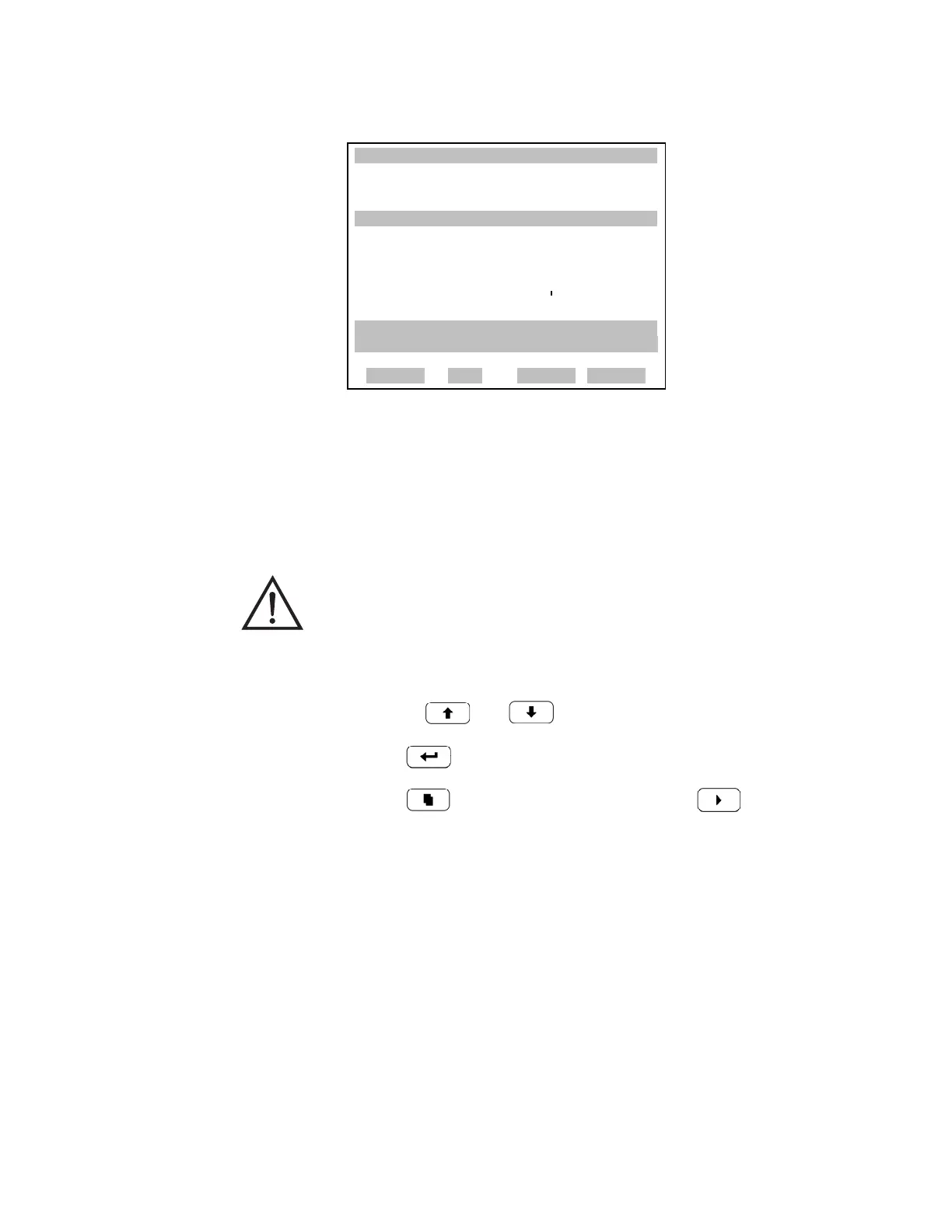
Flow Calibration The Flow Calibration menu is used to calibrate the flow sensor to zero,
span, or restore factory default values. The flow calibration is visible only
when the instrument is in service mode. For more information on the
service mode, see “Service Mode” earlier in the chapter.
• In the Main Menu, choose Service > Flow Calibration.
• Use the and to move the cursor up and down.
• Press to select a choice.
• Press to return to the Service menu or to return to the
Run screen.
XXLO WCONCENTRATIONXXLO W
CO 15.80 PPM
SAMPLE 12:34 ALARMX
RESTORE DEFAULT CAL:
RESTORE
ARE YOU SURE YOU WANT TO?x
PRESS ¨ TO CONFIRM RESTORE
RANGE AVG DIAGS ALARM
WARNING This adjustment should only be performed by an instrument
service technician.











 To Next Page