Servicing
LCD Module Replacement
Thermo Electron Corporation Model 48i Instruction Manual 7-37
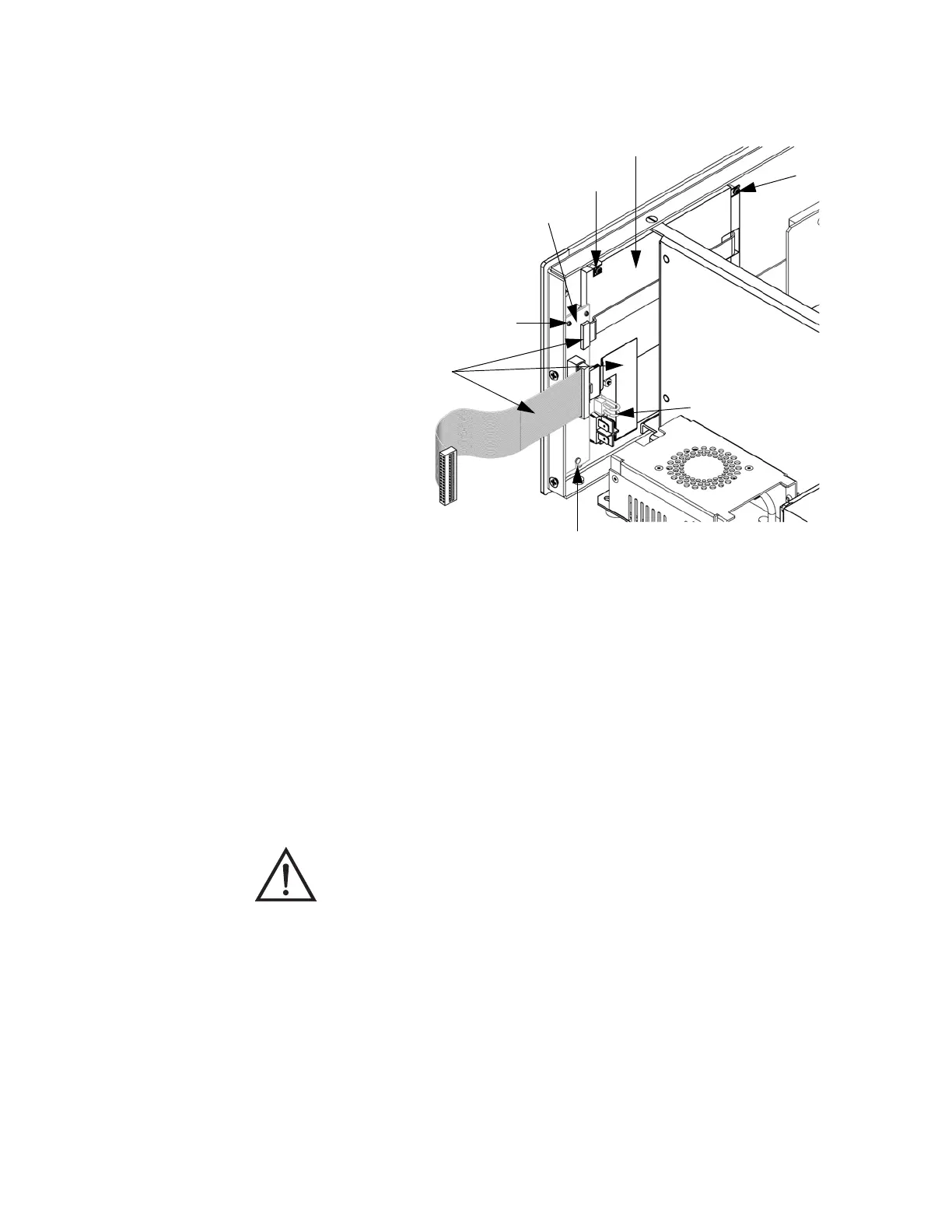
Figure 7-18. Replacing the Front Panel Board and the LCD Module
LCD Module
Replacement
Use the following procedure to replace the LCD module (Figure 7-18).
Equipment Required:
LCD module
Philips screwdriver
Ribbon Cables (3)
Two-Wire Connector
Mounting Studs (2)
Bottom Support
LCD Module Screws (2)
Front Panel Board
LCD Module
Retaining Screw
CAUTION If the LCD panel breaks, do not to let the liquid crystal contact
your skin or clothes. If the liquid crystal contacts your skin or clothes, wash
it off immediately using soap and water.











 To Next Page