Operation
Instrument Controls Menu
3-30 Model 48i Instruction Manual Thermo Electron Corporation
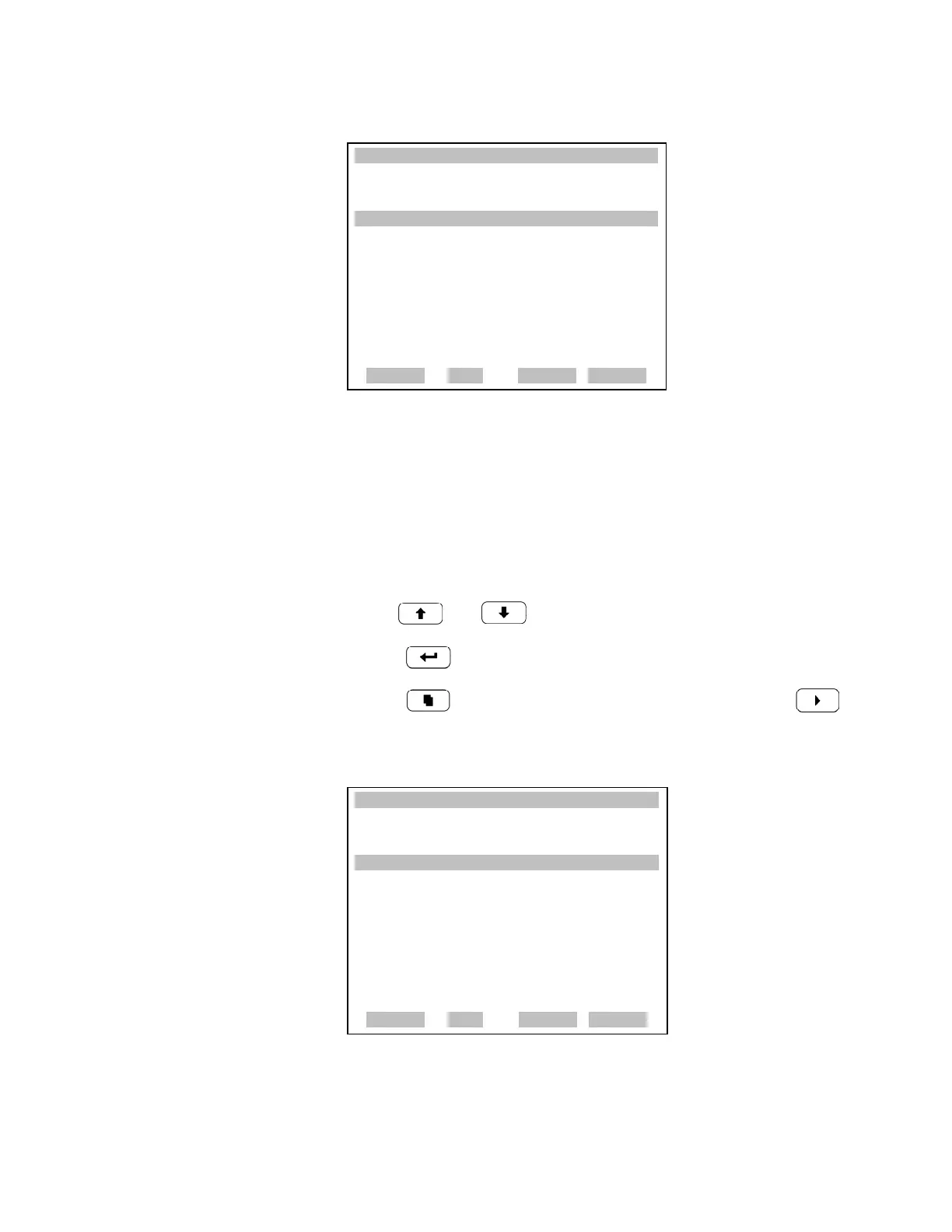
Datalogging Settings The Datalogging Settings menu deals with datalogging.
• In the Main Menu, choose Instrument Controls > Datalogging
Settings.
• Use and to move the cursor up and down.
•Press to select a choice.
• Press to return to the Instrument Controls menu or to
return to the Run screen.
XXLO WCONCENTRATIONXXLO W
CO 15.80 PPM
SAMPLE 12:34 ALARMx
INSTRUMENT CONTROLS:
>DATALOGGING SETTINGS
COMMUNICATION SETTINGS
I/O CONFIGURATION
TEMPERATURE COMPENSATION
PRESSURE COMPENSATION
SCREEN CONTRAST
SERVICE MODE
ª
RANGE AVG DIAGS ALARM
DATE/TIME
XXLO WCONCENTRATIONXXLO W
CO 15.80 PPM
SAMPLE 12:34 ALARMx
DATALOGGING SETTINGS:
>SELECT SREC/LREC SREC
VIEW LOGGED DATA
ERASE LOG
SELECT CONTENT
COMMIT CONTENT
RESET TO DEFAULT CONTENT
CONFIGURE DATA LOGGING
RANGE AVG DIAGS ALARM











 To Next Page