Operation
Instrument Controls Menu
3-72 Model 48i Instruction Manual Thermo Electron Corporation
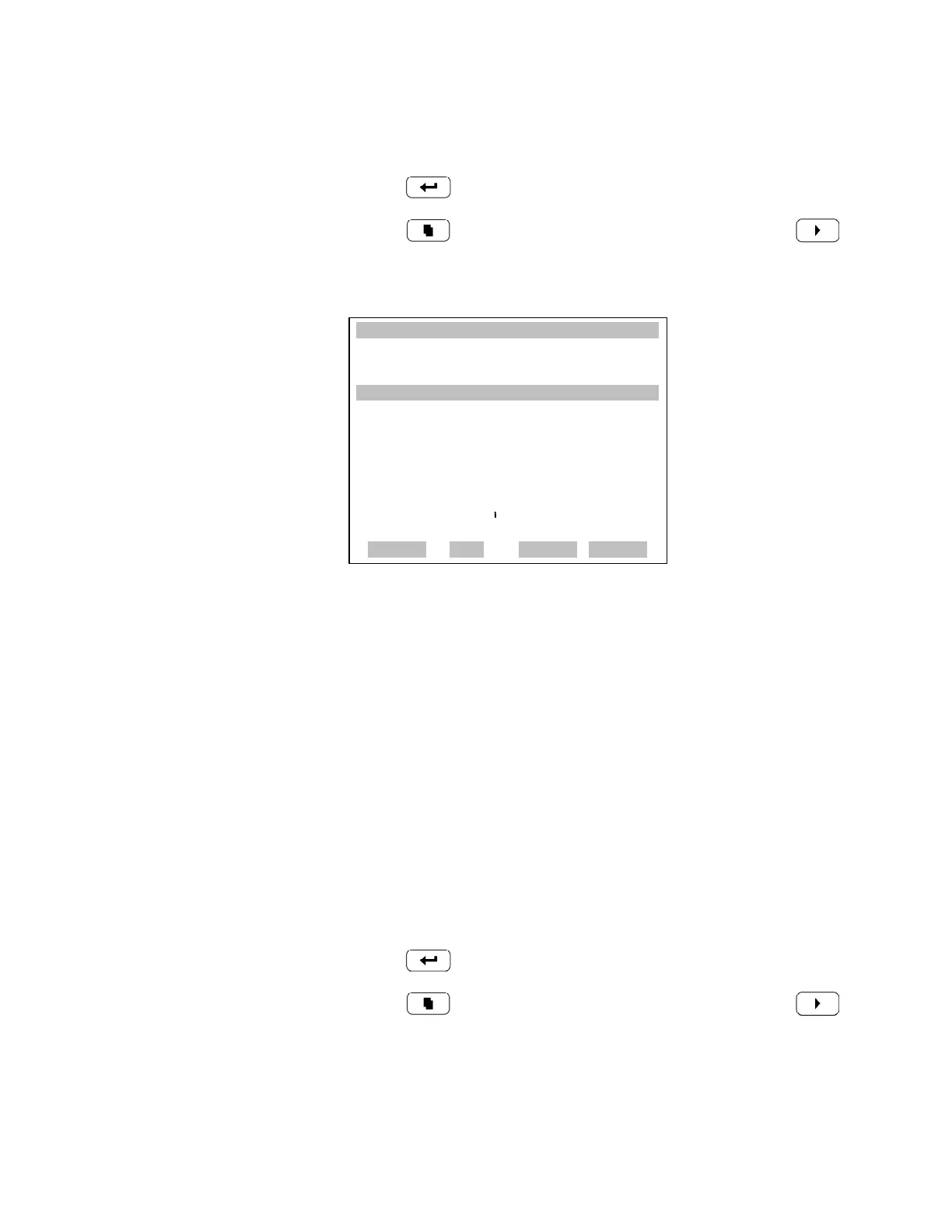
• In the Main Menu, choose Instrument Controls > Temperature
Compensation.
•Press to toggle the temperature compensation on or off.
• Press to return to the Instrument Controls menu or to
return to the Run screen.
Pressure Compensation Pressure compensation provides compensation for any changes to the
instrument's output signal due to reaction chamber pressure variations. The
effects of reaction chamber pressure changes on the analyzer's subsystems
and output have been empirically determined. This empirical data is used to
compensate for any change in reaction chamber pressure. This
compensation can be used even though the Model 48i does not require
pressure compensation for EPA equivalency.
When pressure compensation is on, the display represents the current
pressure in the fluorescence chamber. When pressure compensation is off,
the display shows the factory standard pressure of 750 mmHg.
• In the Main Menu, choose Instrument Controls > Pressure
Compensation.
•Press to toggle the temperature compensation on or off.
• Press to return to the Instrument Controls menu or to
return to the Run screen.
XXLO WCONCENTRATIONXXLO W
CO 15.80 PPM
SAMPLE 12:34 ALARMx
TEMPERATURE COMPENSATION:
COMP TEMP: 30.0
o
C
CURRENTLY: OFF
SET TO: ON ?
TOGGLE VALUE
RANGE AVG DIAGS ALARM











 To Next Page