Operation
Range Menu
Thermo Electron Corporation Model 48i Instruction Manual 3-17
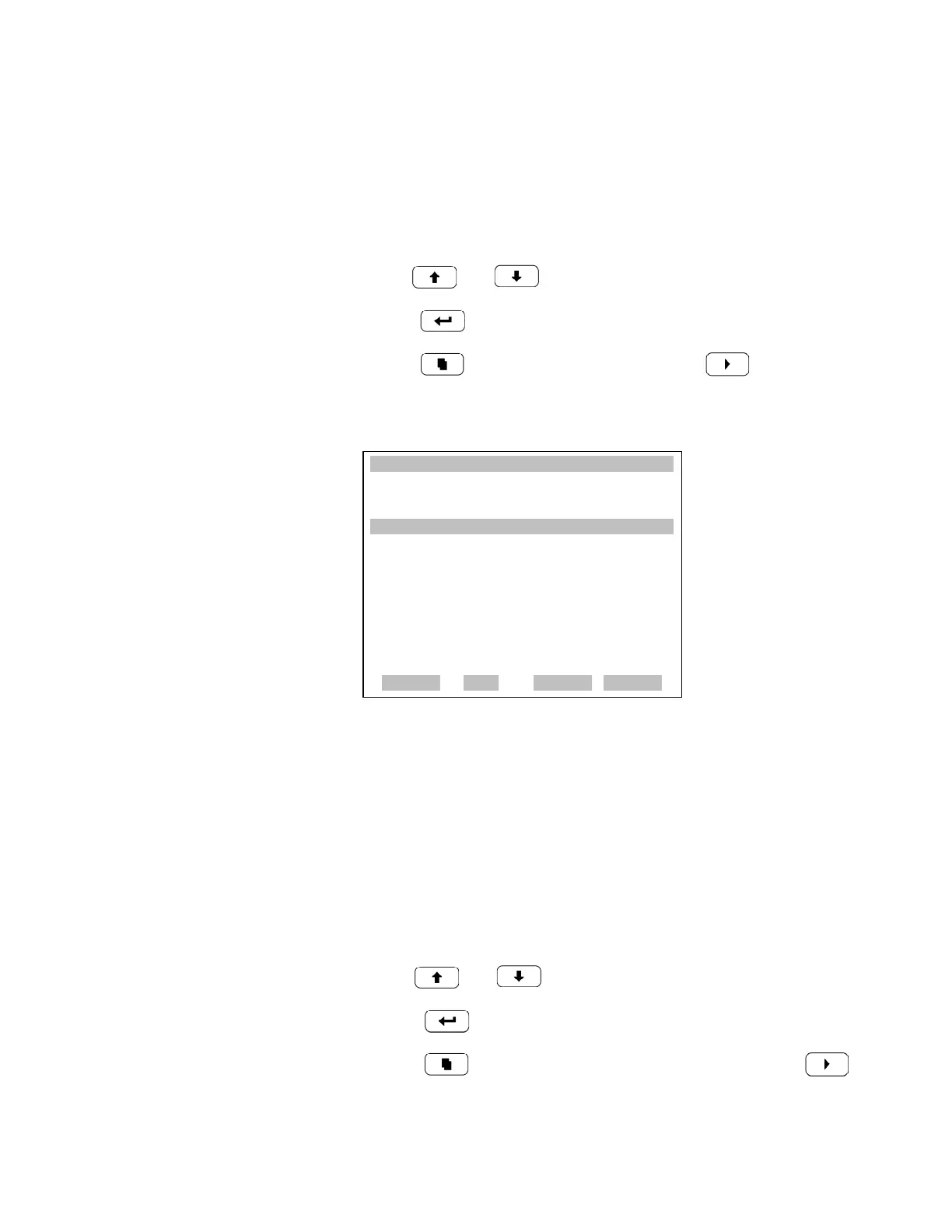
Set Custom Ranges The Custom Ranges Menu lists three custom ranges: C1, C2, and C3.
Custom ranges are user-defined ranges. In the ppm mode, any value
between 1 and 10,000 ppm can be specified as a range. In the mg/m
3
mode, any value between 1 and 10,000 mg/m
3
can be specified as a range.
• In the Main Menu, choose Range > Set Custom Ranges.
•Use and to move the cursor up and down.
• Press to select a choice.
• Press to return to the Range menu or to return to the
Run screen.
Custom Ranges The Custom Ranges screen is used to define the custom ranges.
The display shows the current custom range. The next line of the display is
used to set the range. To use the custom full-scale range, be sure to select it
(Custom range 1, 2, or 3) in the CO Ranges screen. For more information
about selecting ranges, see “CO Range” above.
• In the Main Menu, choose Range > Custom Ranges > Custom Range
1, 2, or 3.
• Use and to increment or decrement the numeric value.
• Press to save the new range.
• Press to return to the Set Custom Ranges menu or to
return to the Run screen.
XXLO WCONCENTRATIONXXLO W
CO 15.80 PPM
SAMPLE 12:34 ALARMx
CUSTOM RANGES:
>CUSTOM RANGE 1 55.5
CUSTOM RANGE 2 75.0
CUSTOM RANGE 3 125.0
RANGE AVG DIAGS ALARM











 To Next Page