Operation
Instrument Controls Menu
Thermo Electron Corporation Model 48i Instruction Manual 3-73
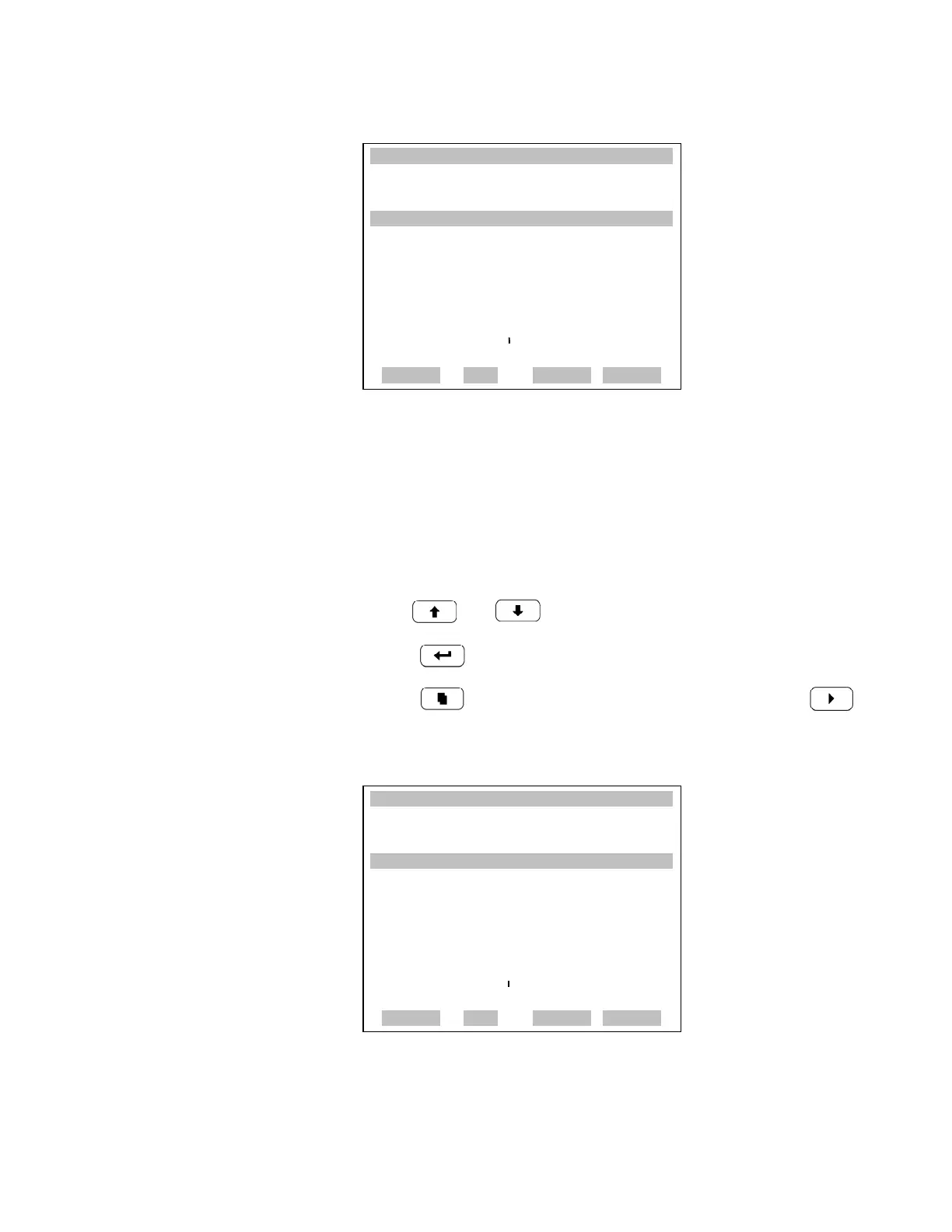
Screen Contrast The Screen Contrast screen is used to change the contrast of the display.
Intensities between 0 and 100% in increments of 10 are available. Changing
the screen contrast may be necessary if the instrument is operated at extreme
temperatures.
• In the Main Menu, choose Instrument Controls > Screen Contrast.
• Use and to increment or decrement the screen contrast.
•Press to accept a change.
• Press to return to the Instrument Controls menu or to
return to the Run screen.
XXLO WCONCENTRATIONXXLO W
CO 15.80 PPM
SAMPLE 12:34 ALARMx
PRESSURE COMPENSATION:
COMP PRES: 750.0 mmHg
CURRENTLY: OFF
SET TO: ON ?
TOGGLE VALUE
RANGE AVG DIAGS ALARM
XXLO WCONCENTRATIONXXLO W
CO 15.80 PPM
SAMPLE 12:34 ALARMx
SCREEN CONTRAST:
CURRENTLY: 50 %
SET TO: 60 % ?
©ª CHANGE VALUE
SAVE VALUE
RANGE AVG DIAGS ALARM











 To Next Page