Operation
Averaging Time
3-18 Model 48i Instruction Manual Thermo Electron Corporation
Averaging Time The Averaging Time defines a time period (1 to 300 seconds) during which
CO measurements are taken. The average concentration of the readings are
calculated for that time period. The front panel display and analog outputs
are updated every 10 seconds for averaging times between 10 and 300
seconds. For averaging times of 1, 2, and 5 seconds, the front panel display
and analog outputs are updated every second. An averaging time of 10
seconds, for example, means that the average concentration of the last 10
seconds will be output at each update. An averaging time of 300 seconds
means that the moving average concentration of the last 300 seconds will be
output at each update. Therefore, the lower the averaging time the faster
the front panel display and analog outputs respond to concentration
changes. Longer averaging times are typically used to smooth output data.
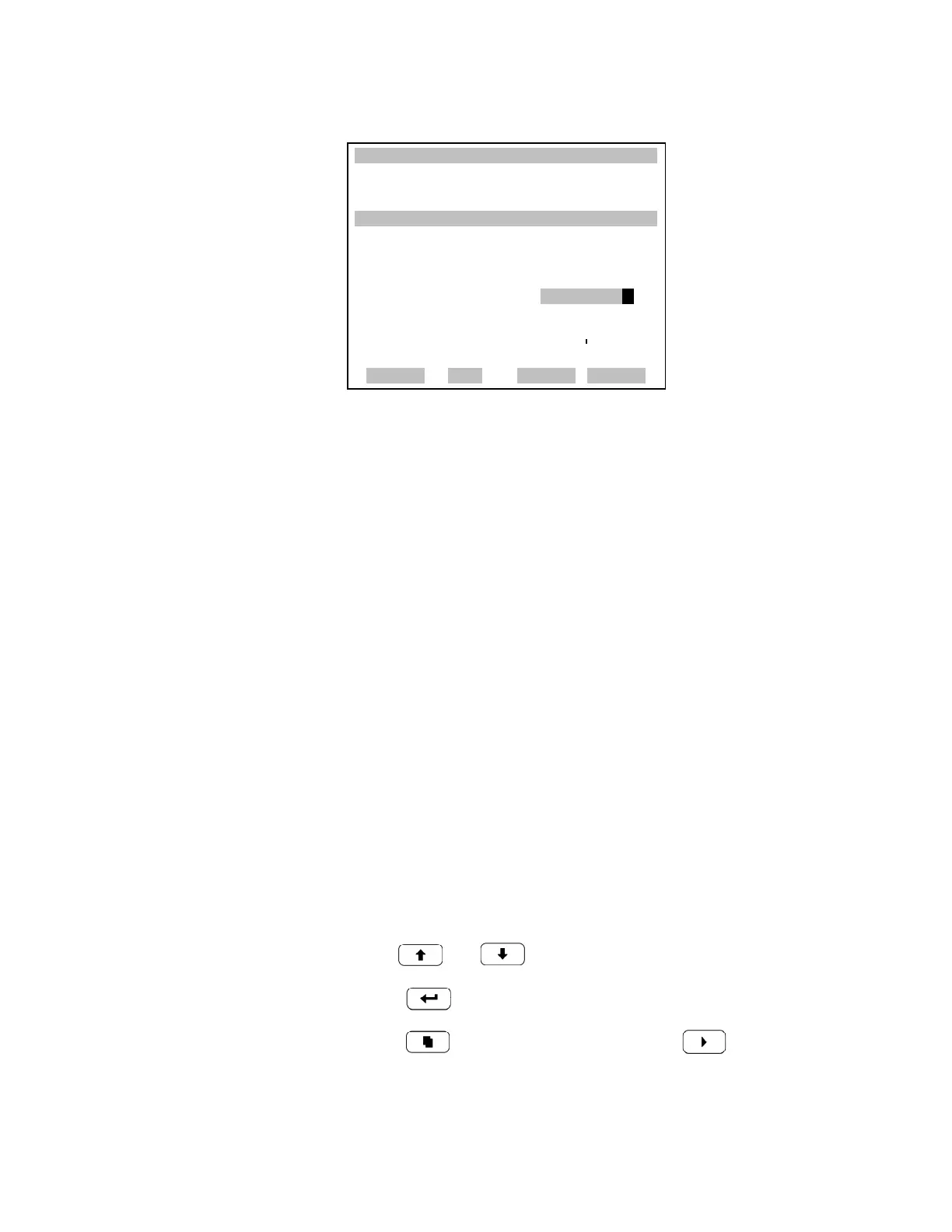
The Averaging Time screens for the single and dual or auto range modes are
shown below. In the dual and auto range modes, an Averaging Time Menu
is displayed before the averaging time screens. This menu is needed because
the dual and autorange modes have two averaging times (high and low).
The Averaging Time screens function the same way in the single, dual, and
autorange modes. The following averaging times are available: 1, 2, 5, 10,
20, 30, 60, 90, 120, 180, 240, and 300 seconds.
• In the Main Menu, choose Averaging Time.
• Use and for a list of choices.
• Press to save the averaging time.
• Press to return to the Main Menu or to return to the Run
screen.
XXLO WCONCENTRATIONXXLO W
CO 15.80 PPM
SAMPLE 12:34 ALARMx
CUSTOM RANGE 1:
CURRENTLY: 55.5
SET TO: 000055.6 ?
§¨ MOVE CURSOR
©ª CHANGE VALUE
SAVE
RANGE AVG DIAGS ALARM











 To Next Page