Operation
Calibration Menu
3-22 Model 48i Instruction Manual Thermo Electron Corporation
The CO Span Coefficient screen enables the CO span coefficient to be
manually changed while sampling span gas of known concentration.
Note The concentration value will show ERROR if the measured
concentration is not a valid span value (either higher than the selected range,
or 0 or lower).
The display shows the current CO concentration reading. The next line of
the display shows the CO span coefficient that is stored in memory and is
being used to correct the CO concentration. Notice that as the span
coefficient value is changed, the current CO concentration reading above
also changes. However, no real changes are made until is pressed.
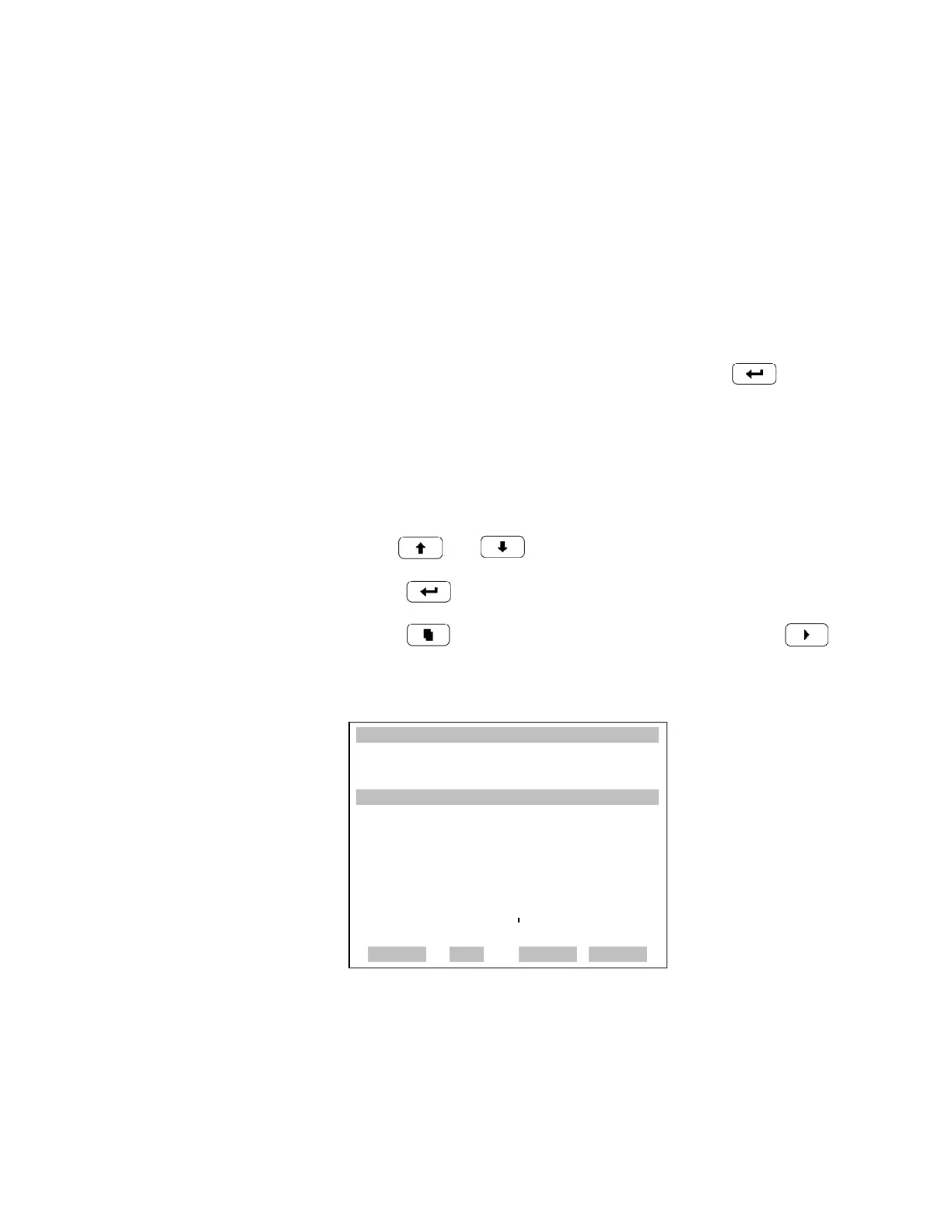
In dual or autorange modes, “High” or “Low” is displayed to indicate the
calibration of the high or low coefficient.The example below shows the
coefficient screen in dual/autorange mode.
• In the Main Menu, choose Calibration Factors > Hi Coef.
• Use and to increment or decrement the coefficient value.
• Press to save the new coefficient.
• Press to return to the Calibration Factors menu or to
return to the Run screen.
Calibration Menu The Calibration menu is used to calibrate zero and span. The calibration
menu is similar for the single, dual, and autorange mode as shown below.
The dual and autorange modes have two CO span factors (high and low).
This allows each range to be calibrated separately. This is necessary if the
WHIGH RANGE CONCENTRATIONW
CO 15.80 PPM
SAMPLE 12:34 ALARMx
HIGH CO COEFFICIENT:
HIGH CO: 15.80
SET COEF TO: 1.000 ?
©ª INC/DEC
SAVE VALUE
RANGE AVG DIAGS ALARM











 To Next Page