Operation
Range Menu
Thermo Electron Corporation Model 48i Instruction Manual 3-15
CO Range The CO
Range screen defines the concentration range of the analog
outputs. For example, a CO range of 0–50 ppm restricts the analog output
to concentrations between 0 and 50 ppm.
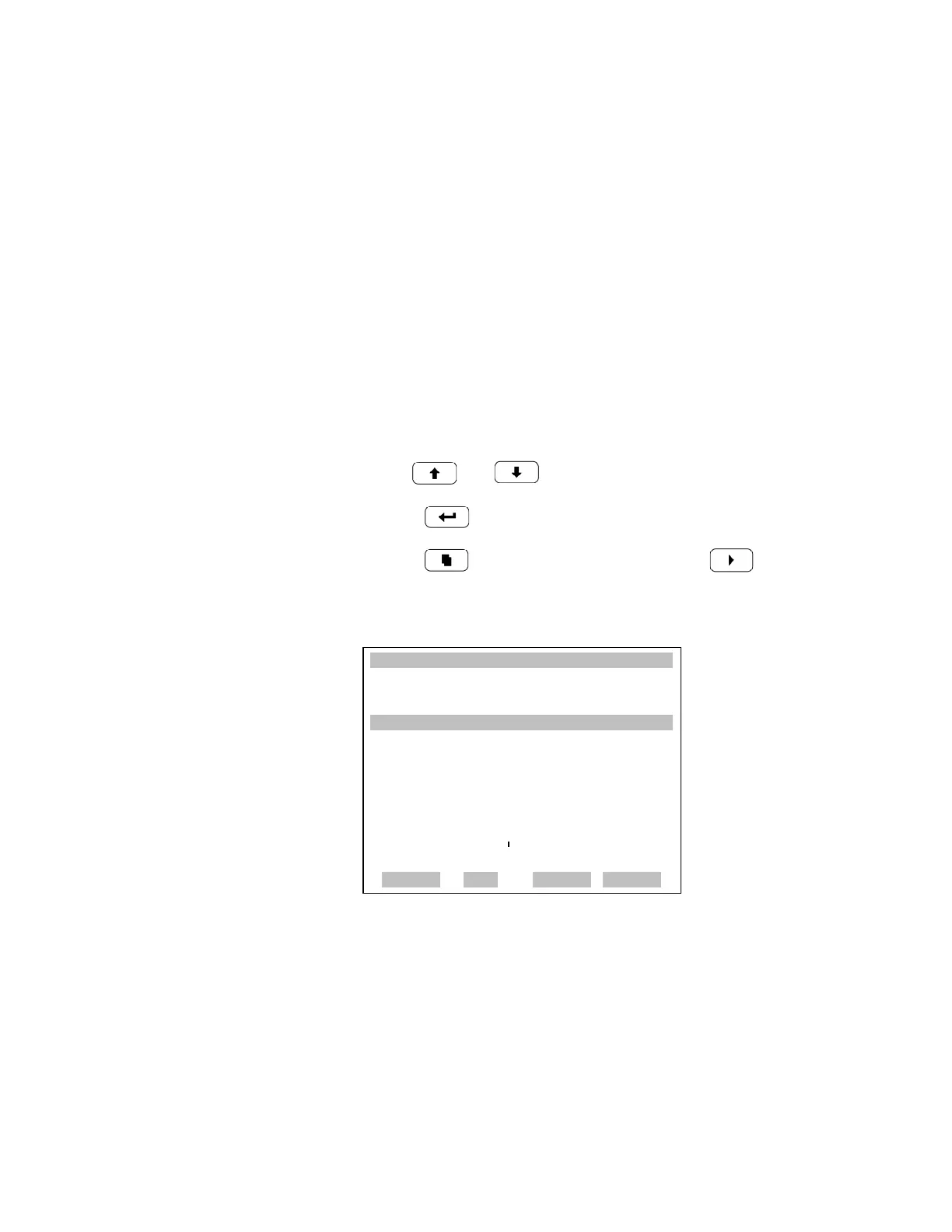
The display shows the current CO range. The next line of the display is
used to change the range. The range screen is similar for the single, dual,
and autorange modes. The only difference between the screens are the
words “High” or “Low” displayed to indicate which range is displayed. The
example below shows the CO range screen in single mode. For more
information about the dual and autorange modes, see “Single Range
Mode”, “Dual Range Mode”, and “Autorange Mode” earlier in this chapter.
Table 3-5 lists the standard ranges.
• In the Main Menu, choose Range > Range.
•Use and for a list of choices.
• Press to save the new range.
• Press to return to the Range menu or to return to the
Run screen.
XXLO WCONCENTRATIONXXLO W
CO 15.80 PPM
SAMPLE 12:34 ALARMx
RANGE:
CURRENTLY: 10000
SET TO: 5000 ?
©ª CHANGE VALUE
SAVE VALUE
RANGE AVG DIAGS ALARM











 To Next Page