Servicing
Digital Output Board Replacement
Thermo Electron Corporation Model 48i Instruction Manual 7-33
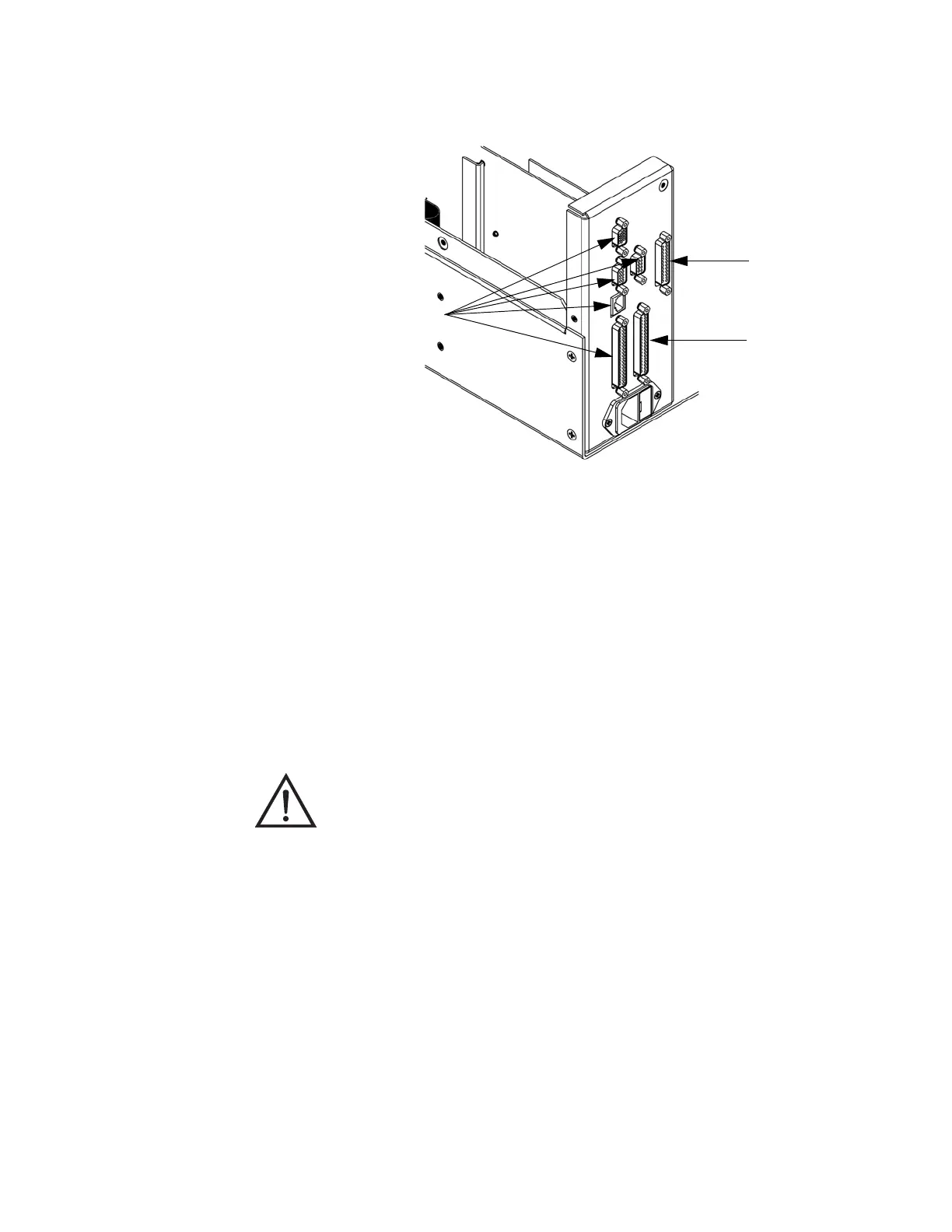
Figure 7-16. Rear Panel Board Connectors
Digital Output Board
Replacement
Use the following procedure to replace the digital output board
(Figure 7-15).
Equipment Required:
Digital output board
Nut driver, 3/16-inch
1. Turn instrument OFF, unplug the power cord, and remove the cover.
2. Remove the I/O expansion board (optional), if used. See the “I/O
Expansion Board Replacement” procedure in this chapter.
3. Disconnect the digital output board ribbon cable from the
motherboard.
Motherboard
Digital Output Board
I/O Expansion Board
Equipment Damage Some internal components can be damaged by small
amounts of static electricity. A properly grounded antistatic wrist strap must
be worn while handling any internal component.











 To Next Page