Operation
Alarms Menu
Thermo Electron Corporation Model 48i Instruction Manual 3-95
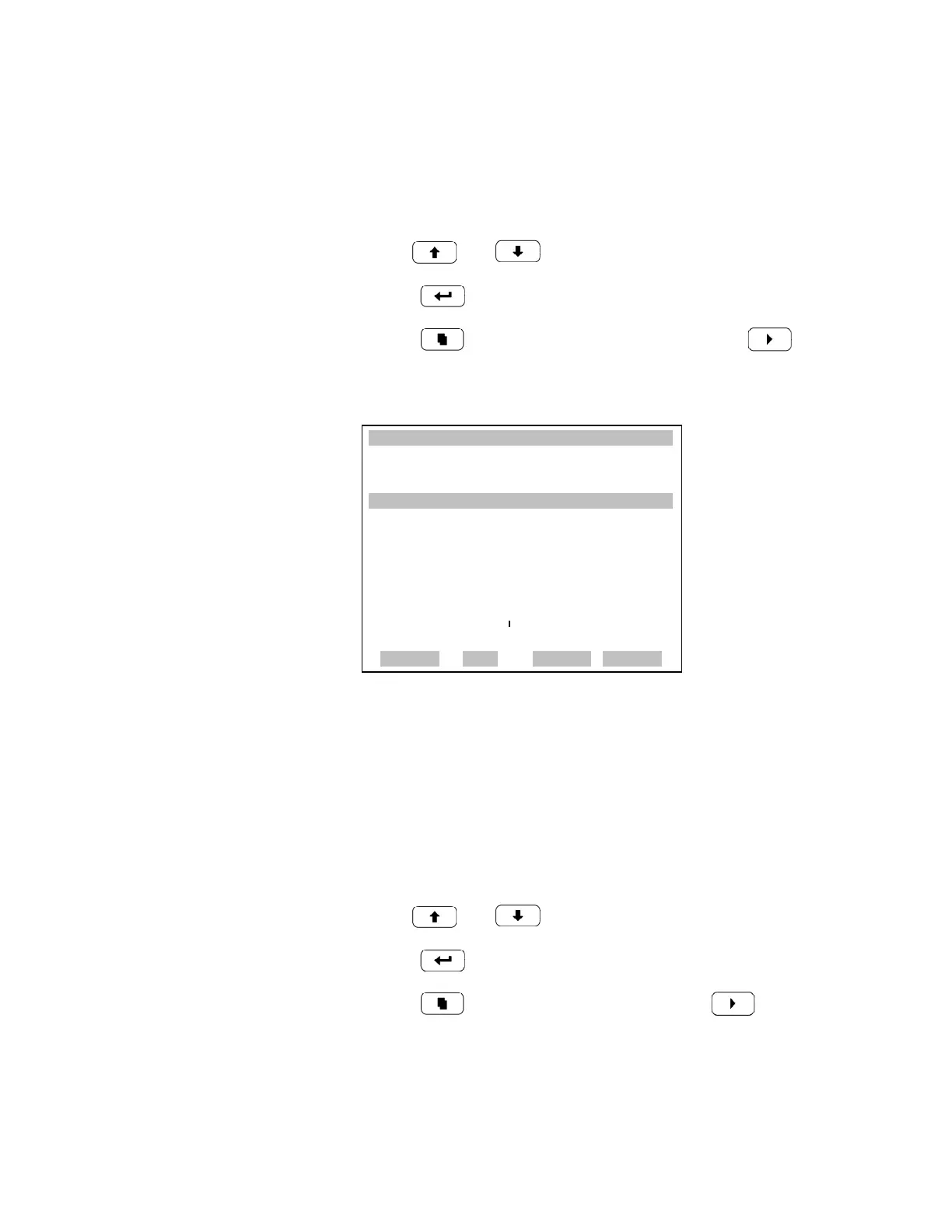
Min and Max Bias Voltage Limits The Minimum Bias Voltage alarm limit screen is used to change the
minimum bias voltage alarm limit. The minimum and maximum bias
voltage screens function the same way.
• In the Main Menu, choose Alarms > Bias Voltage > Min or Max.
• Use and to increment or decrement the numeric value.
• Press to save set value as actual vlaue.
• Press to return to the Bias Voltage menu or to return to
the Run screen.
AGC Instensity The AGC Intensity screen displays the current AGC Intensity reading and
set the minimum and maximum alarm limits. Acceptable alarm limits range
from 150,000 to 300,000 Hz. If the AGC intensity reading goes beyond
either the minimum or maximum limit, an alarm is activated. The word
“ALARM” appears in the Run screen and in the Main Menu.
• In the Main Menu, choose Alarms > AGC Intensity.
• Use and to move the cursor up and down.
• Press to select a choice.
• Press to return to the Alarms menu or to return to the
Run screen.
XXLO WCONCENTRATIONXXLO W
CO 15.80 PPM
SAMPLE 12:34 ALARMx
BIAS VOLTAGE:
ACTUAL MIN: -130 V
SET MIN TO: -120 V ?
©ª
INC/DEC
SAVE VALUE
RANGE AVG DIAGS ALARM











 To Next Page