Operation
Instrument Controls Menu
Thermo Electron Corporation Model 48i Instruction Manual 3-31
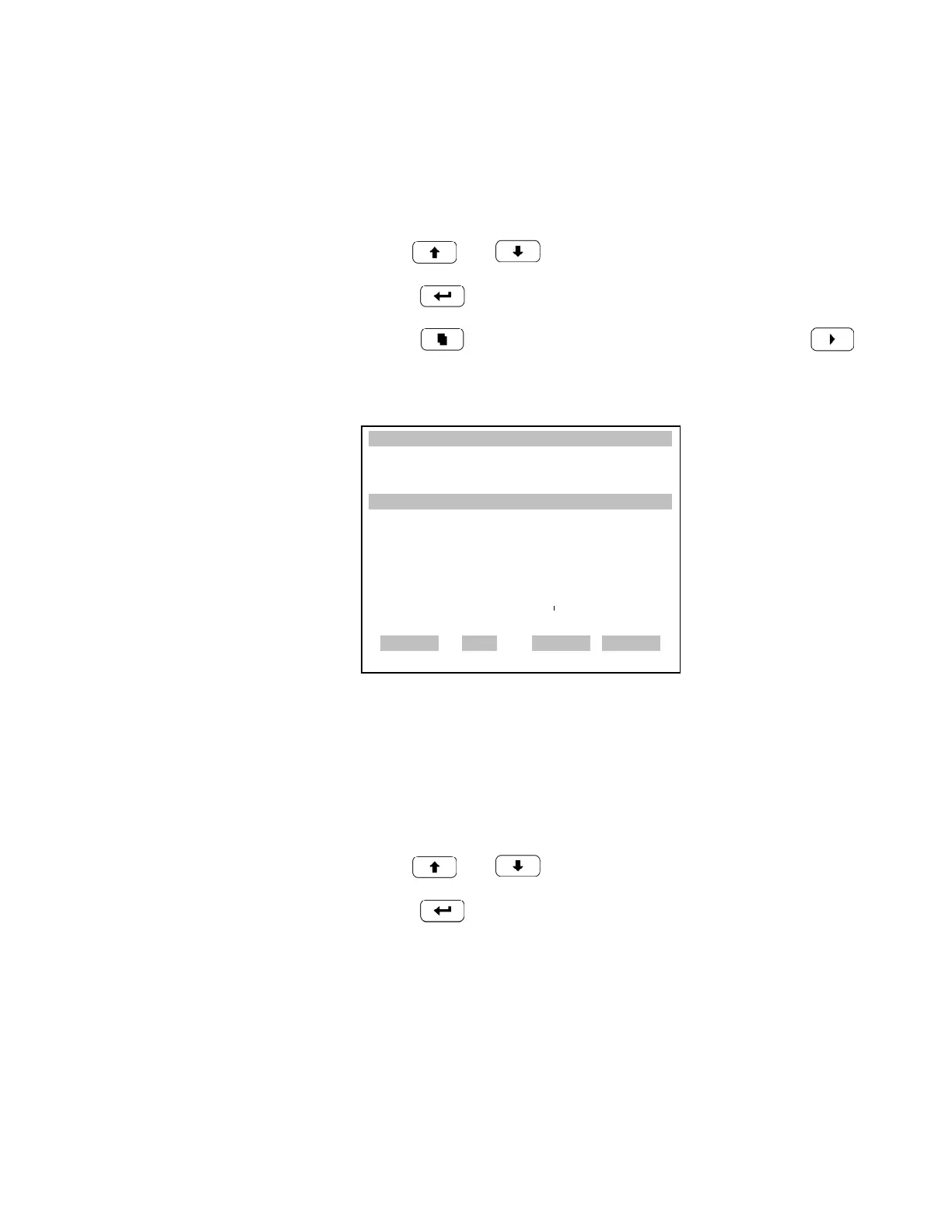
Select SREC/LREC The Select SREC/LREC is used to select short record or long record format
for other operations.
• In the Main Menu, choose Instrument Controls > Datalogging Settings
> Select SREC/LREC.
• Use and for a list of choices.
•Press to set record format.
• Press to return to the Datalogging Settings menu or to
return to the Run screen.
View Logged Data The View Logged Data screen is used to select records relative to current or
date/time filter type.
• In the Main Menu, choose Instrument Controls > Datalogging Settings
> Select SREC or LREC > View Logged Data.
• Use and for a list of choices.
•Press to set the filter type and continue to record selection menu.
XXLO WCONCENTRATIONXXLO W
CO 15.80 PPM
SAMPLE 12:34 ALARMx
SEL LOG TYPE TO CHANGE:
CURRENTLY: SREC
SET TO: LREC
©ª
CHANGE VAL
ACCEPT
RANGE AVG DIAGS ALARM











 To Next Page