Operation
Service Menu
3-108 Model 48i Instruction Manual Thermo Electron Corporation
Note An independent flow sensor is required to read the flow, then the
operator enters the flow value on this screen to perform the calibration.
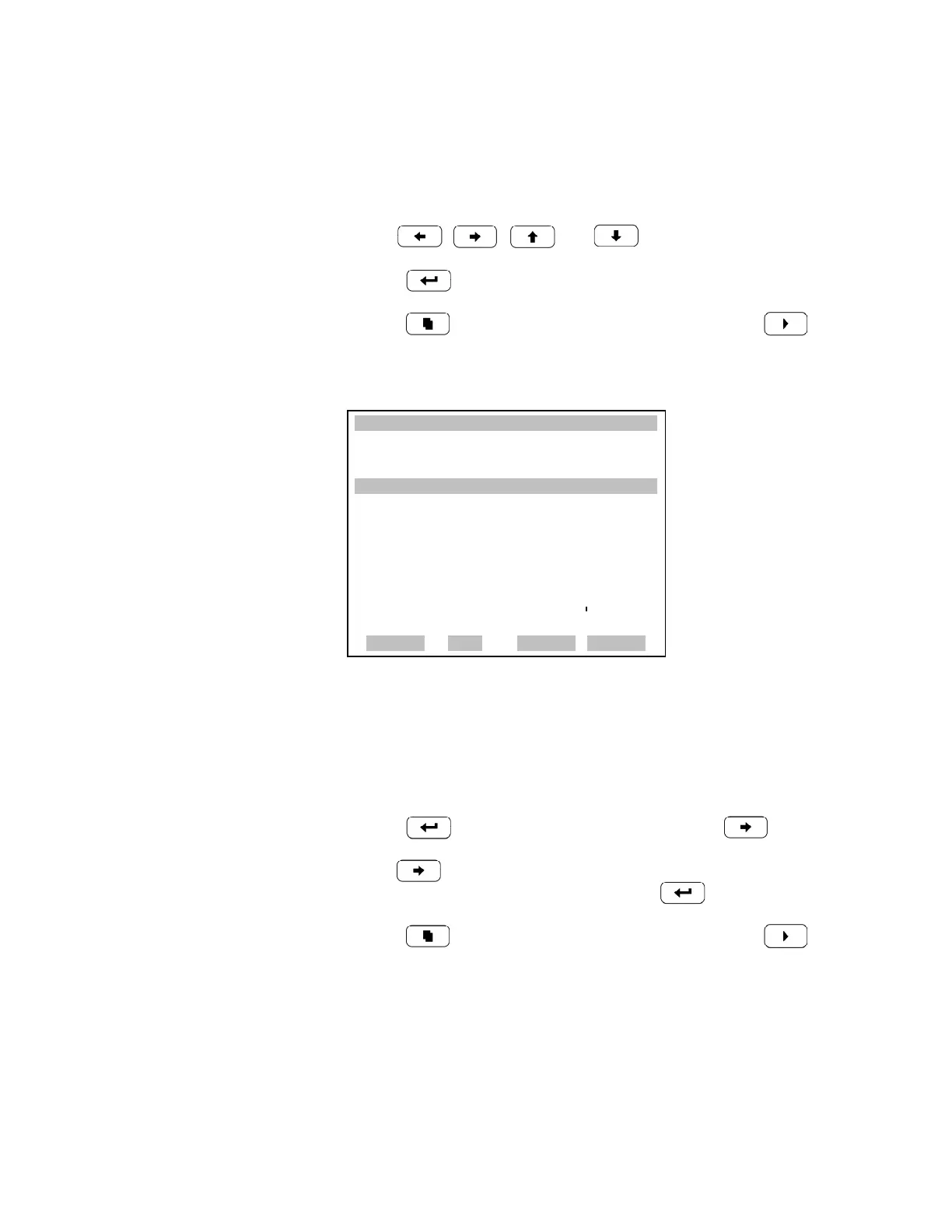
• In the Main Menu, choose Service > Flow Calibration > Span.
• Use , , and to move and change the value.
• Press to save set to value as actual value.
• Press to return to the Flow Calibration menu or to return
to the Run screen.
Restore Default Flow Calibration The Restore Default Flow Calibration screen allows the user to reset the
flow calibration configuration values to factory defaults.
• In the Main Menu, choose Service > Flow Calibration > Set Defaults.
• Press to warn user and enable restore with .
• Use to overwrite pressure sensor calibration parameters with
factory default values when pressed after .
• Press to return to the Flow Calibration menu or to return
to the Run screen.
XXLO WCONCENTRATIONXXLO W
CO 15.80 PPM
SAMPLE 12:34 ALARMX
CALIBRATE FLOW SPAN:
CURRENTLY: 0.800 LPM
SET TO: 0.750 LPM ?
§¨ MOVE CURSOR
©ª CHANGE VALUE
SAVE
RANGE AVG DIAGS ALARM











 To Next Page