Operation
Instrument Controls Menu
Thermo Electron Corporation Model 48i Instruction Manual 3-39
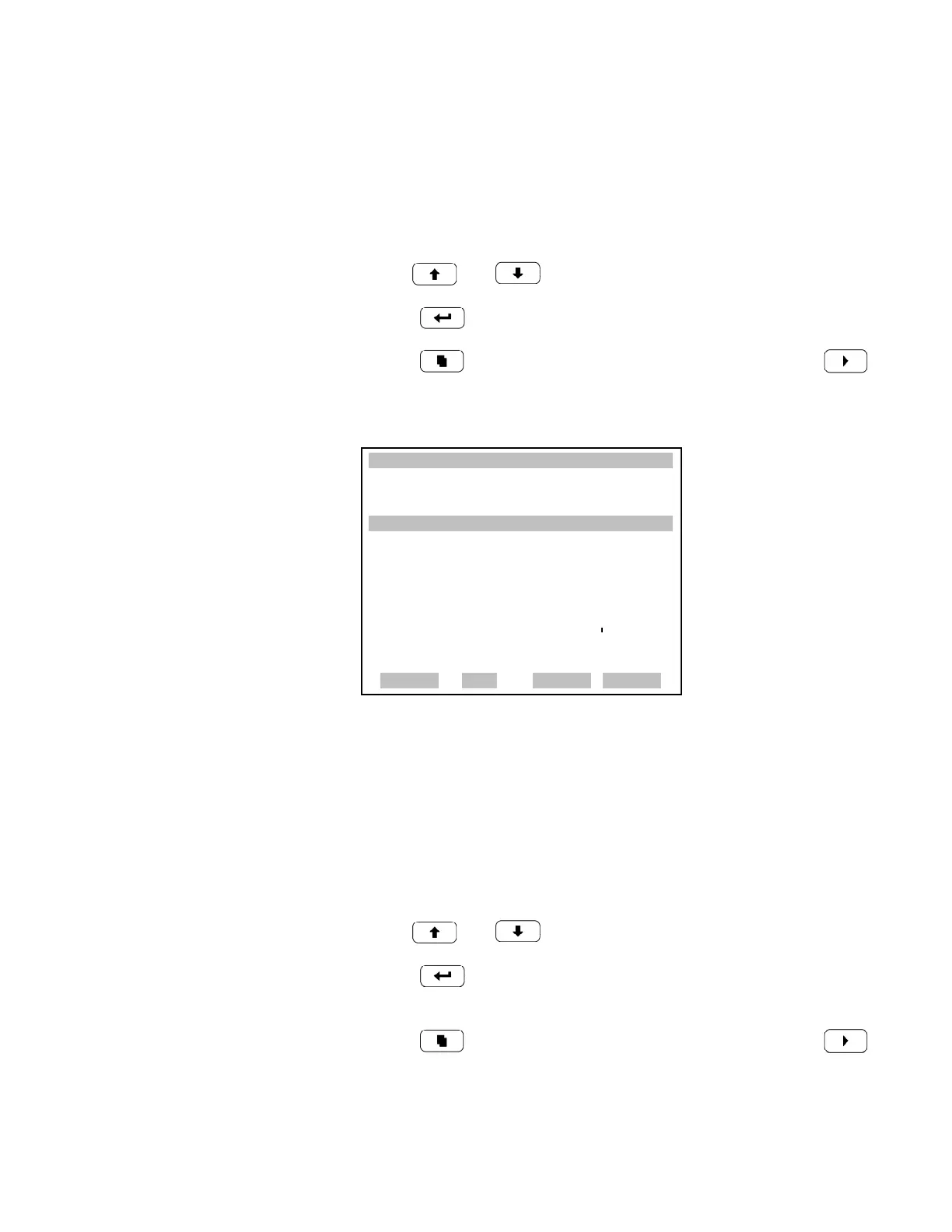
Select Logging Period The Select Logging Period screen is used to select the logging period in
minutes for the record format (srec or lrec). List of choices include: off, 1
(default), 5, 15, 30, and 60.
• In the Main Menu, choose Instrument Controls > Datalogging Settings
> Configure Datalogging > Select Logging Period.
• Use and for a list of choices.
•Press to set the logging period.
• Press to return to the Configure Datalogging menu or to
return to the Run screen.
Memory Allocation Percent The Memory Allocation Percent screen is used to select the percentage of
each record type for both srecs and lrecs. Percentages between 0 and 100%
are available in increments of 10. This screen results in log erasure for both
srecs and lrecs.
• In the Main Menu, choose Instrument Controls > Datalogging Settings
> Configure Datalogging > Memory Allocation %.
• Use and for a list of choices.
•Press to set the percentage for both record types and proceed to
the erasure warning screen.
• Press to return to the Configure Datalogging menu or to
return to the Run screen.
XXLO WCONCENTRATIONXXLO W
CO 15.80 PPM
SAMPLE 12:34 ALARMx
SET PERIOD FOR SREC:
CURRENTLY: OFF MIN
SET TO: 60 MIN ?
©ª
CHANGE VALUE
SAVE
RANGE AVG DIAGS ALARM











 To Next Page