Control Box Usage
Topcon AG System Five Operator’s Manual
2-18
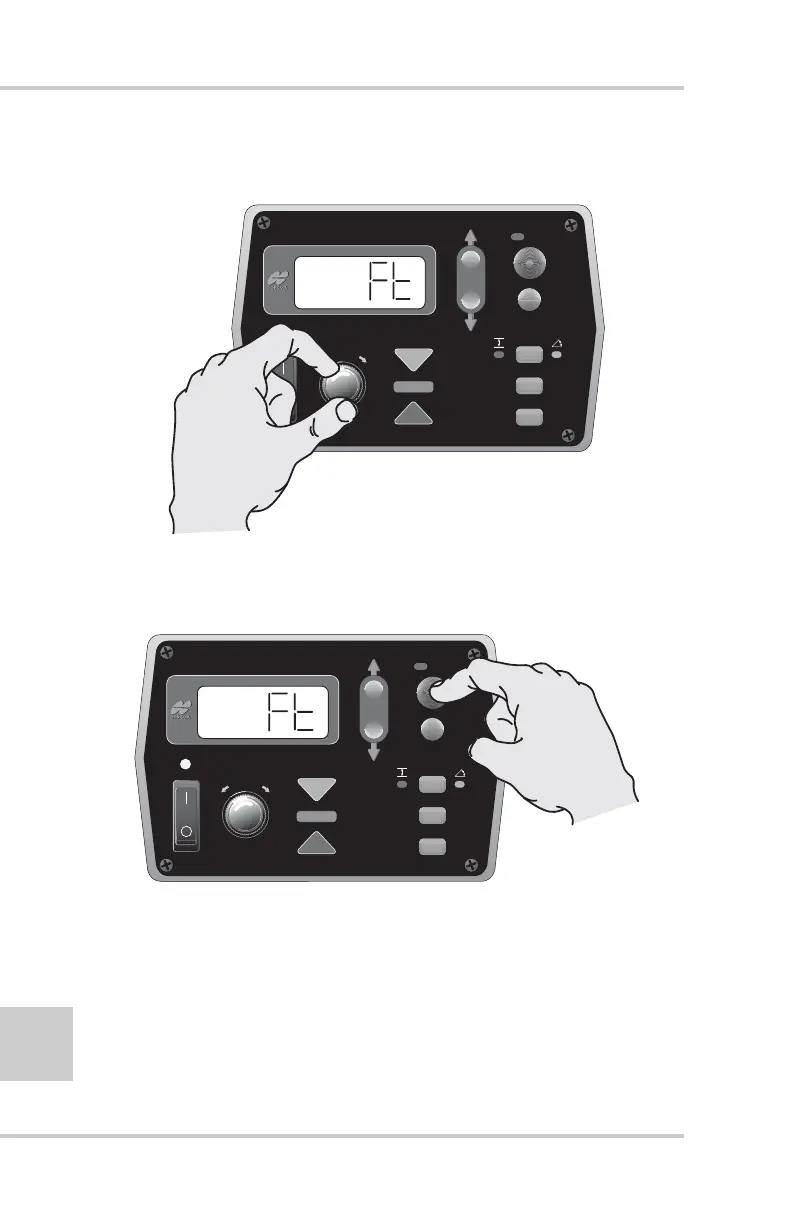
4. Turn the Grade Adjustment Knob to view the options
available for the Menu selection (Figure 2-17).
Figure 2-17. Scrolling Through Menu Options
5. Press the Auto button again to store the value/option
(Figure 2-18).
Figure 2-18. Storing Menu Option
To access other Menu settings, turn the Grade Adjustment Knob.
To exit the Performance Menu, press the Set/Menu button.
FiveSystem
AUTO
SURVEY
SET
(MENU)
FiveSystem
AUTO
SURVEY
SET
(MENU)



 To Next Page