22
PREPARATIONS
INSTALLATION OF THE COMPACTFLASH CARD
1 Make sure that the switch on the instrument is in the "OFF" (O) position.
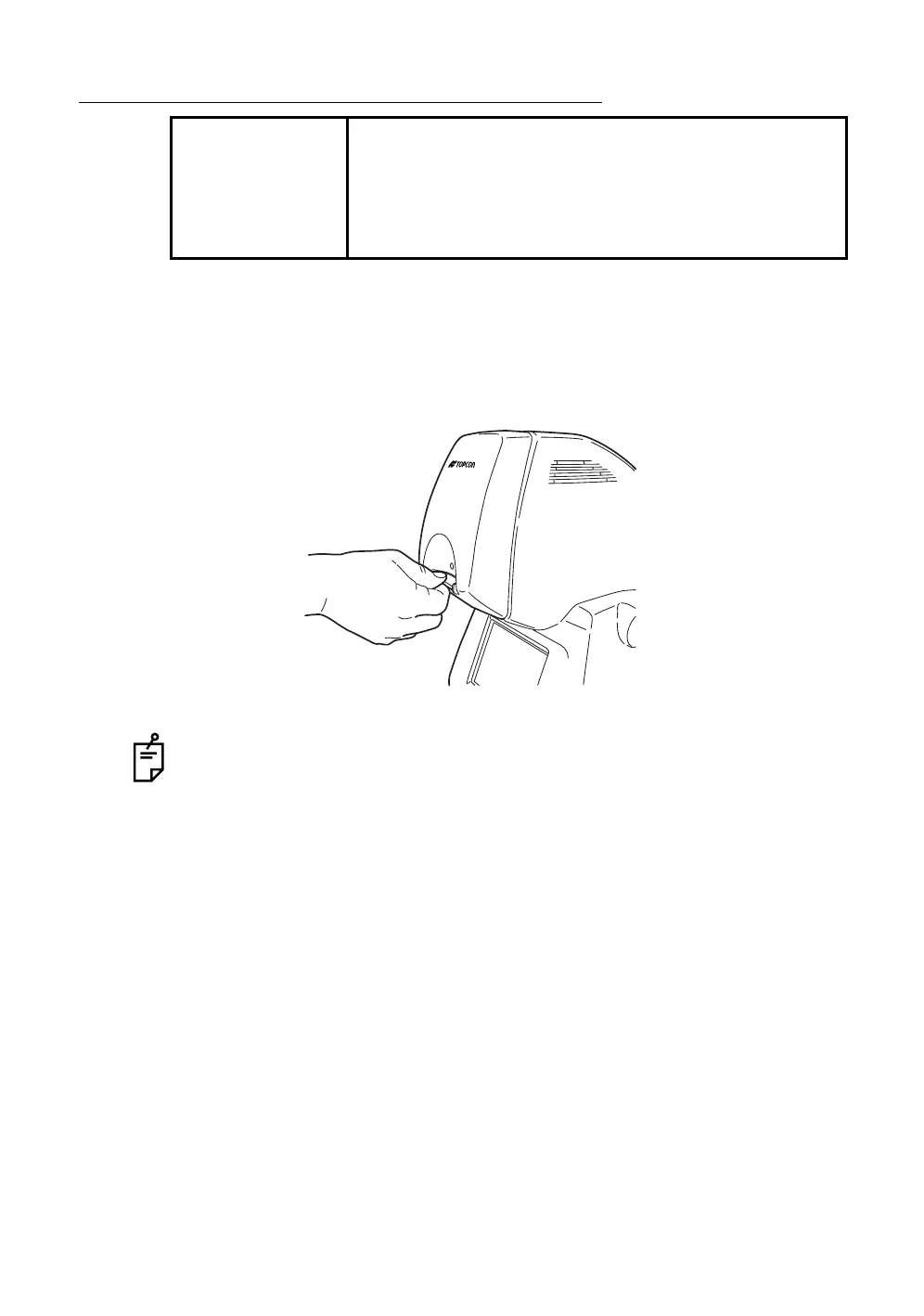
2 Insert the CompactFlash
®
card in the correct direction. As illustrated, set
the CompactFlash
®
card with its memory capacity display at the top
against the insertion port and insert it into the innermost section of the slot.
Use the CompactFlash
®
card specified by TOPCON.
Refer to "OPTIONAL ACCESSORIES" on P.100 for the CompactFlash
®
card
description.
If the image does not appear normally, contact your dealer for assistance.
NOTE
• Insert the CompactFlash
®
card in the correct direction.
If it is not inserted properly, the inside of the instrument
may be damaged.
• Before inserting the CompactFlash
®
card, make sure
that the switch on the instrument is in the "OFF" (O)
position.














 To Next Page