26
PREPARATIONS
MENU SETTING
On the "MAIN MENU" display, setting of internal fixation target, switching of inter-
nal/external fixation target, flash level, setting of built-in CCD camera, setting of
ID number and setting of AE can be selected.
Preparation for menu setting
1 Check the power cable connection.
For details about the connection, see "CONNECTING THE POWER
CABLE" on page 21.
2 Turn the ON (I).
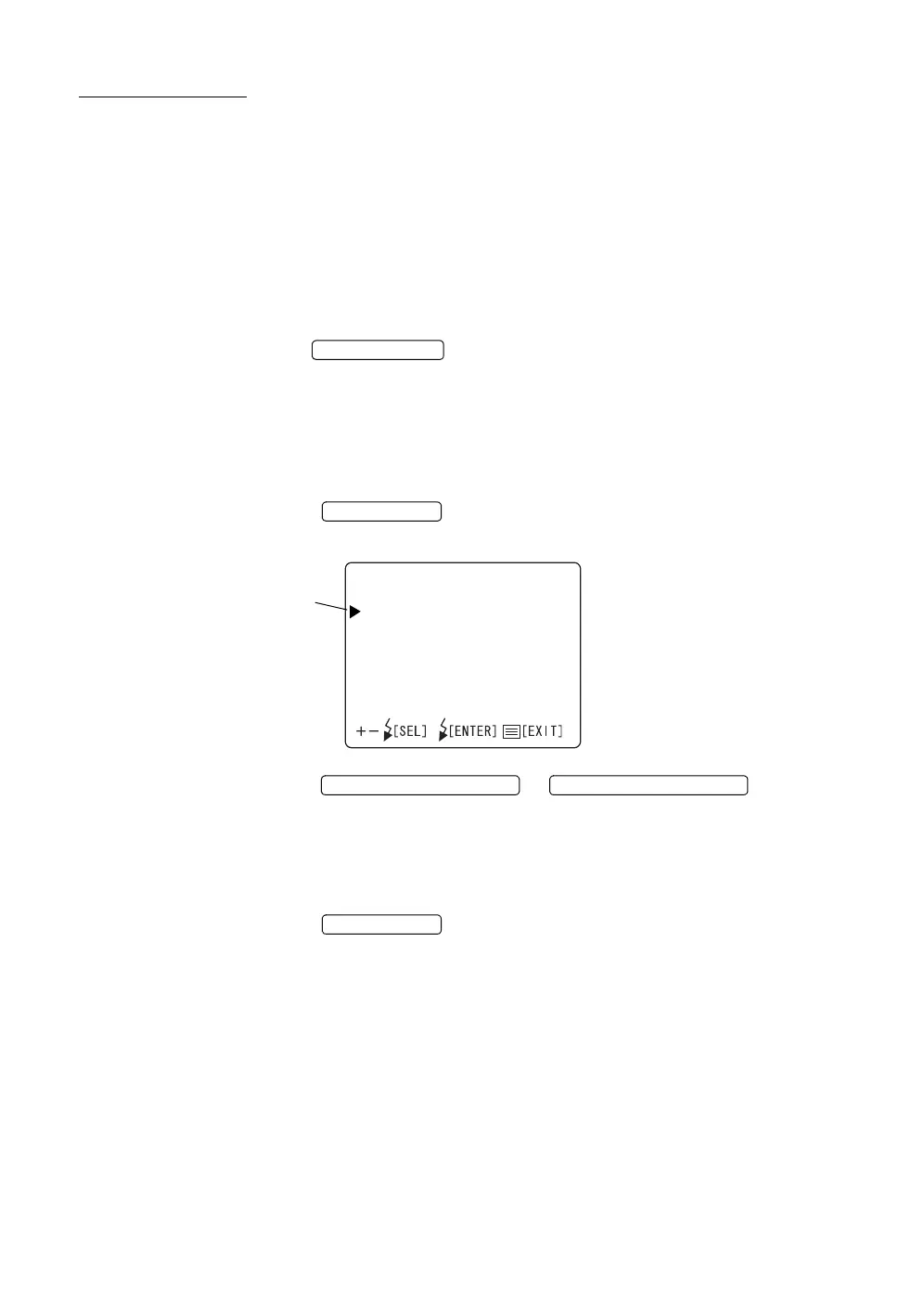
Displaying the menu screen
1 Check the monitor screen.
2 Press the on the control panel.
Check the "MAIN MENU" screen.
3 Press the or ; the cursor
moves.
Returning to the Monitor screen
1 Press the .
POWER SWITCH
MENU SWITCH
MAINMENU
FIXATIONTYPE
INTERNAL/EXTERNALFIX
FIXATIONPATTERNS
FLASHLEVEL
CAMERA
IDTYPE
AE
Cursor
FLASH LEVEL SWITCH (+) FLASH LEVEL SWITCH (
)
MENU SWITCH














 To Next Page