87
BASIC OPERATIONS
PC MODE
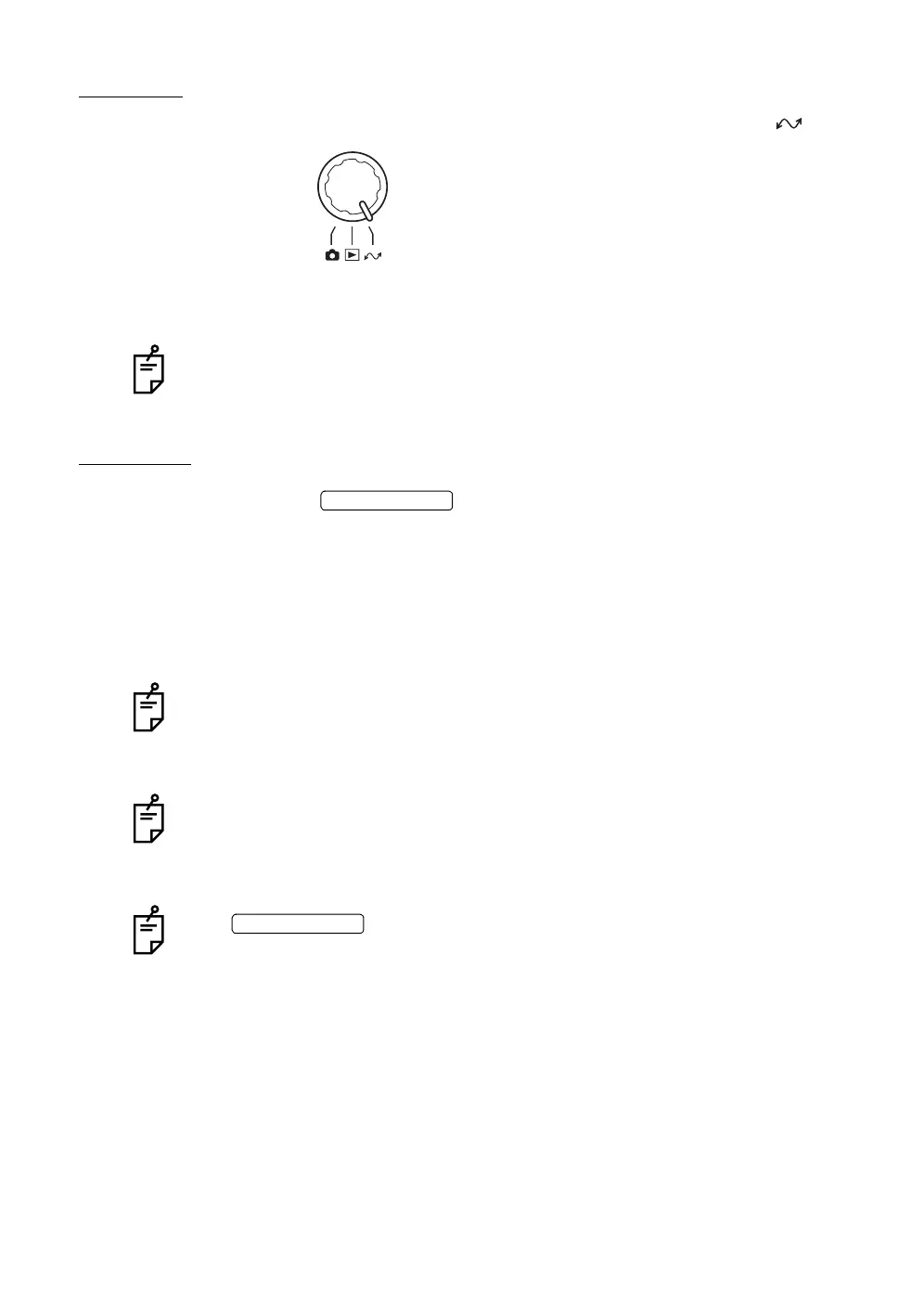
To transfer an image, turn the mode selector knob to set at "PC mode" ( ).
For the details of the PC mode operation, refer to the standard accessory, "TRC-
NW200 Software Kit Instruction Manual".
When the PC mode is set, images are not recorded in the CompactFlash
®
card.
FINISHING
1 Turn the off on the instrument body and the external
recording device.
2 While operating the omni-directional joystick, move the instrument body so
that it comes just above the base.
3 To prevent the base from moving suddenly, turn the base brake knob to the
right to lock the base.
To make the instrument body ready for the next imaging session, turn the omni-
directional joystick and move the body to the center position.
The vertical center position of the instrument body can be checked with the verti-
cal position mark.
When you are not going to use the instrument for a long period of time, remove
the power cables of the instrument body and external recording device from the
power outlets, and remove all cables connecting the instrument to the external
capture device to avoid accidental cable damage.
If the is turned off while the access lamp is blinking (reviewing is
being done or "BUSY" is being displayed), the image data are not stored on the
CompactFlash
®
card.
POWER SWITCH
POWER SWITCH














 To Next Page