40
PREPARATIONS
Print
For the image stored in the CompactFlash
®
card, DPOF print can be reserved.
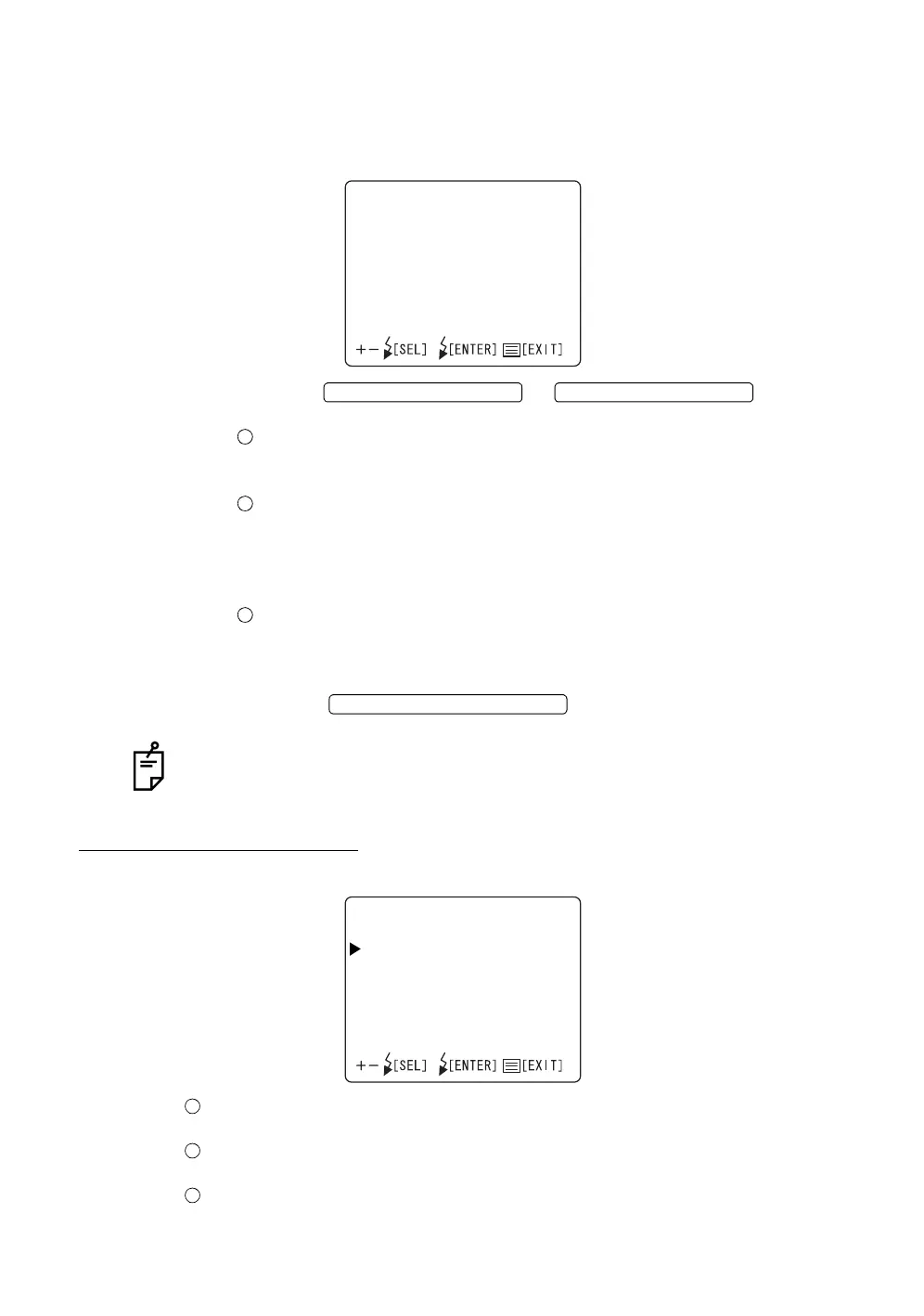
1 Select "PRINT" on the "CAMERA" display. The "PRINT" display appears.
2 Press the or and select
"RESERVATION", "DATE" or "INDEX".
RESERVATION ...: Reserves DPOF print.
ALL SET : Reserves print.
RESET : Cancels the reservation of print. (Initial data)
DATE................... : Sets the information to be outputted in the reserva-
tion of DPOF print.
OFF : No setting (Initial data)
DATE : Sets the date.
TIME : Sets the time.
INDEX .................: Reserves print of INDEX with DPOF.
ALL SET : Reserves print.
RESET : Cancels the reservation of print. (Initial data)
3 Press the ; setting is done and the "CAM-
ERA" display appears again.
Setting of print is possible only when the "playback" mode is set.
SETTING THE ID NUMBER
The ID number can be set.
ID................... The digits of ID number can be selected in the range of "OFF"
and 3 ~ 24 (DIGITS).
COUNTER..... ON/OFF for the 4-digit calculation counter attached to the ID
number can be selected.
CODE ............ The establishment code can be set.
PRINT
RESERVATION
DATE
INDEX
FLASH LEVEL SWITCH (+)
FLASH LEVEL SWITCH (
)
FLASH LEVEL SWITCH (RESET
IDTYPE
ID
COUNTER
CODE














 To Next Page