30
PREPARATIONS
SETTING THE FLASH LEVEL
You can set the flash level.
Flash level
You can change the standard or zero value of the flash level.
When shipped, "0" (no change) is set.
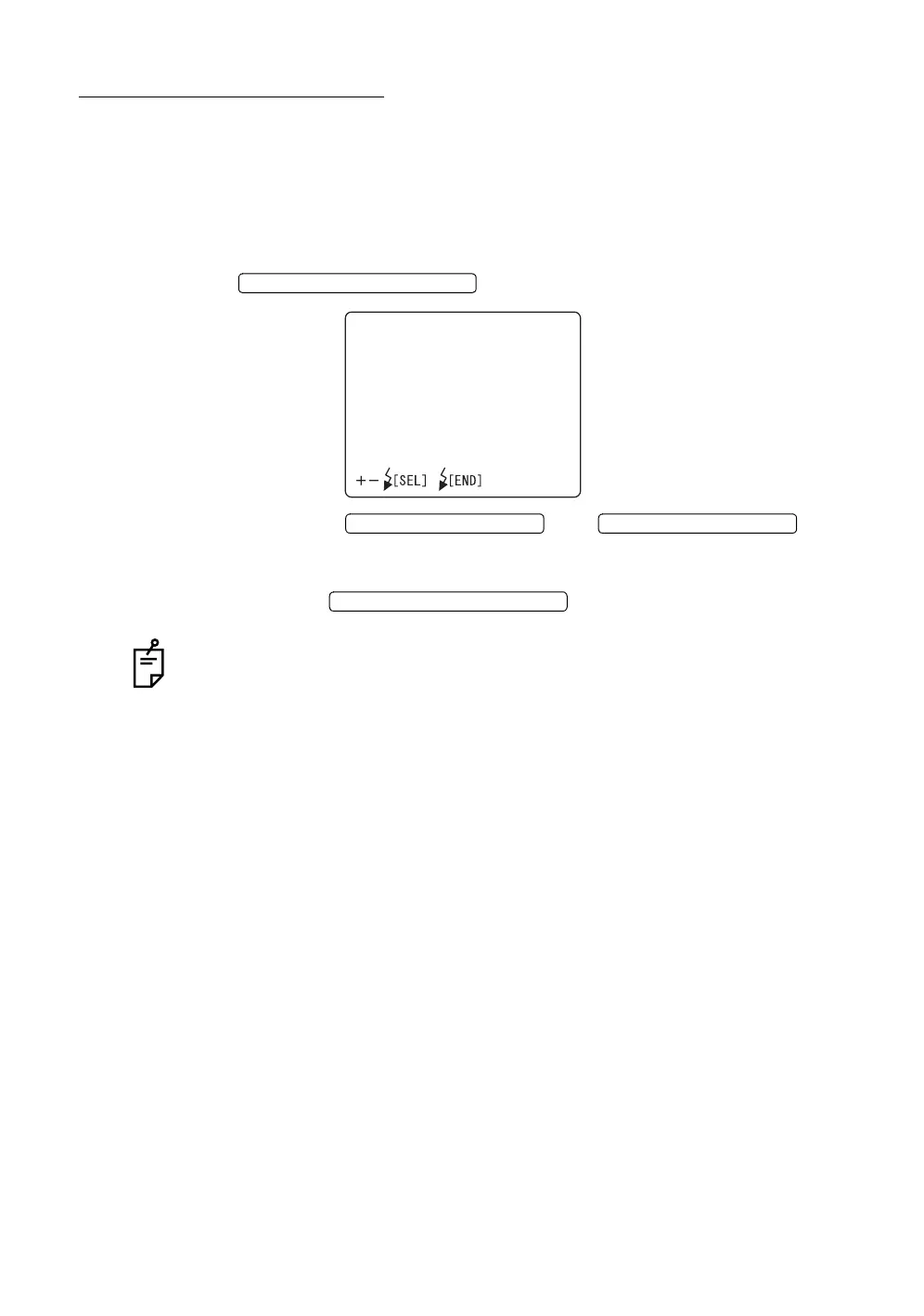
1 Select "FLASH LEVEL" on the "MAIN MENU" screen, and press the
to call out the "FLASH LEVEL" screen.
2 Press the or and
change to the desirable correction step.
The value can be adjusted by 17 steps, from "+8" to "-8".
3 Press the ; setting is done and the "MAIN
MENU" screen returns.
A step up/down changes the flash level reference value by about 20%.
FLASH LEVEL SWITCH (RESET
FLASHLEVEL
LEVEL0
FLASH LEVEL SWITCH (+)
FLASH LEVEL SWITCH (
)
FLASH LEVEL SWITCH (RESET














 To Next Page