47
INITIAL SETTING
SETTING THE SCREEN DISPLAY
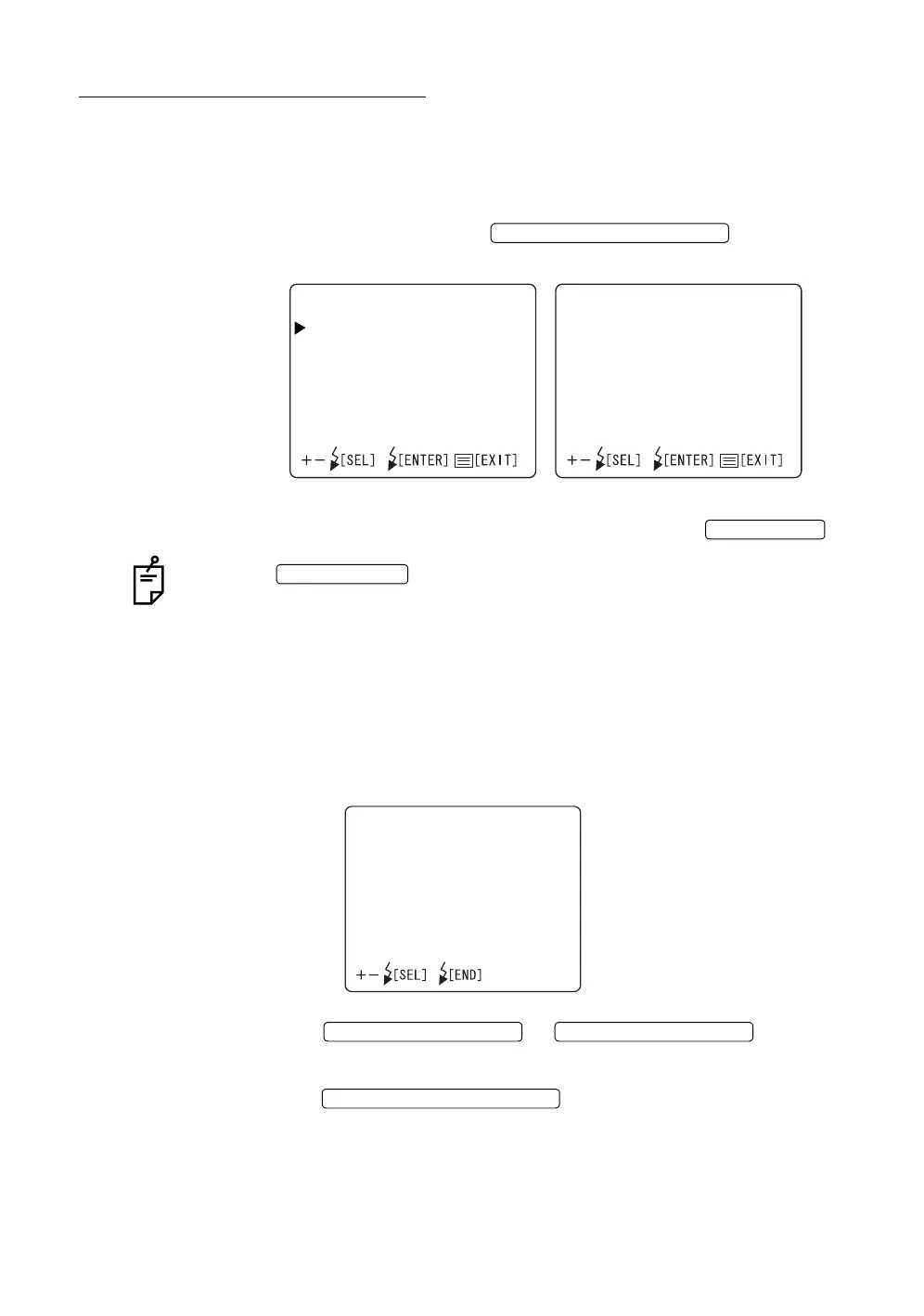
In the "MONITOR DISPLAY" menu, the flash level compensation display, flash
level display, illumination level display, picture angle display, fixation target posi-
tion and date display can be set.
1 Make sure that the cursor is on the "MONITOR DISPLAY" of the "INITIAL
MENU" screen, and press the . The Monitor
screen changes to the "MONITOR DISPLAY" screen.
2 To exit from the "MONITOR DISPLAY" screen, press the .
When the is turned OFF without exiting from the "MONITOR
DISPLAY" screen, the settings are not changed.
Flash level compensation display
The flash level value may be displayed on the monitor for operator information.
When shipped, "ON" (display) is set.
1 On the “MONITOR DISPLAY”, select “FLASH LEVEL IN 9 STEPS”.
The “FLASH LEVEL IN 9 STEPS” display appears.
2 Press the or and select
"ON" (display) or "OFF" (no display).
3 Press the ; the setting is done and the
"MONITOR DISPLAY" screen returns.
FLASH LEVEL SWITCH (RESET
MONITORDISPLAY1/2
FLASHLEVELIN9STEPS
FLASHLEVELSINWS
ILLUMINATIONLEVELS
ANGLEINDICATION
PERIPHERALPATTERN
IMAGENAME
IDNUMBER
RL
CFCOUNTER
MONITORDISPLAY2/2
DATE
MENU SWITCH
POWER SWITCH
FLASHLEVELIN9STEPS
ON
OFF
FLASH LEVEL SWITCH (+)
FLASH LEVEL SWITCH (
)
FLASH LEVEL SWITCH (RESET



 To Next Page