53
INITIAL SETTING
SYSTEM SETTING
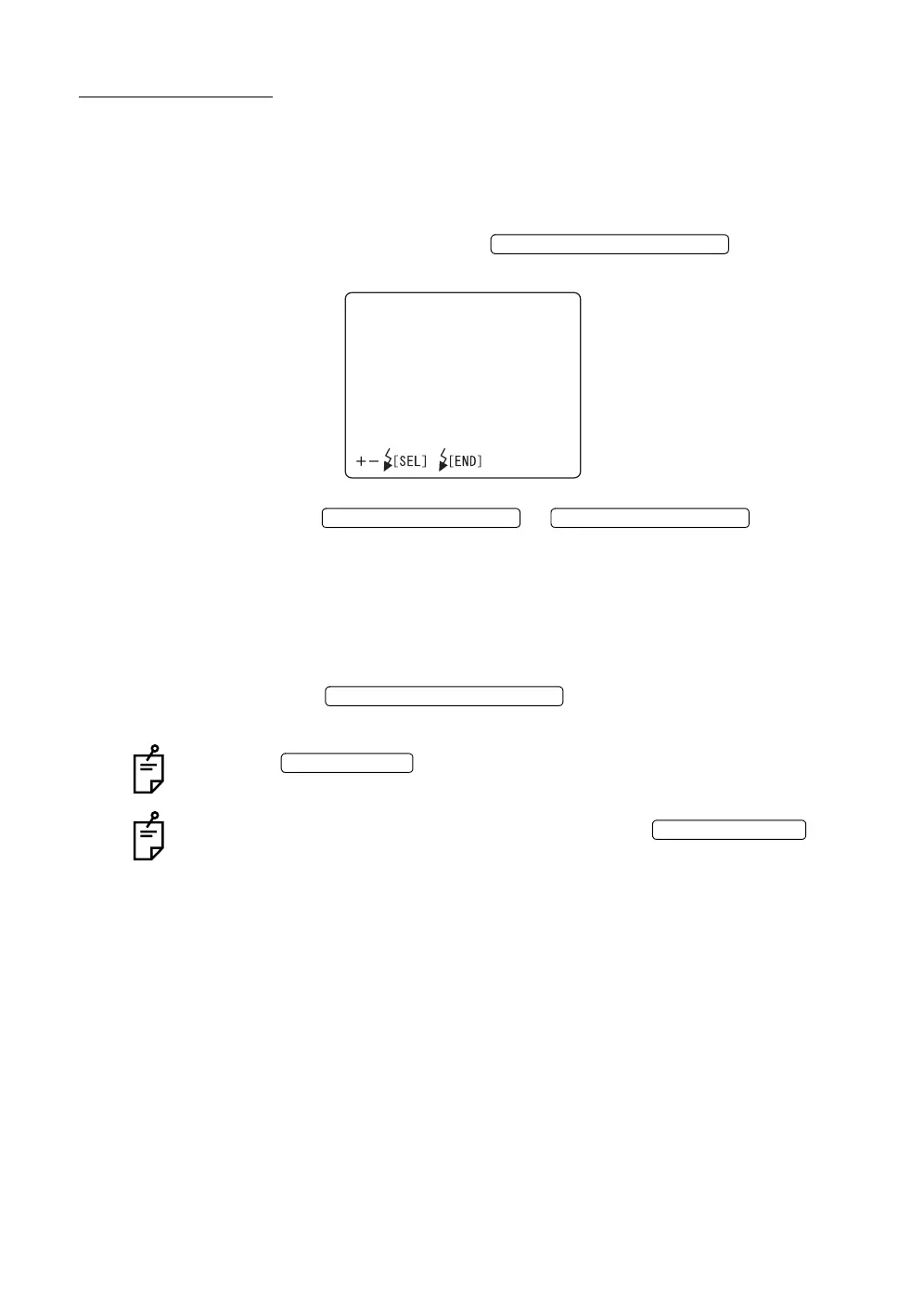
In the "SYSTEM SETTINGS" display, the recording method can be set.
When shipped, “TYPE1 MODE” (When taking a picture, recording is done and
reviewing is released.) is set.
1 Make sure that the cursor is on the "SYSTEM SETTINGS" of the "INITIAL
MENU" screen, and press the . The monitor
screen changes to the "SYSTEM SETTINGS" screen.
2 Press the or and select:
"TYPE1 MODE" (When taking a picture, recording is done and review-
ing is released.)
"TYPE2 MODE" (When taking a picture, image stays on monitor.
When reviewing is released, recording is done.)
"TYPE 3 MODE" (When taking a picture, reviewing is automatically
released.)
3 Press the ; the setting is done and the "INI-
TIAL MENU" screen is called back.
When the is turned OFF without exiting from the "INITIAL
MENU" screen, the settings are not changed.
If the quality of the captured image is not good, press the .
The captured image can be deleted.
FLASH LEVEL SWITCH (RESET
SYSTEMSETTINGS
TYPE1MODE
TYPE2MODE
TYPE3MODE
FLASH LEVEL SWITCH (+)
FLASH LEVEL SWITCH (
)
FLASH LEVEL SWITCH (RESET
POWER SWITCH
No. SWITCH (
-
/DEL














 To Next Page