23
PREPARATIONS
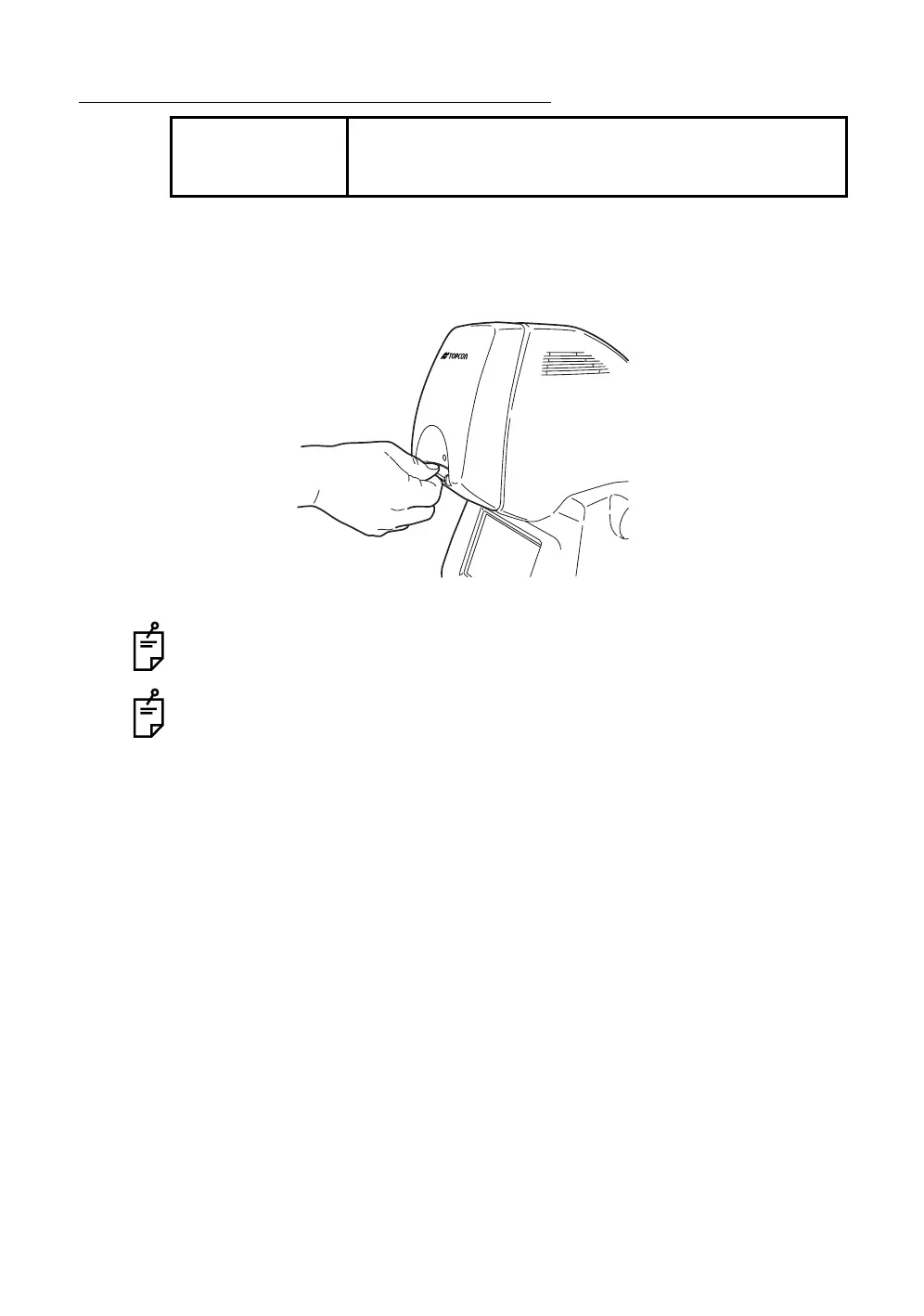
REMOVAL OF THE COMPACTFLASH CARD
1 Make sure that the switch on the instrument is in the "OFF" (O) position.
2 Pull out the CompactFlash
®
card from the slot.
Right after the operation of the instrument, the CompactFlash
®
card may be hot.
Be careful when removing it.
If the CompactFlash
®
card is inserted or removed while the access lamp is blink-
ing (reviewing is being done or "BUSY" is being displayed), the image data stored
on the CompactFlash
®
card may be destroyed.
NOTE
Before removing the CompactFlash
®
card, make sure that
the switch on the instrument is in the "OFF" (O) position.














 To Next Page