31
PREPARATIONS
SETTING THE BUILT-IN CCD CAMERA
In the "CAMERA" display menu, the compression ratio, record pixels, gain, white
balance, image emphasis, contrast, color, CF format, PC mode, image name,
date/time, date form, file protect function and print can be set.
1 Move the cursor to "CAMERA" on the "MAIN MENU" display and press the
.
The Monitor display changes to the "CAMERA" display.
2 To exit from the "CAMERA" display, press the .
File compression ratio
Set the compression ratio of the file to be stored.
When shipped, "BASIC" is set.
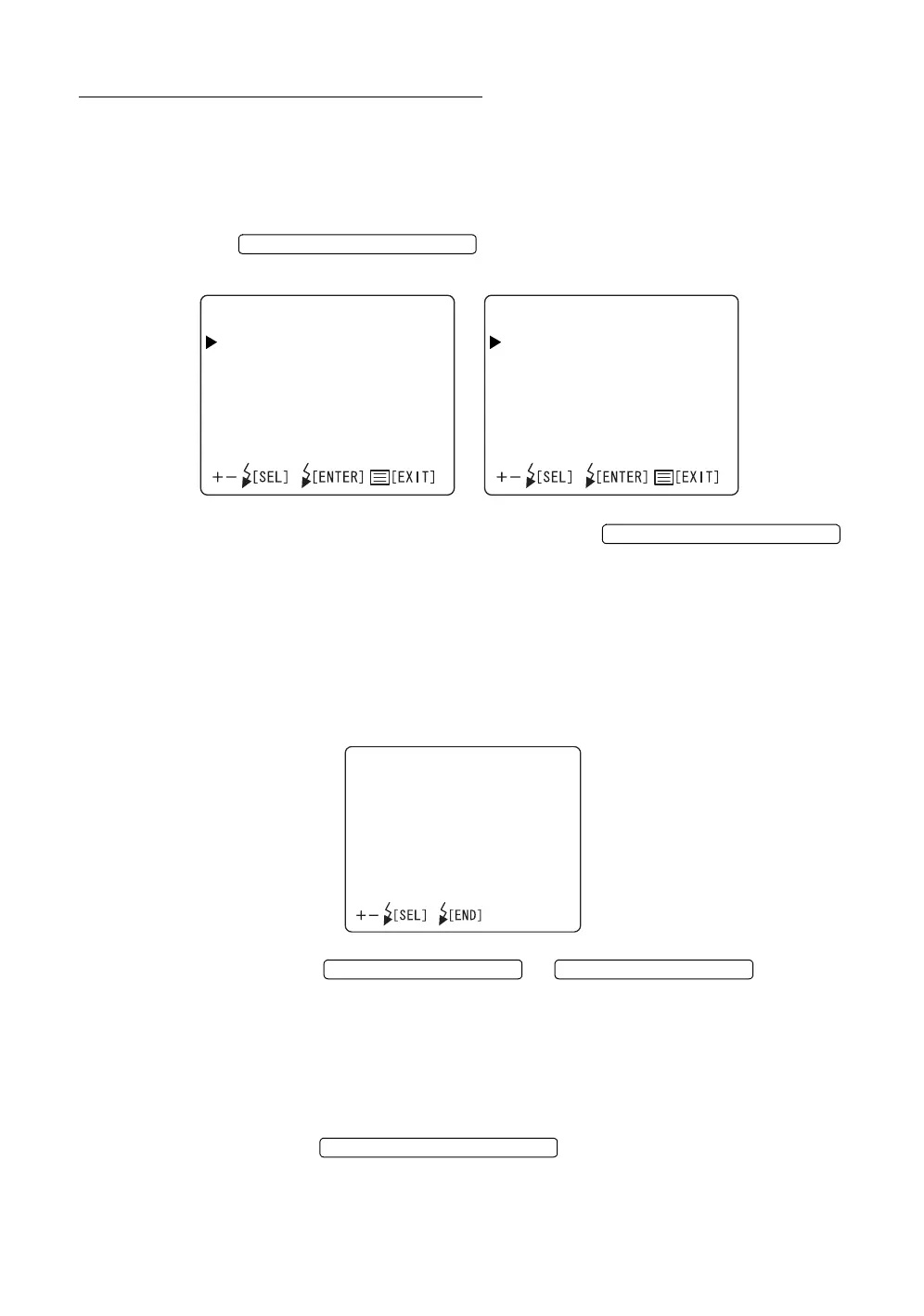
1 Select "QUALITY" on the "CAMERA" display. The "QUALITY" display
appears.
2 Press the or and select
the desirable ratio from the following:
"BMP" (No compression)
"TIFF" (No compression)
"FINE" (Compression to approx. 1/4)
"NORMAL" (Compression to approx. 1/8)
"BASIC" (Compression to approx. 1/16)
3 Press the ; setting is done and the "CAMERA"
display appears again.
FLASH LEVEL SWITCH (RESET
CAMERA1/2
QUALITY
SIZE
GAIN
WHITEBAL.
ENHANCE
CONTRAST
COLOR
CFFORMAT
PCMODE
CAMERA2/2
IMAGENAME
DATE
DATEFORM
FILEPROTECT
PRINT
FLASH LEVEL SWITCH (RESET
QUALITY
BMP
TIFF
FINE
NORMAL
BASIC
FLASH LEVEL SWITCH (+)
FLASH LEVEL SWITCH (
)
FLASH LEVEL SWITCH (RESET














 To Next Page