32
PREPARATIONS
Record pixels
Set the size of the image to be recorded.
When shipped, "FULL" is set.
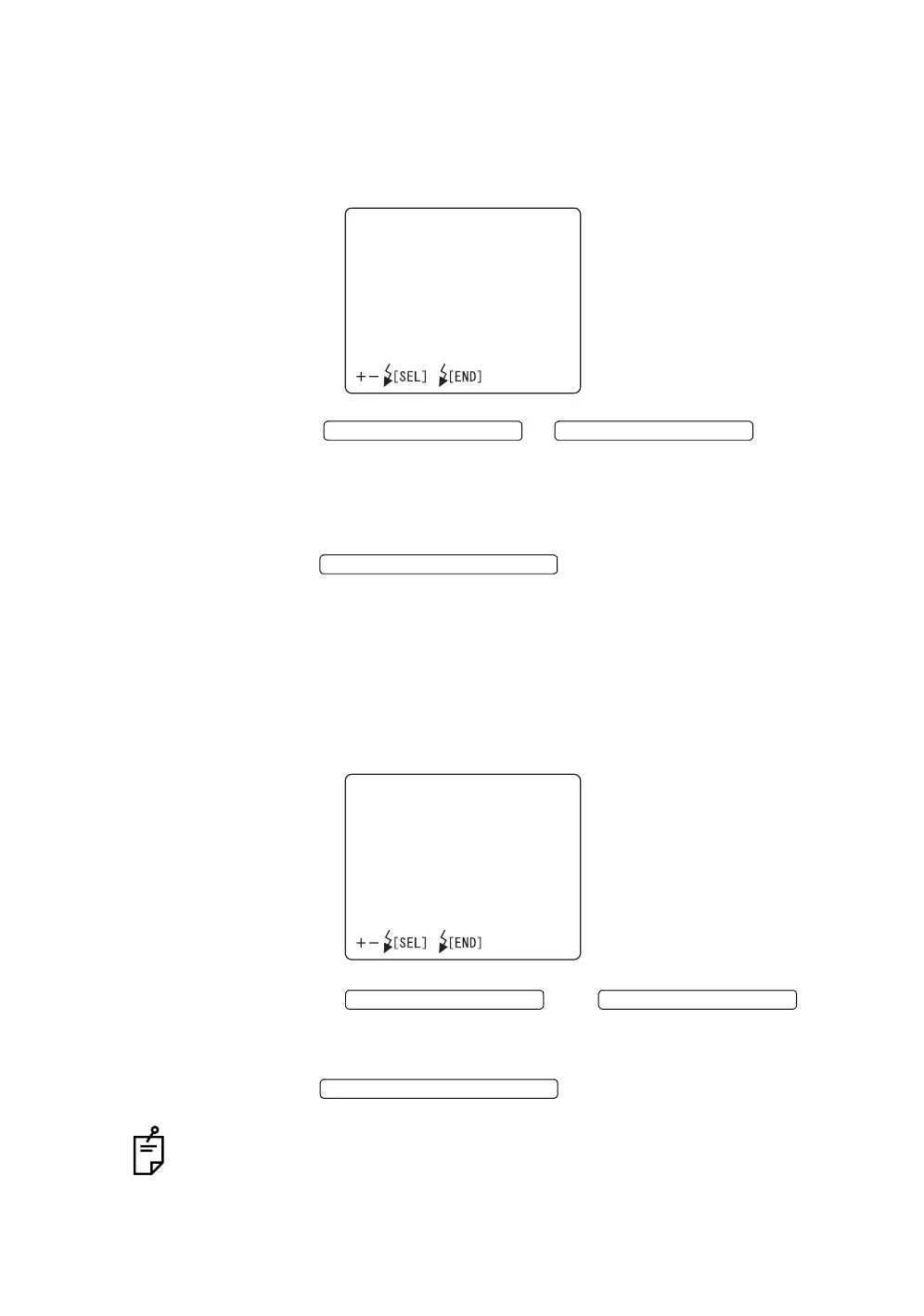
1 Select "SIZE" on the "CAMERA" display. The "SIZE" display appears.
2 Press the or and select
the desirable size from the following:
"FULL" (2048 × 1536 pixels)
"UXGA" (1600 × 1200 pixels)
"XGA" (1024 × 768 pixels)
3 Press the ; setting is done and the "CAMERA"
display appears again.
Gain
The gain (luminance) of image can be changed.
When shipped, "0" is set.
1 Select "GAIN" on the "CAMERA" display. The "GAIN" display appears.
2 Press the or and
change "GAIN" (luminance) to the desirable correction step. The value can
be adjusted by 25 steps, from "+12" to "-12".
3 Press the ; setting is done and the
"CAMERA" display appears again.
As with most commercial cameras, gain is displayed in "dB". Increase/decrease
the value by 1 step (3 steps), and gain can be changed by approx. 12% (approx.
40%).
SIZE
FULL
UXGA
XGA
FLASH LEVEL SWITCH (+)
FLASH LEVEL SWITCH (
)
FLASH LEVEL SWITCH (RESET
GAIN
LEVEL0
FLASH LEVEL SWITCH (+)
FLASH LEVEL SWITCH (
)
FLASH LEVEL SWITCH (RESET














 To Next Page