43
INITIAL SETTING
SETTING THE INTERNAL FIXATION TARGET
On the "FIXATION" display, fixation target on/flicker status and fixation target pat-
tern can be set.
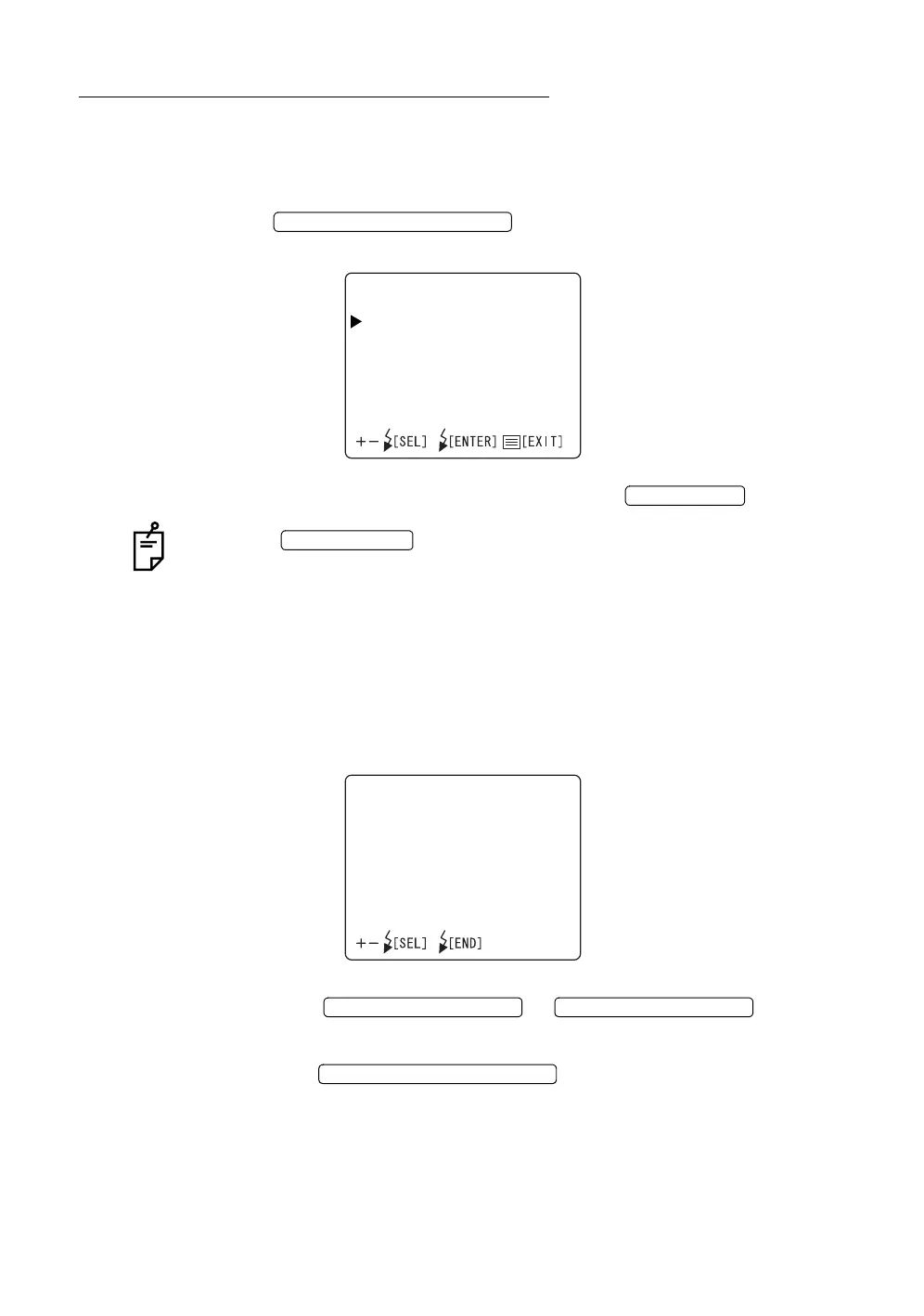
1 On the "INITIAL MENU" screen, move the cursor to "FIXATION," and press
the . The Monitor screen changes to the
"FIXATION" screen.
2 To exit from the " FIXATION" screen, press the .
When the is turned OFF without exiting from the "INITIAL
MENU" screen, the settings are not changed.
Switching of internal fixation target on/flicker
The internal fixation target can be switched between on and flicker states. When
shipped, "FLICKERING" (flicker) is set.
1 Select "FIXATION TYPE" on the "FIXATION" screen and select the
"FIXATION TYPE" screen.
2 Press the or and select
"CONSTANT" (on) or "FLICKERING" (flicker).
3 Press the ; setting is done and the "FIXATION"
screen returns.
FLASH LEVEL SWITCH (RESET
FIXATION
FIXATIONTYPE
INTERNAL/EXTERNALFIX
FIXATIONPATTERNS
MENU SWITCH
POWER SWITCH
FIXATIONTYPE
CONSTANT
FLICKERING
FLASH LEVEL SWITCH (+)
FLASH LEVEL SWITCH (
)
FLASH LEVEL SWITCH (RESET














 To Next Page