54
INITIAL SETTING
SETTING THE INITIAL STATE
In the "INITIAL SETTINGS" menu, the flash level, operation sound, power saver
time, split switch, trigger out and AE can be set.
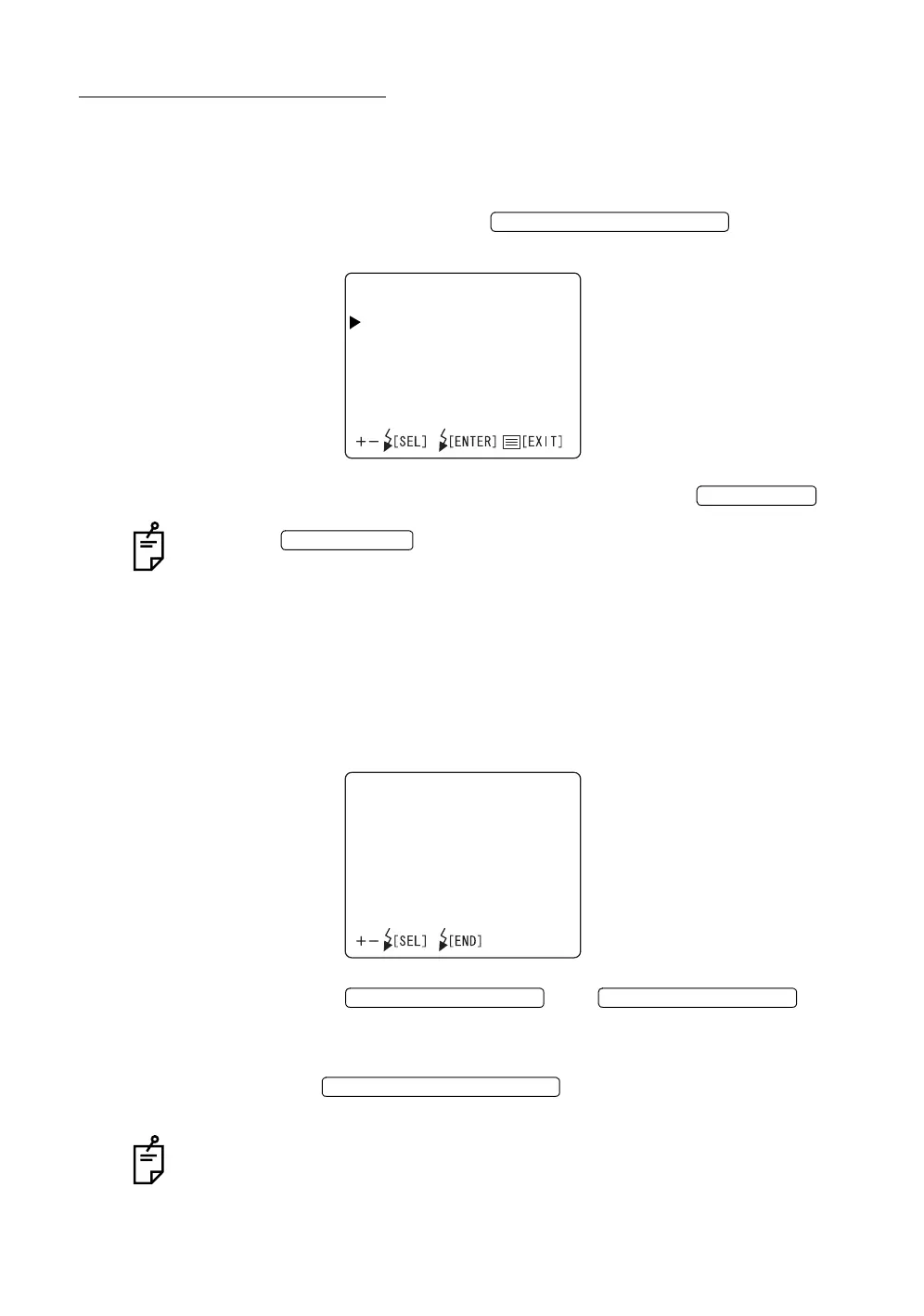
1 Make sure that the cursor is on the "INITIAL SETTINGS" of the "INITIAL
MENU" screen, and press the . The monitor
screen changes to the "INITIAL SETTINGS" screen.
2 To exit from the "INITIAL SETTINGS" screen, press the .
When the is turned OFF without exiting from the "INITIAL
MENU" screen, the settings are not changed.
Flash level
You can change the reference value, or normal level of the flash . When shipped,
"0" (no change) is set.
1 Select "FLASH LEVEL" on the "INITIAL SETTINGS" screen, and choose
the "FLASH LEVEL" screen.
2 Press the or and
change the flash level to the desirable correction step.
The value can be adjusted by 17 steps, from "+8" to "-8".
3 Press the ; the setting is done and the
"INITIAL SETTINGS" screen returns.
A step up/down changes the flash level by about 20%.
FLASH LEVEL SWITCH (RESET
INITIALSETTINGS
FLASHLEVEL
OPERATIONSOUND
POWERSAVERTIME
SPLITSWITCH
TRIGGEROUT
AE
MENU SWITCH
POWER SWITCH
FLASHLEVEL
LEVEL0
FLASH LEVEL SWITCH (+)
FLASH LEVEL SWITCH (
)
FLASH LEVEL SWITCH (RESET














 To Next Page