55
INITIAL SETTING
Operation sound
The operation sound may be turned on or off. When shipped, "ON" (operation
sound) is set.
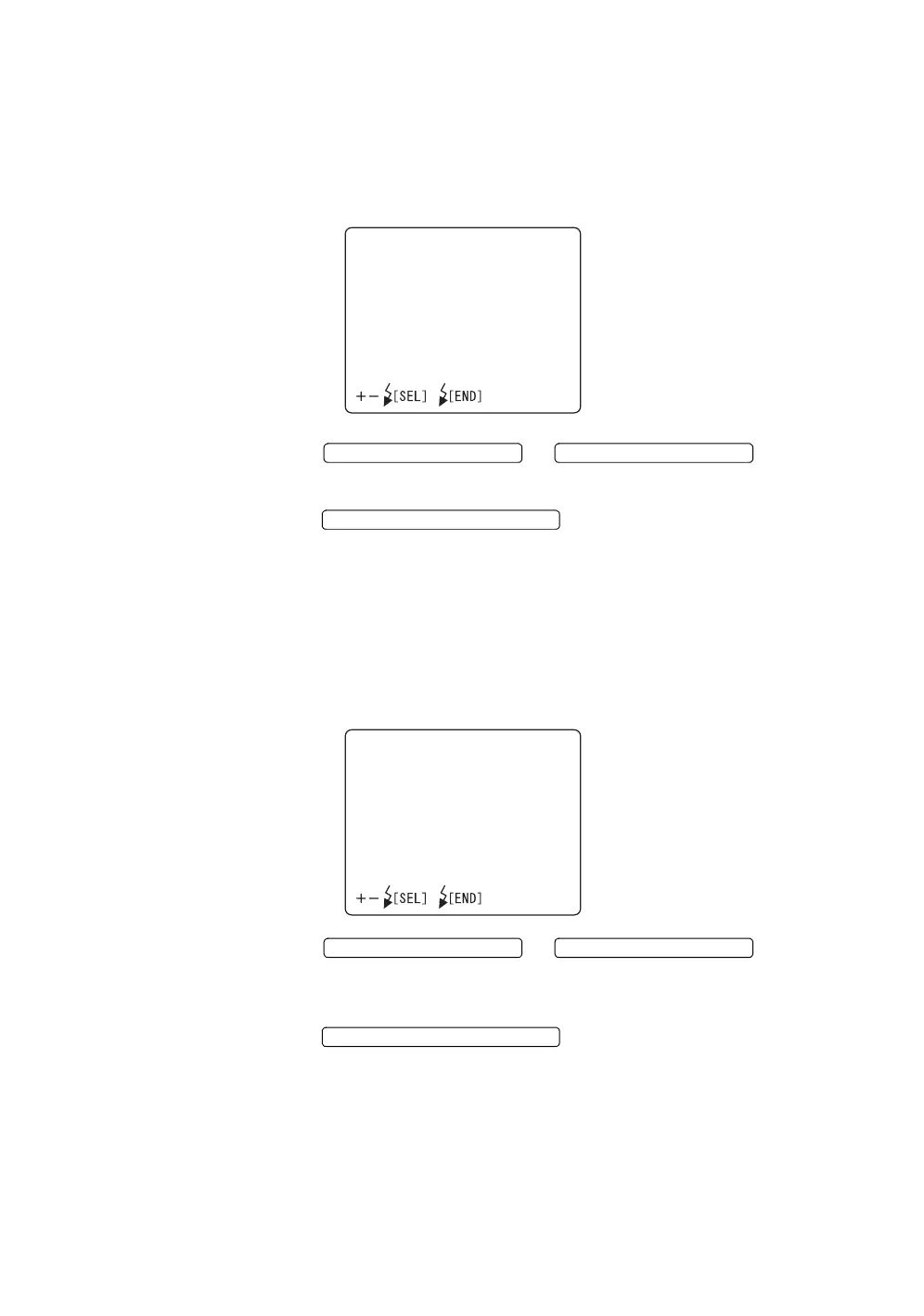
1 Select "OPERATION SOUND" on the "INITIAL SETTINGS" screen, and
call out the "OPERATION SOUND" screen.
2 Press the or and select
"ON" (operation sound) or "OFF" (no operation sound).
3 Press the ; the setting is done and the
"INITIAL SETTINGS" screen returns.
Power saver time
The power saver time can be set. When shipped, "10 MINUTES" (10 minutes) is set.
1 Select "POWER SAVER TIME" on the "INITIAL SETTINGS" screen, and
call out the "POWER SAVER TIME" screen.
2 Press the or and select
a value in the range from "5 MINUTES" up to "60 MINUTES" in 5-minute
steps.
3 Press the ; the setting is done and the
"INITIAL SETTINGS" screen returns.
OPERATIONSOUND
ON
OFF
FLASH LEVEL SWITCH (+)
FLASH LEVEL SWITCH (
)
FLASH LEVEL SWITCH (RESET
POWERSAVERTIME
10MINUTES
FLASH LEVEL SWITCH (+)
FLASH LEVEL SWITCH (
)
FLASH LEVEL SWITCH (RESET














 To Next Page