56
INITIAL SETTING
Split switch function
You can select whether the split lines are ON or OFF, whether the internal fixation tar-
get is ON or OFF and whether the white balance setting pattern is changed or not.
When shipped, "SPLIT" (split ON/OFF) is set.
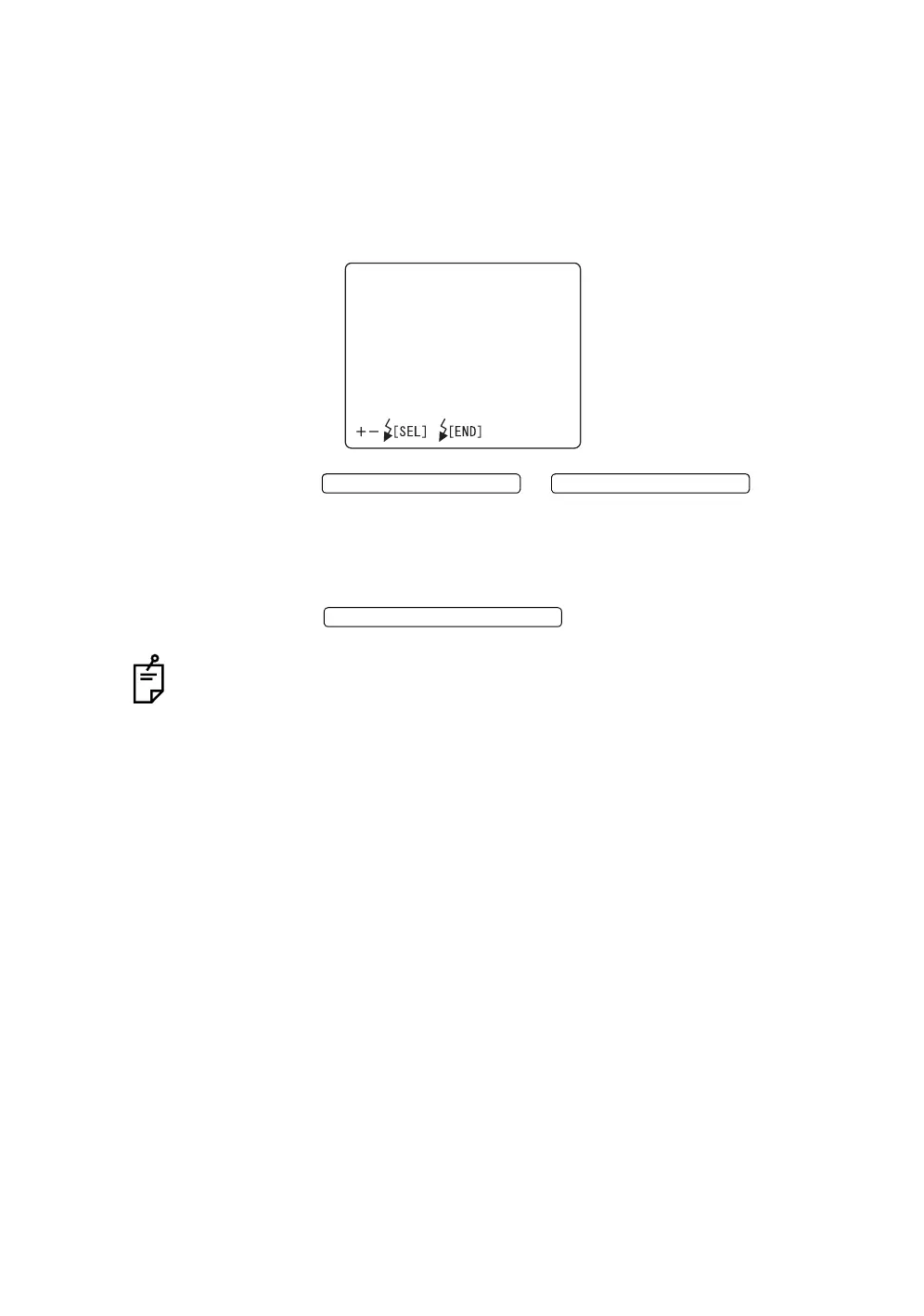
1 Select "SPLIT SWITCH" on the "INITIAL SETTINGS" display. The "SPLIT
SWITCH" display appears.
2 Press the or and select
one of the following:
"SPLIT" (split ON/OFF)
"WHITE BAL." (white balance setting pattern is changed)
"FIXATION" (internal fixation target ON/OFF)
3 Press the ; the setting is done and the "INI-
TIAL SETTINGS" display appears again.
When "FIXATION" is selected and the internal fixation target is turned off by the
split switch, the fixation target position display on the monitor display (at the lower
left on the color video monitor screen) is turned off.
SPLITSWITCH
SPLIT
WHITEBAL.
FIXATION
FLASH LEVEL SWITCH (+)
FLASH LEVEL SWITCH (
)
FLASH LEVEL SWITCH (RESET














 To Next Page