57
INITIAL SETTING
Trigger out
The trigger signal output for an external recording device can be selected. When
shipped, "OFF" (no output) is set.
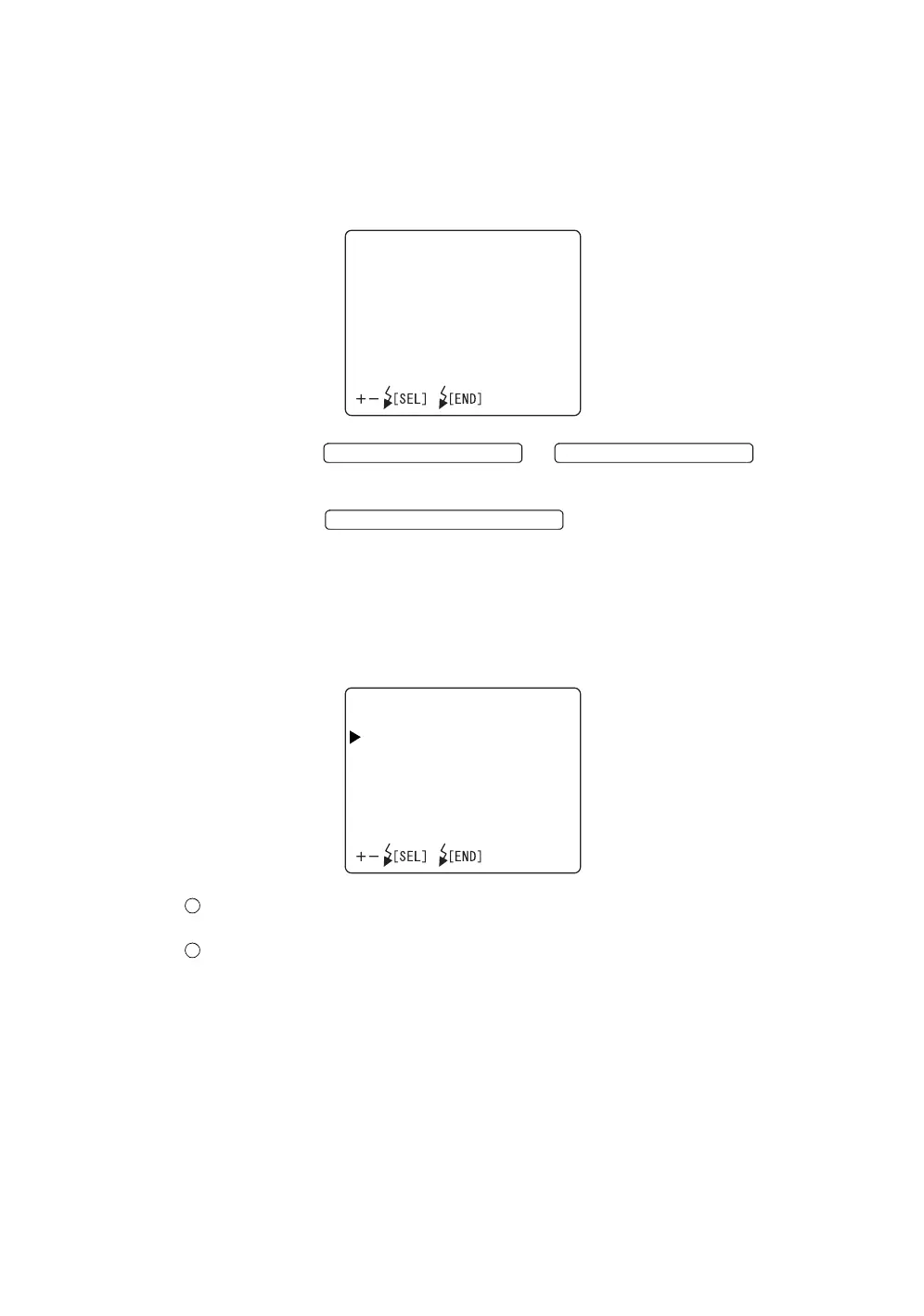
1 Select "TRIGGER OUT" on the "INITIAL SETTINGS" display. The "TRIG-
GER OUT" display appears.
2 Press the or and select
"ON" (output) or "OFF" (no output).
3 Press the ; the setting is done and the "INI-
TIAL SETTINGS" screen is reset.
Setting of AE
The automatic photography brightness correction function can be selected.
When shipped, “OFF” is set.
ON: The flash level is corrected to control the photography brightness auto-
matically.
OFF: Photography is done with the set flash level. The photography bright-
ness is not controlled automatically.
TRIGGEROUT
ON
OFF
FLASH LEVEL SWITCH (+)
FLASH LEVEL SWITCH (
)
FLASH LEVEL SWITCH (RESET
AE
ON
OFF














 To Next Page