84
BASIC OPERATIONS
ANTERIOR SEGMENT PHOTOGRAPHY
Setting the picture position
Set the internal fixation target in the center by pressing the
.
See "Setting the picture position" on page 74.
Setting the illumination level
Set the illumination level by pressing the .
See "Setting the illumination level" on page 75.
Setting the flash level
Set the flash level by pressing the .
See "Setting the flash level" on page 75.
Changing the diopter compensation lens
Push in the diopter compensation lens selector and change the diopter compen-
sation lens to (0).
See "Changing the diopter compensation lens" on page 76.
Alignment and photography
The alignment operation is done with the omni-directional joystick.
For details about movement/adjustment of the instrument body with the omni-
directional joystick, see the "MEMO" on page 77.
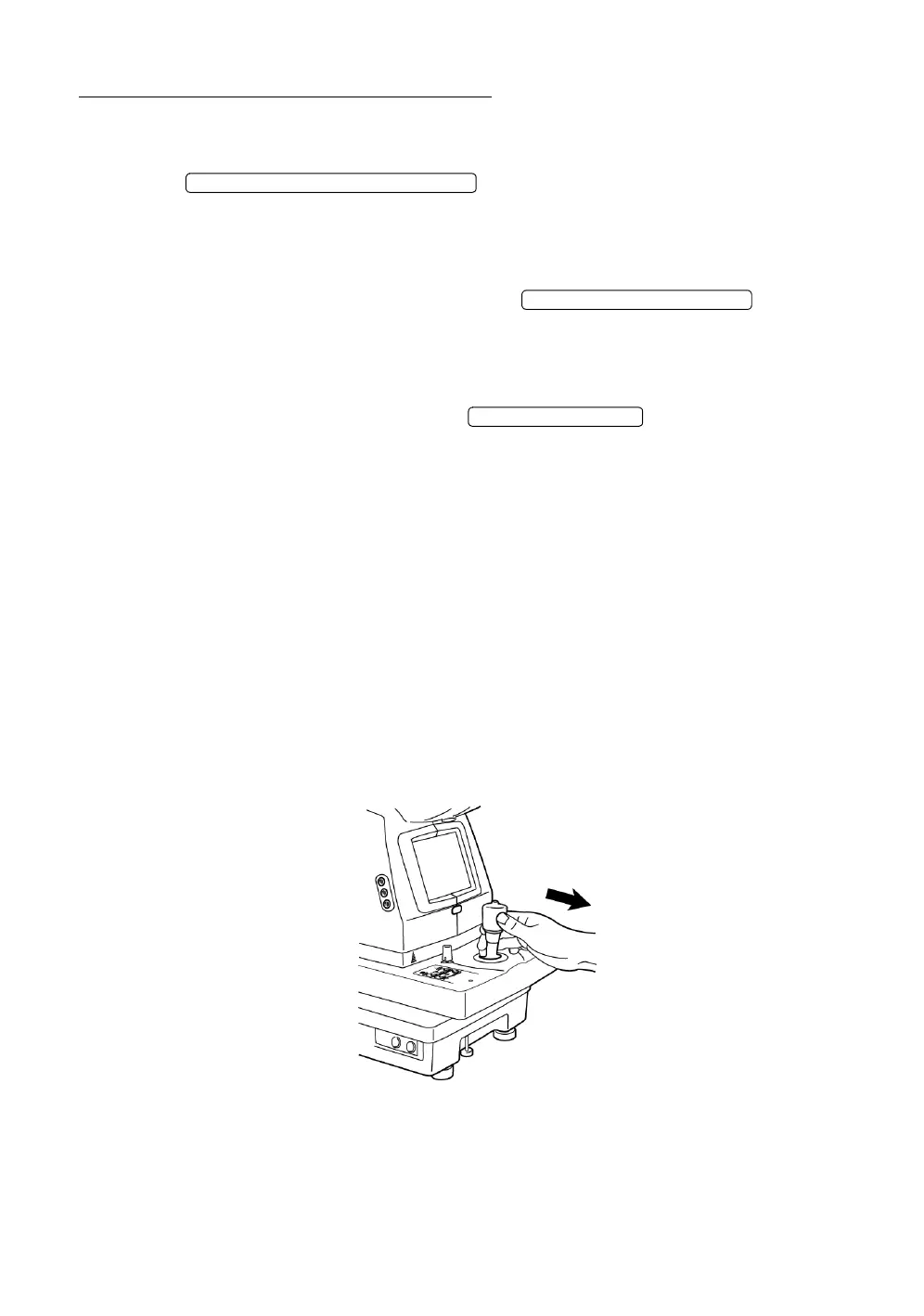
1 Hold the omni-directional joystick and pull the instrument back toward the
operator. Observe the anterior segment image on the color video monitor.
FIXATION TARGET SELECTOR SWITCH
ILLUMINATION LEVEL SWITCH
FLASH LEVEL SWITCH














 To Next Page