82
BASIC OPERATIONS
PHOTOGRAPHY OF EAR SIDE/NOSE SIDE
Setting the picture position
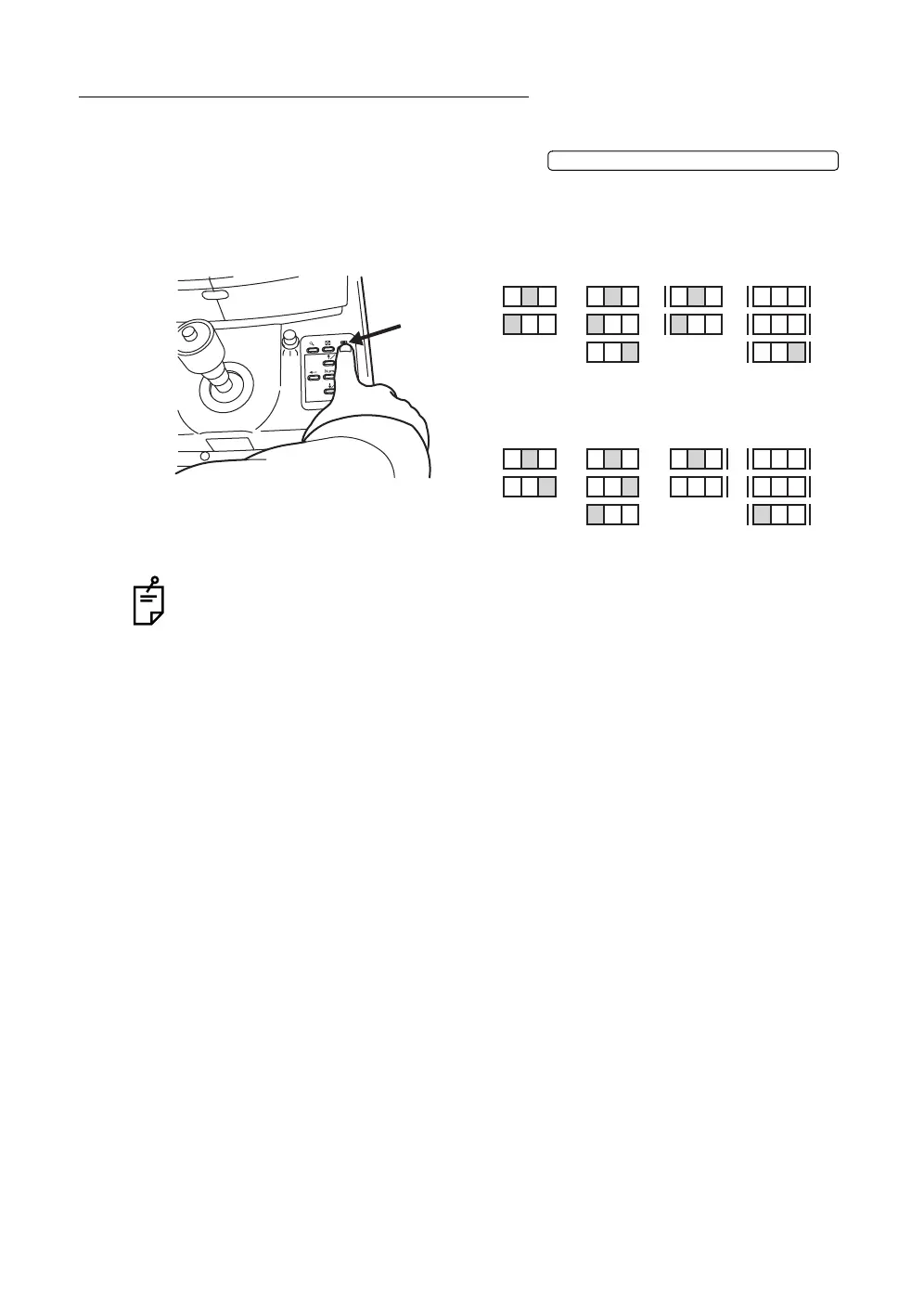
To set the ear side and nose side, press the .
Each time it is pressed, the internal fixation target moves and the set point flickers
on the color video monitor.
Set to "N" for the nose side, and "T" for the ear side.
When shipped, the fixation target pattern is set to "P2A". When taking a picture
at the ear side, set it to "P3A" or "P3B".
Other settings
For other settings, see "COLOR PHOTOGRAPHY" settings on page 74.
FIXATION TARGET SELECTOR SWITCH
NCT
NCT
NCT
P3AP2A
TCN
TCNCN
CN TCN
P3A
NC
NC
P2B
NC
NC
P2B
NCT
NCT
P3B
TCN
TCN
P3BP2A
NC
NC
NCT
TCN
Fixation position display (in the case of the right eye)
Fixation position display (in the case of the left eye)














 To Next Page