44
INITIAL SETTING
SWITCHING OF INTERNAL/EXTERNAL FIXATION TARGET (OPTION)
You can change the internal/external fixation target.
When shipped, "INTERNAL" (internal fixation target) is the default setting.
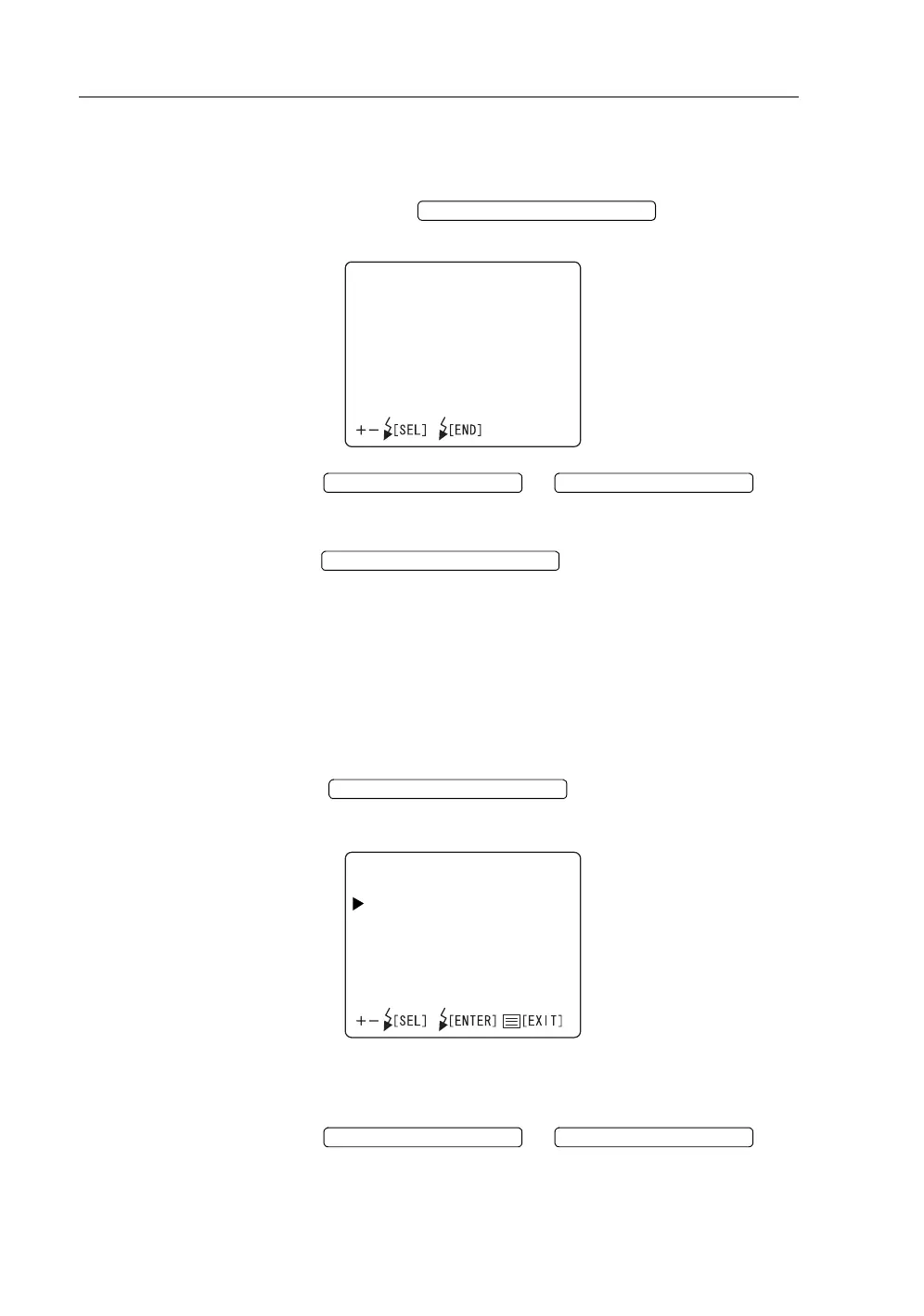
1 Move the cursor to "INTERNAL/EXTERNAL FIX" on the "FIXATION"
screen and press the to access the "INTER-
NAL/EXTERNAL FIX" screen.
2 Press the or and select
"INTERNAL" (internal fixation target) or "EXTERNAL" (external fixation tar-
get).
3 Press the ; the setting is done and the "FIXA-
TION" screen is reset.
Internal fixation target pattern
You can select the internal fixation target pattern from two types, "ORIGINAL"
(default pattern ) and "CUSTOM" (pattern to be set optionally).
When shipped, "ORIGINAL" is set.
1 Move the cursor to "FIXATION PATTERNS" on the "FIXATION" screen and
press the to access the "FIXATION PAT-
TERNS" screen.
• Select the "ORIGINAL" or "CUSTOM" mode in "MODE" and set the data
in "PATTERNS".
2 Press the or and select
"MODE" or "PATTERNS".
FLASH LEVEL SWITCH (RESET
INTERNAL/EXTERNALFIX
INTERNAL
EXTERNAL
FLASH LEVEL SWITCH (+)
FLASH LEVEL SWITCH (
)
FLASH LEVEL SWITCH (RESET
FLASH LEVEL SWITCH (RESET
FIXATIONPATTERNS
MODE
PATTERNS
FLASH LEVEL SWITCH (+) FLASH LEVEL SWITCH (
)














 To Next Page