45
INITIAL SETTING
3 Press the or on the
"MODE" screen and select "ORIGINAL" or "CUSTOM".
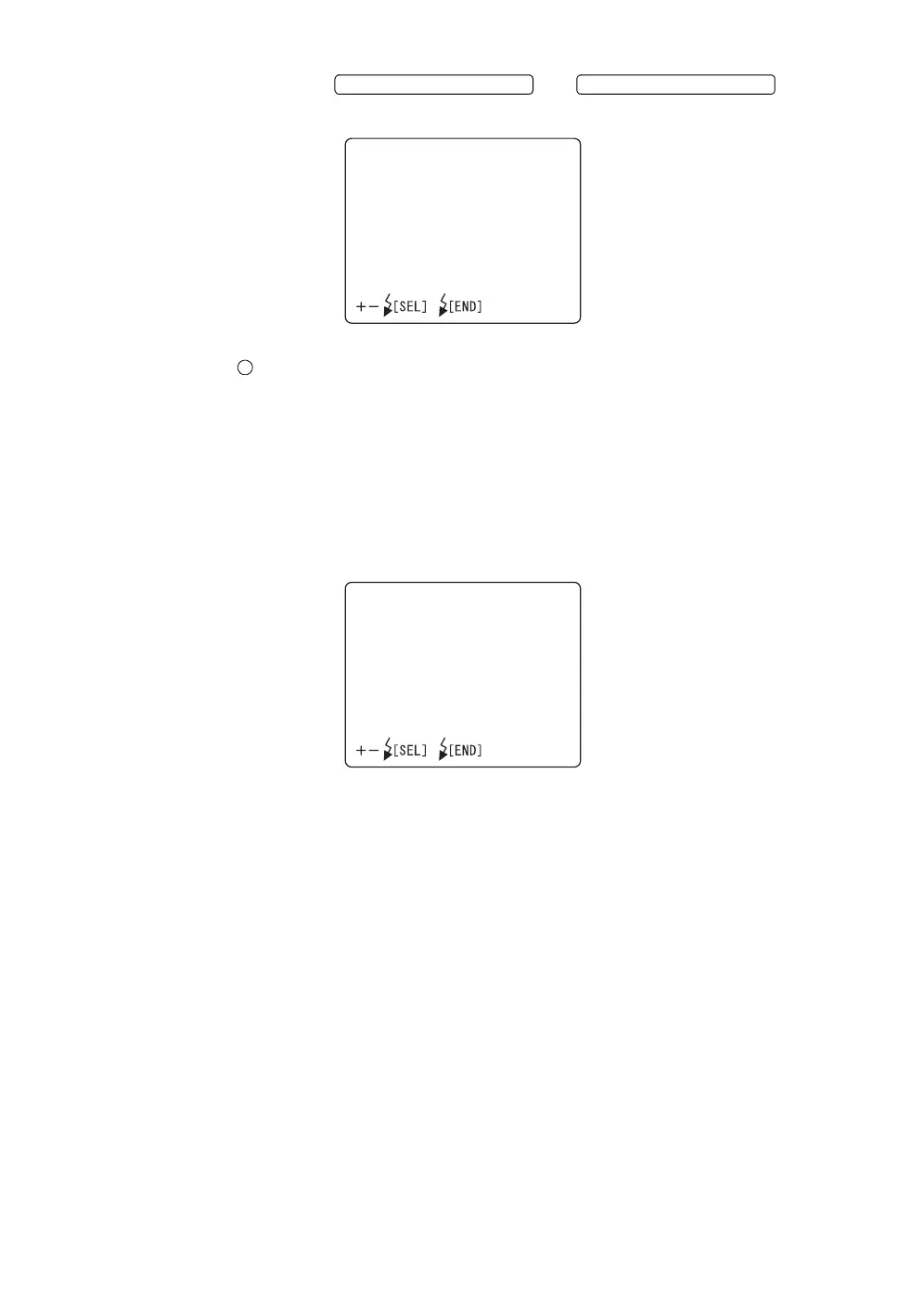
4 Setting of "PATTERNS" when changing "MODE" to "ORIGINAL"
When you select "ORIGINAL" on the "MODE" screen, you can select
the internal fixation target patterns (P2A/P2B/P3A/P3B) of "center/nose
side/ear side" on the "PATTERNS" screen. When "P2A" or "P2B" is
selected, the fixation targets for "center/nose side" are indicated. When
"P3A" or "P3B" is selected, those for "center/nose side/ear side" are
indicated. "P2B" and "P3B" are used to take a picture of the periphery
of the eye ground compared with "P2A" and "P3A".
When shipped, "P2A" is set.
FLASH LEVEL SWITCH (+) FLASH LEVEL SWITCH (
)
MODE
ORIGINAL
CUSTOM
PATTERNS
P2A
P2B
P3A
P3B














 To Next Page