46
INITIAL SETTING
Setting of "PATTERNS" when changing "MODE" to "CUSTOM"
When you select "CUSTOM" on the "MODE" screen, you can set the
internal fixation target pattern optionally on the "PATTERNS" screen.
You can freely set a fixation target position for the photography with
optic disc or macula in focus.
5 Press the ; the setting is done and the "FIXA-
TION" screen is reset.
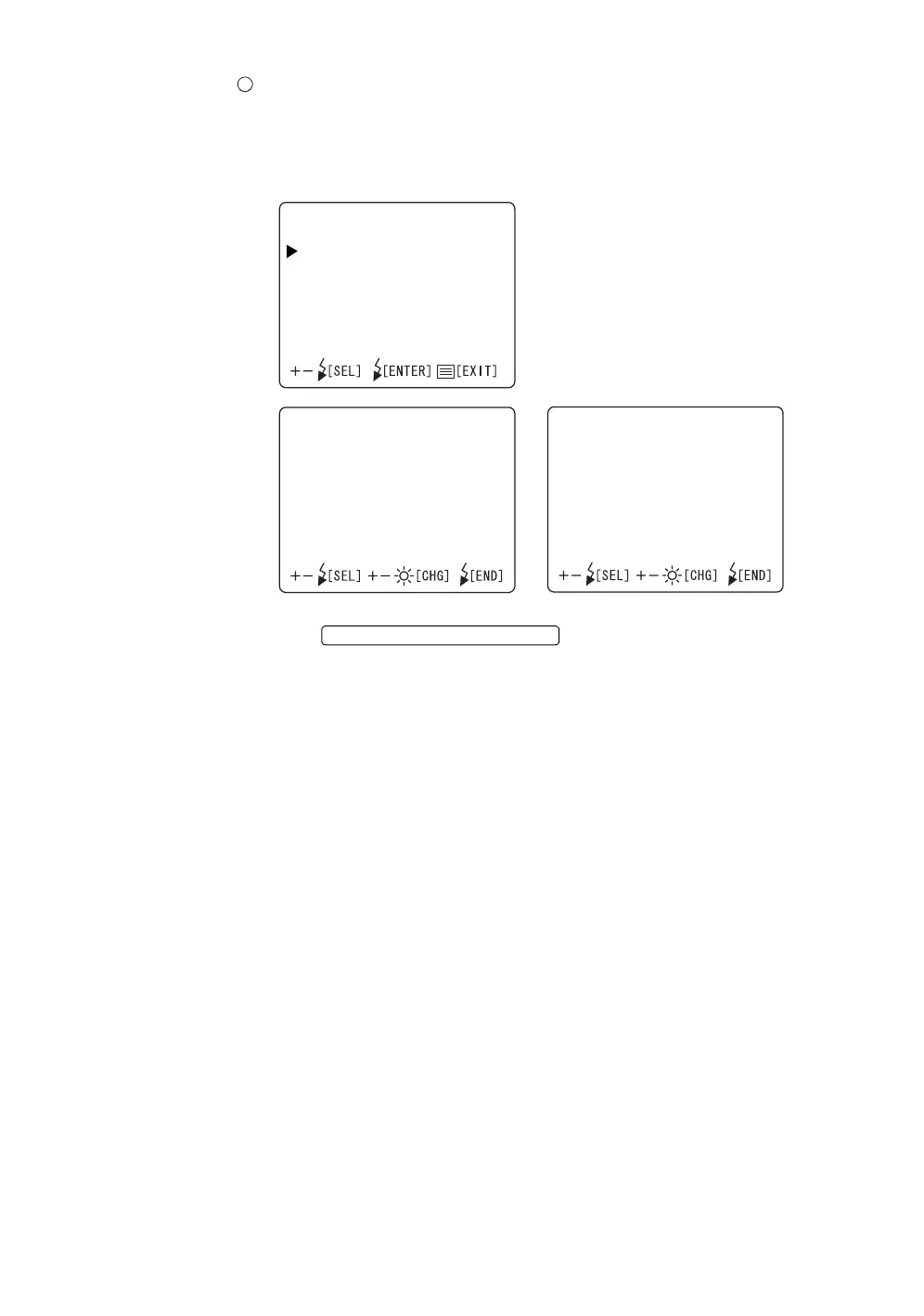
PATTERNS
NASAL
TEMPORAL
NASAL
POSITION:0(OFF/‑2
~+2)
FLASH:‑4(‑8~+8)
TEMPORAL
POSITION:0(OFF/‑2
~+2)
FLASH:+4(‑8~+8)
FLASH LEVEL SWITCH (RESET














 To Next Page