42
INITIAL SETTING
INITIAL SETTING
In the "INITIAL MENU" display, the record/playback, internal fixation target,
image display, system settings, initial settings, built-in CCD camera settings and
display language can be set.
PREPARATION FOR INITIAL SETTING
1 Make sure that the power cable is connected.
2 While pressing the on the control panel and the
, turn the ON.
Hold the and the until the buzzer
sounds.
The Title screen is displayed, and in a few seconds the Monitor screen is
displayed.
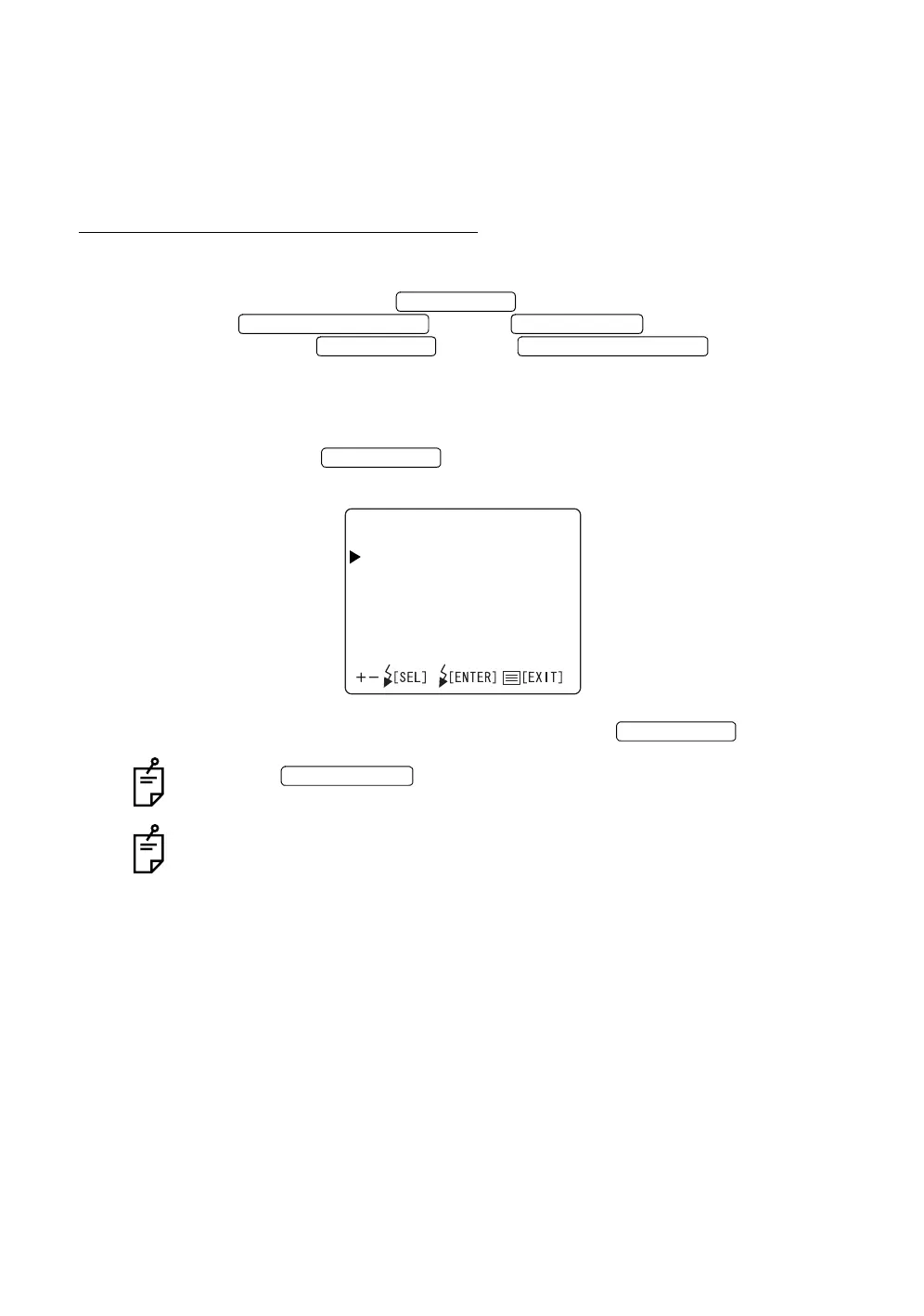
3 Press the on the control panel; the "INITIAL MENU" screen
is displayed.
4 To exit the "INITIAL MENU" screen, press the .
When the is turned OFF without exiting from the "INITIAL
MENU" screen, the settings are not changed.
Operate the switches by referring to “COMPONENT NAMES” on P. 11 and
“CONTROL PANEL COMPONENTS” on P. 12.
MENU SWITCH
PHOTOGRAPHY SWITCH POWER SWITCH
MENU SWITCH PHOTOGRAPHY SWITCH
MENU SWITCH
INITIALMENU
FIXATION
MONITORDISPLAY
SYSTEMSETTINGS
INITIALSETTINGS
CAMERA
IDTYPE
LANGUAGE
MENU SWITCH
POWER SWITCH














 To Next Page