70
INITIAL SETTING
SETTING THE LANGUAGE
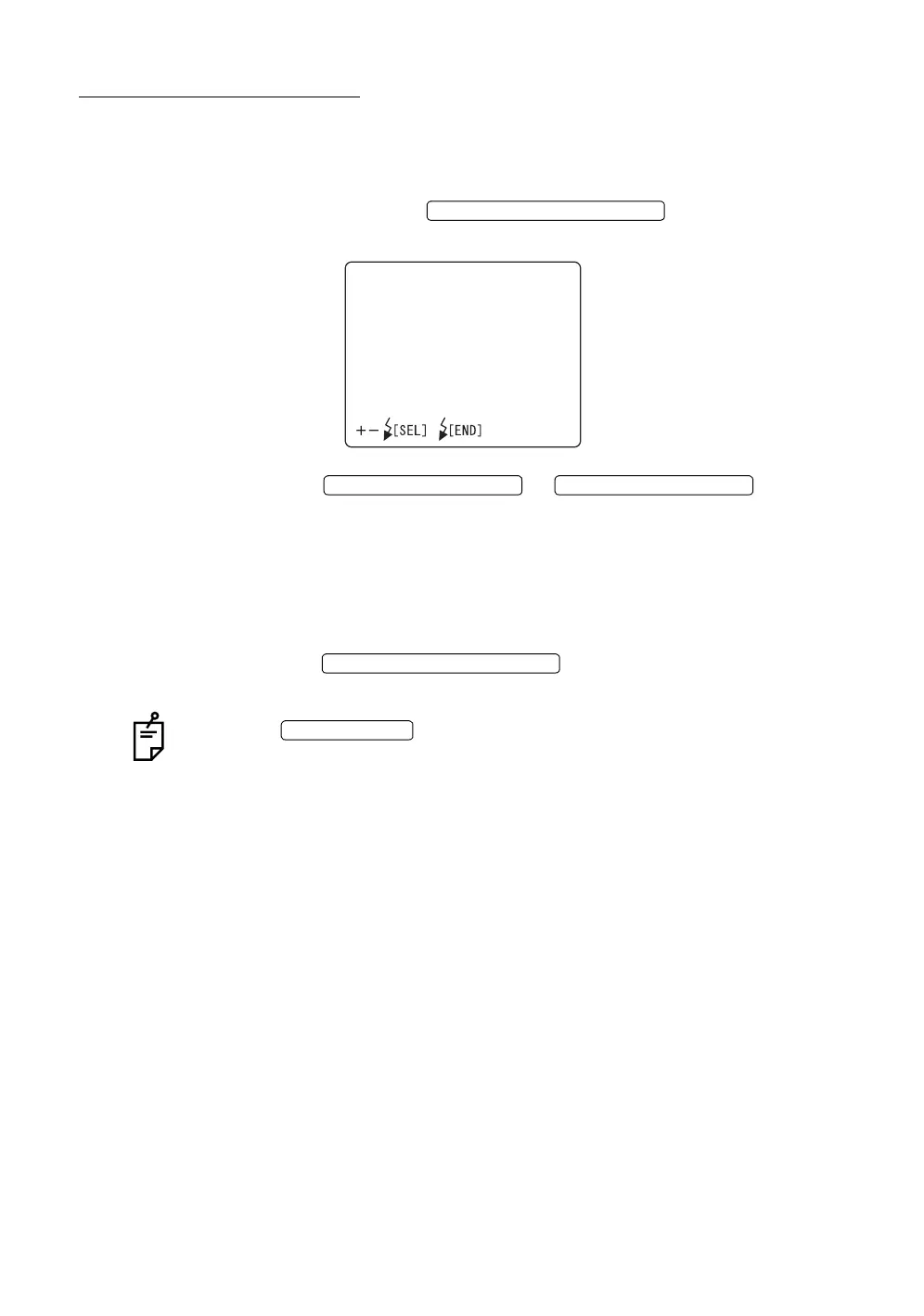
On the "LANGUAGE" screen, the language to be used on the MENU screen can
be set. When shipped, "ENGLISH" is set.
1 Make sure that the cursor is on the "LANGUAGE" of the "INITIAL MENU"
screen, and press the . The monitor screen
changes to the "LANGUAGE" screen.
2 Press the or and select
from the following:
"ENGLISH";
"GERMAN";
"FRENCH";
"SPANISH"; or
"ITALIAN."
3 Press the ; the setting is done and the
"INITIAL MENU" screen returns.
When the is turned OFF without exiting from the "INITIAL
MENU" screen, the settings are not changed.
FLASH LEVEL SWITCH (RESET
LANGUAGE
ENGLISH
GERMAN
FRENCH
SPANISH
ITALIAN
FLASH LEVEL SWITCH (+)
FLASH LEVEL SWITCH (
)
FLASH LEVEL SWITCH (RESET
POWER SWITCH














 To Next Page