33
PREPARATIONS
White balance
The color balance of the image can be changed.
The three types, "WHITE BAL. 1", "WHITE BAL. 2" and "WHITE BAL. 3" can be
stored. When shipped, "R-GAIN 96/G-GAIN 70/B-GAIN 85" of "WHITE BAL. 1"
is set.
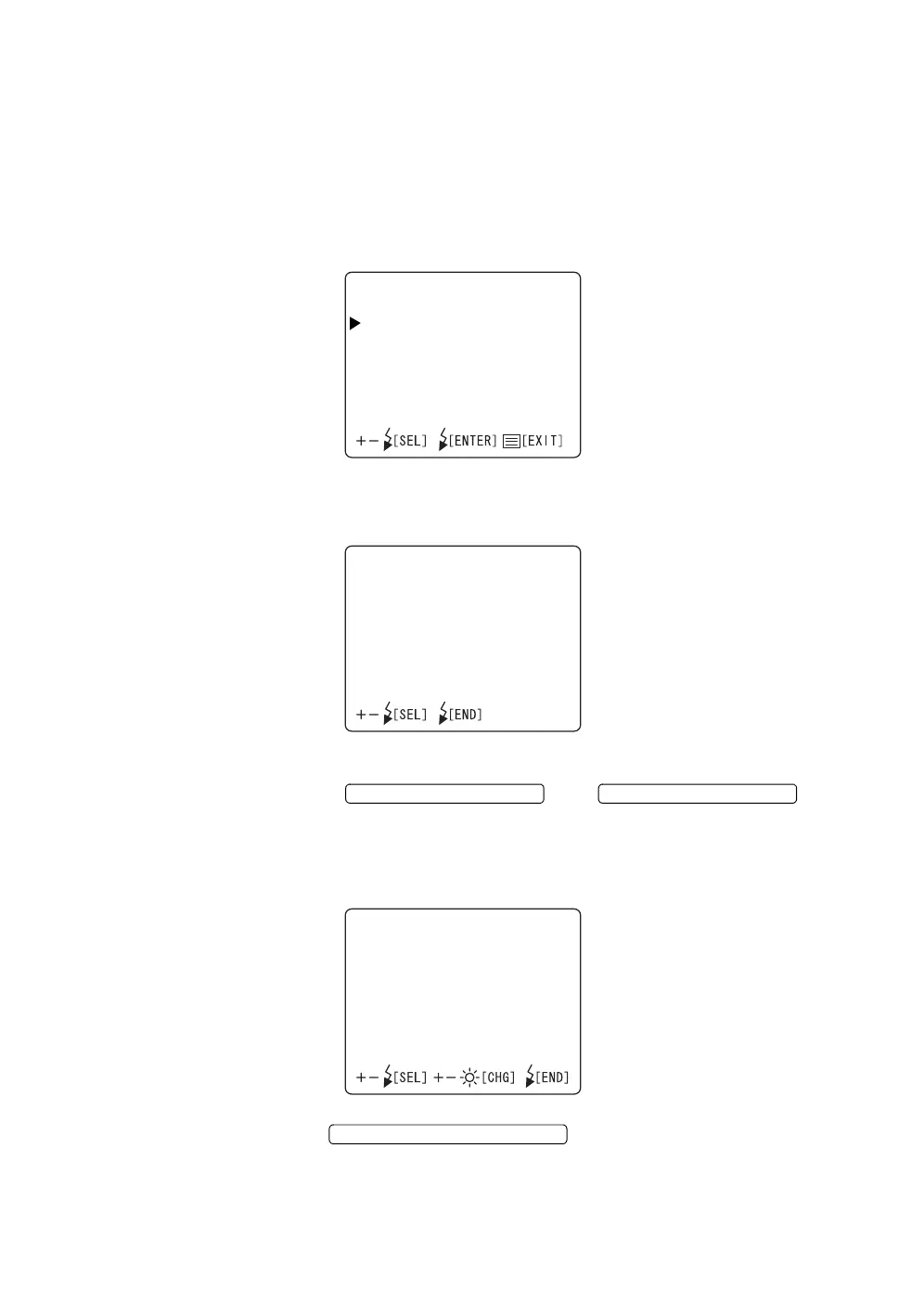
1 Select "WHITE BAL." on the "CAMERA" display. The "WHITE BAL." dis-
play appears.
2 On the "SELECT" screen, select the white balance setting ("WHITE BAL. 1
~ 3") to be validated.
3 On each of "WHITE BAL. 1" to "WHITE BAL. 3", you can set data.
Press the or and
change each item to the desirable numeral:
"R-GAIN" (red gain) : The value can be set in the range of "1" ~ "255".
"G-GAIN" (green gain) : The value can be set in the range of "1" ~ "255".
"B-GAIN" (blue gain) : The value can be set in the range of "1" ~ "255".
4 Press the ; setting is done and the "CAM-
ERA" display appears again.
WHITEBAL.
SELECT
WHITEBAL.1
WHITEBAL.2
WHITEBAL.3
SELECT
WHITEBAL.1
WHITEBAL.2
WHITEBAL.3
FLASH LEVEL SWITCH (+)
FLASH LEVEL SWITCH (
)
WHITEBAL.1
R‑GAIN096
G‑GAIN070
B‑GAIN085
FLASH LEVEL SWITCH (RESET



 To Next Page