34
PREPARATIONS
Image emphasis
Image emphasis allows you to change certain image characteristics.
When shipped, "0" is set.
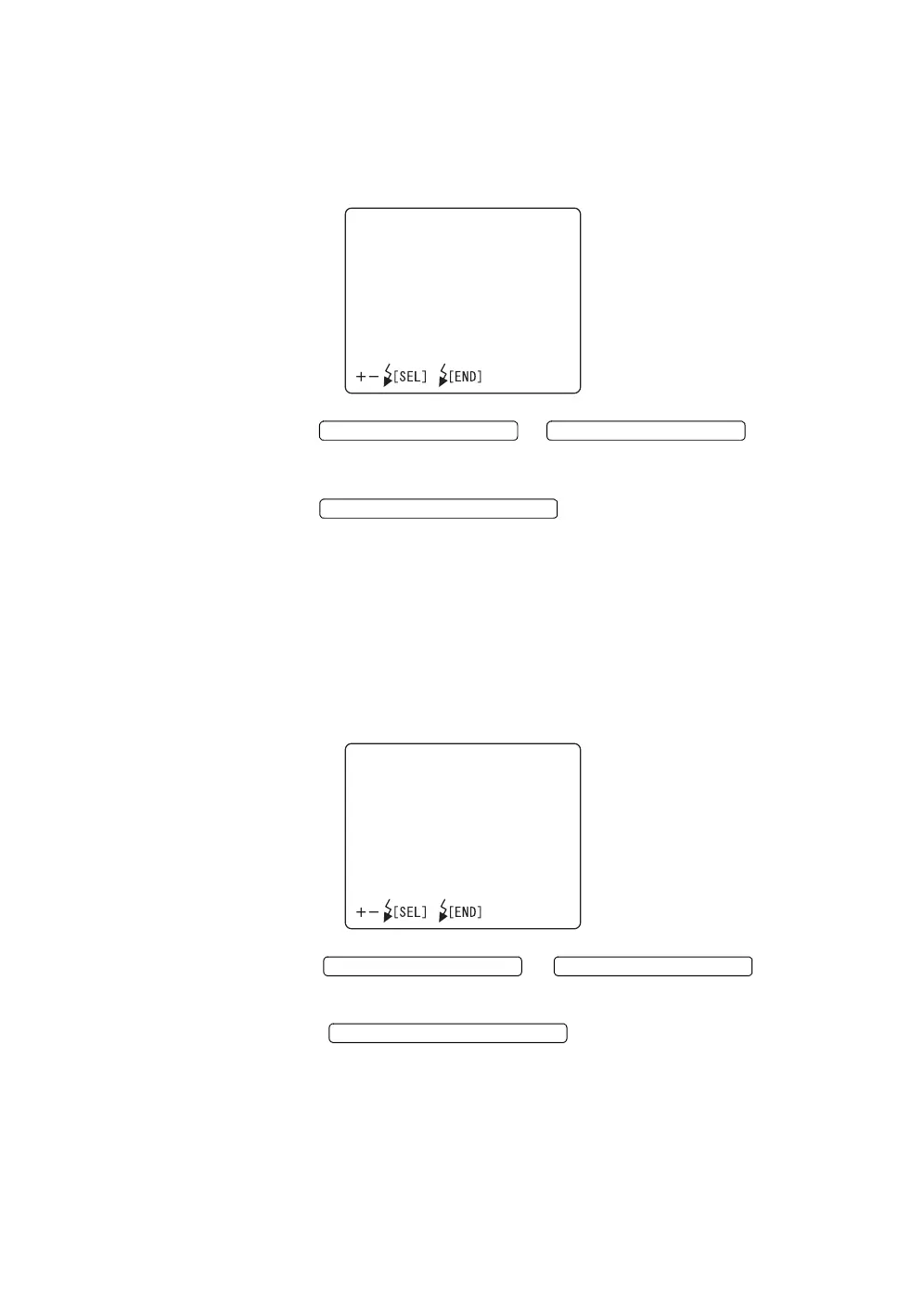
1 Select "ENHANCE" on the "CAMERA" display. The "ENHANCE" display appears.
2 Press the or and change
the level to the desirable one. You can adjust the level by 9 steps, from "-4"
to "+4".
3 Press the ; setting is done and the "CAMERA"
display appears again.
Contrast
The image contrast can be changed.
When shipped, "0" is set.
1 Select "CONTRAST" on the "CAMERA" display. The "CONTRAST" dis-
play appears.
2 Press the or and adjust
the contrast. The contrast can be adjusted by 9 steps, from "-4" to "+4".
3 Press the ; setting is done and the "CAM-
ERA" display appears again.
ENHANCE
LEVEL0
FLASH LEVEL SWITCH (+)
FLASH LEVEL SWITCH (
)
FLASH LEVEL SWITCH (RESET
CONTRAST
LEVEL0
FLASH LEVEL SWITCH (+)
FLASH LEVEL SWITCH (
)
FLASH LEVEL SWITCH (RESET














 To Next Page