35
PREPARATIONS
Color
The image color depth can be changed.
When shipped, "0" is set.
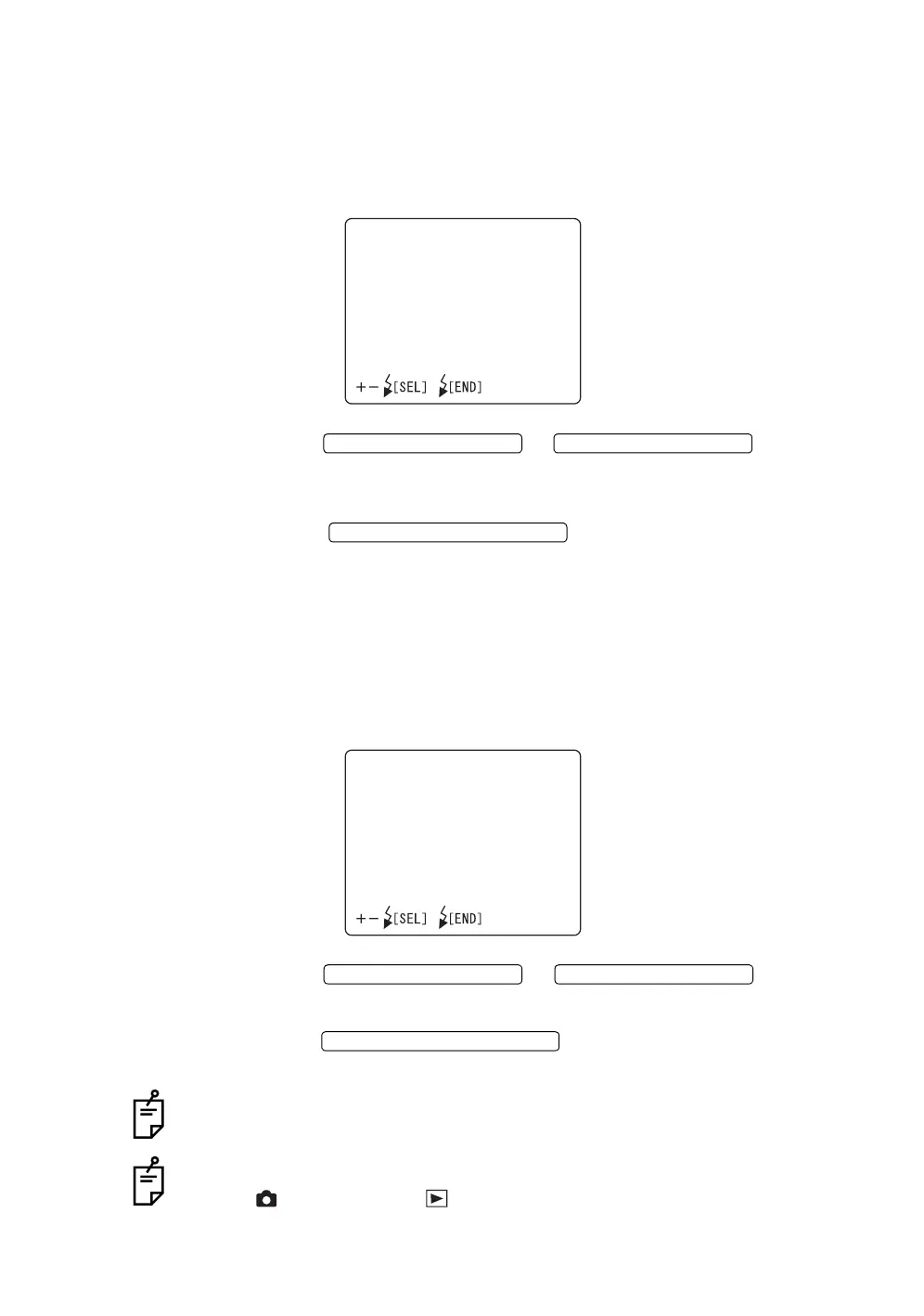
1 Select "COLOR" on the "CAMERA" display. The "COLOR" display
appears.
2 Press the or and adjust
the image color depth. The color depth can be adjusted by 9 steps, from
"-4" to "+4".
3 Press the ; setting is done and the "CAM-
ERA" display appears again.
CF format
You may use this function to format a new CompactFlash
®
card.
When shipped, "CANCEL" (format is not done) is set.
1 Select "CF FORMAT" on the "CAMERA" display. The "CF FORMAT" dis-
play appears.
2 Press the or and select
"FORMAT" (format is done) or "CANCEL" (format is not done).
3 Press the ; the setting is done and the "CAM-
ERA" display appears again.
When format is selected, all the data including the file-protect-used files are
erased.
The above setting is possible only when the mode selector knob is set at "photog-
raphy" ( ) or "playback" ( ).
COLOR
LEVEL0
FLASH LEVEL SWITCH (+)
FLASH LEVEL SWITCH (
)
FLASH LEVEL SWITCH (RESET
CFFORMAT
FORMAT
CANCEL
FLASH LEVEL SWITCH (+)
FLASH LEVEL SWITCH (
)
FLASH LEVEL SWITCH (RESET














 To Next Page