36
PREPARATIONS
PC mode
You can select the operation mode for the PC mode of the mode selector knob.
When shipped, "SHOOTING" is set.
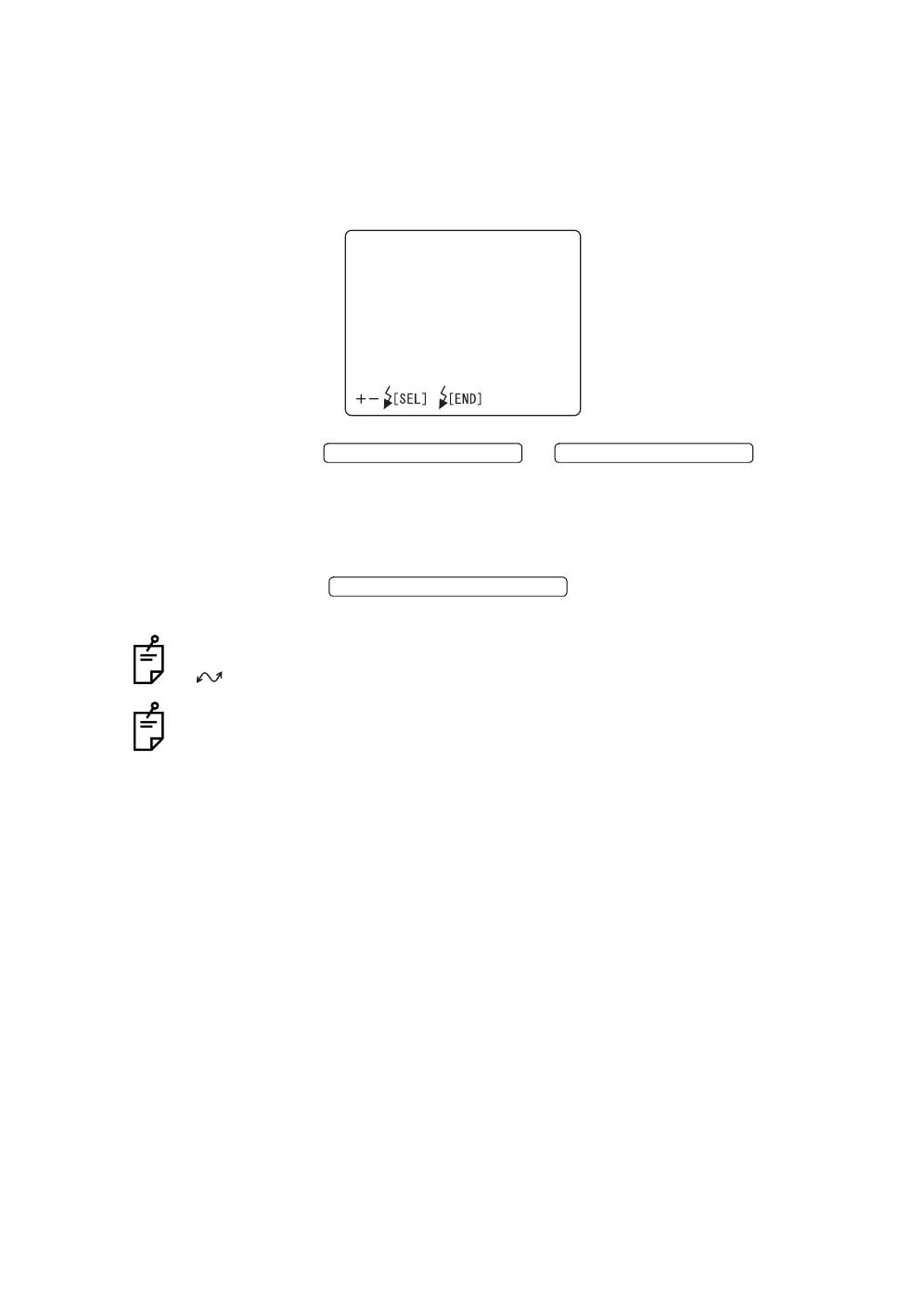
1 Select "PC MODE" on the "CAMERA" display. The "PC MODE" display
appears.
2 Press the or and select
"STORAGE" or "SHOOTING".
STORAGE .......The CompactFlash
®
card is recognized as a removable
disc by PC.
SHOOTING .....The photography image is sent to PC.
3 Press the ; setting is done and the "CAM-
ERA" display appears again.
The above setting is possible only when the mode selector knob is set at "PC"
().
Before setting to "STORAGE", insert the CompactFlash
®
card to its slot. When
"STORAGE" is canceled and the CompactFlash
®
card is removed, perform
"hardware removal" through PC.
PCMODE
STORAGE
SHOOTING
FLASH LEVEL SWITCH (+)
FLASH LEVEL SWITCH (
)
FLASH LEVEL SWITCH (RESET














 To Next Page