48
INITIAL SETTING
Flash level display
The flash level may be displayed on the monitor. When shipped, "OFF" (no dis-
play) is set.
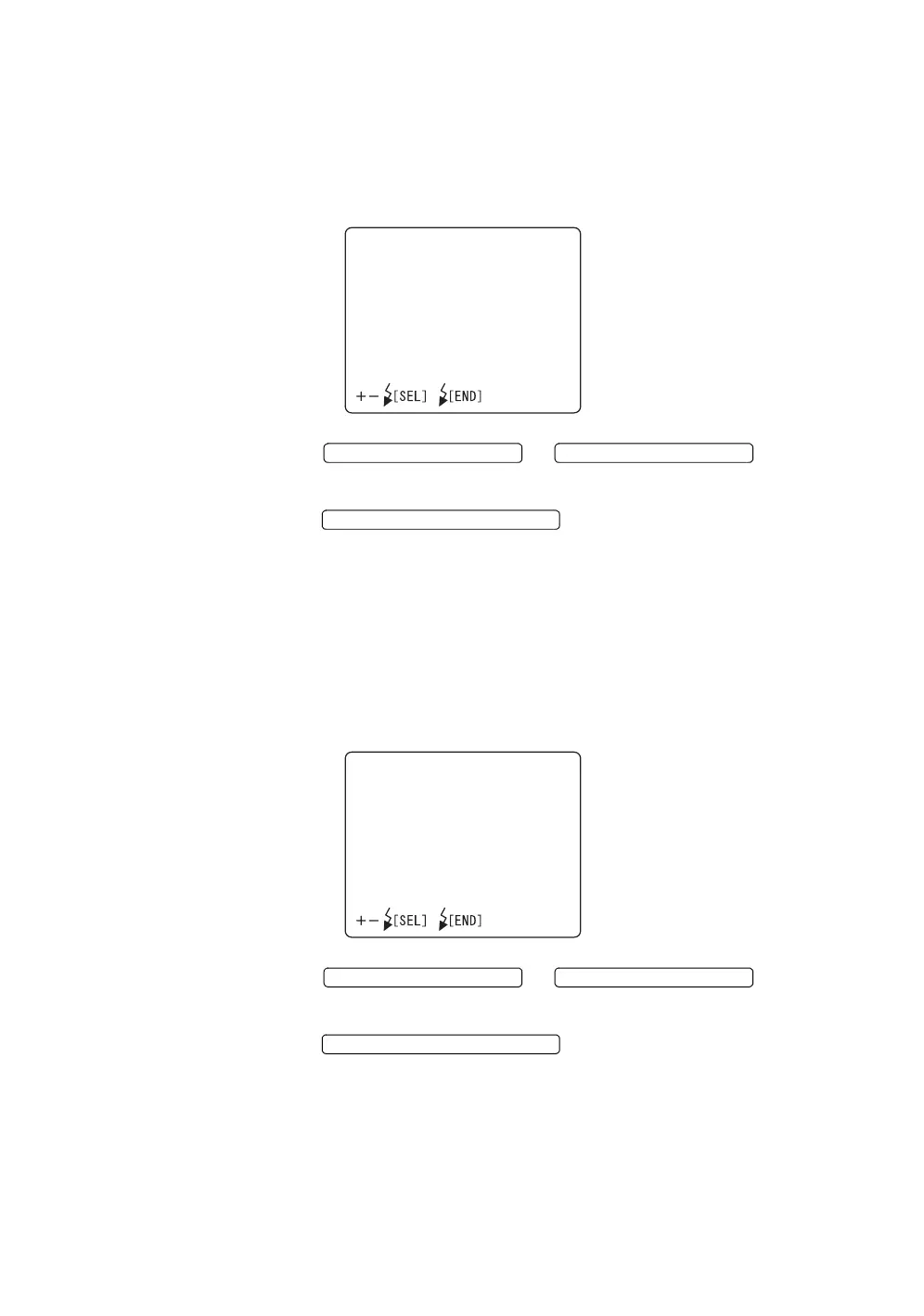
1 Select "FLASH LEVELS IN WS" on the "MONITOR DISPLAY" screen, and
choose the "FLASH LEVELS IN WS" screen.
2 Press the or and select
"ON" (display) or "OFF" (no display).
3 Press the ; the setting is done and the
"MONITOR DISPLAY" screen returns.
Illumination level display
The illumination level may be displayed on the monitor for operator assistance.
When shipped, "ON" (display) is set.
1 Select "ILLUMINATION LEVELS" on the "MONITOR DISPLAY" screen,
and select the "ILLUMINATION LEVELS" screen.
2 Press the or and select
"ON" (display) or "OFF" (no display).
3 Press the ; the setting is done and the
"MONITOR DISPLAY" screen returns.
FLASHLEVELSINWS
ON
OFF
FLASH LEVEL SWITCH (+)
FLASH LEVEL SWITCH (
)
FLASH LEVEL SWITCH (RESET
ILLUMINATIONLEVELS
ON
OFF
FLASH LEVEL SWITCH (+)
FLASH LEVEL SWITCH (
)
FLASH LEVEL SWITCH (RESET



 To Next Page