49
INITIAL SETTING
Picture angle display
The picture angle may be displayed on the monitor. When shipped, "ON" (dis-
play) is set.
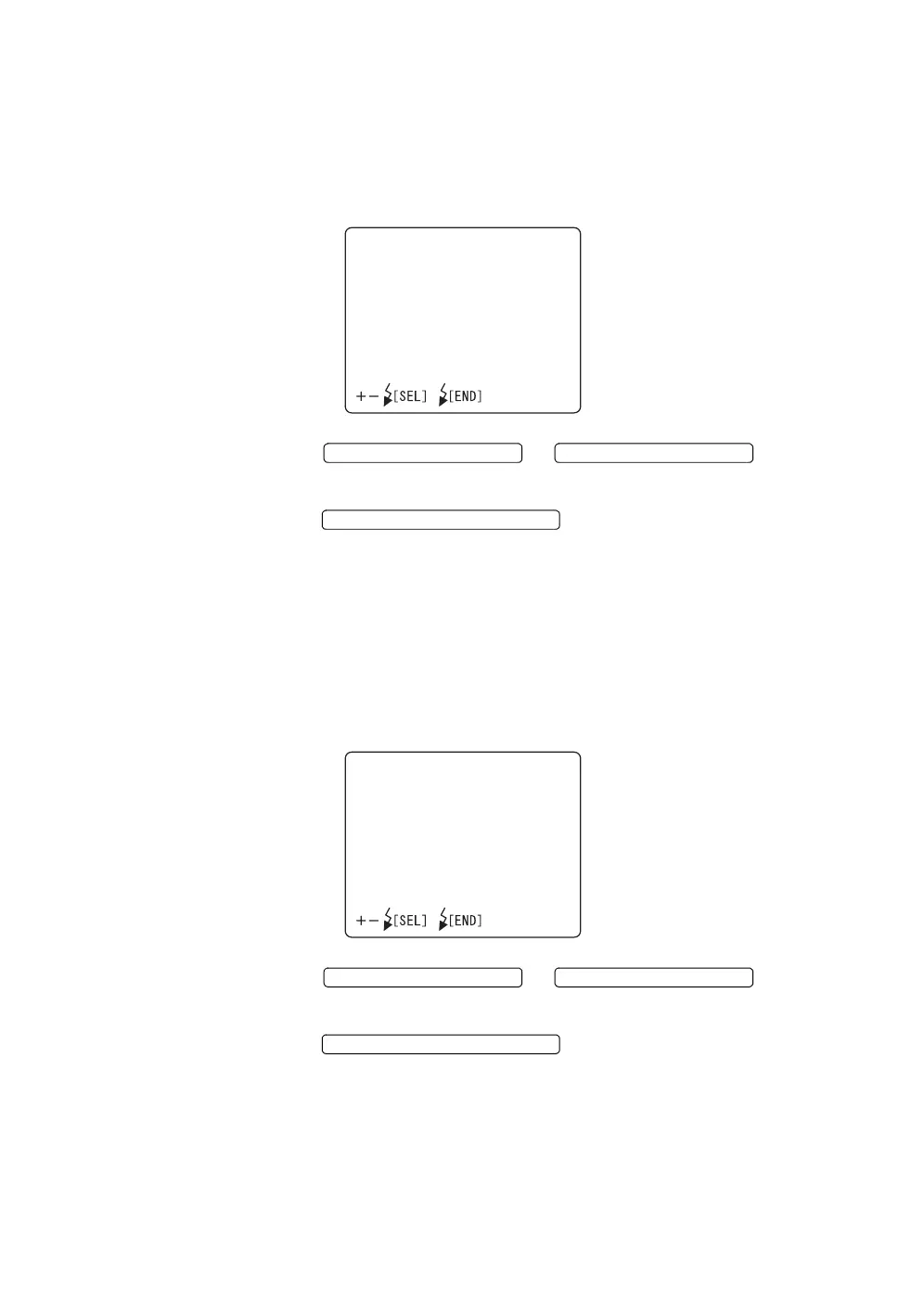
1 Select "ANGLE INDICATION" on the "MONITOR DISPLAY" screen, and
select the "ANGLE INDICATION" screen.
2 Press the or and select
"ON" (display) or "OFF" (no display).
3 Press the ; the setting is done and the
"MONITOR DISPLAY" screen returns.
Internal fixation target position display
You can set the internal fixation target display. When shipped, "ON" (display) is
set.
1 Select "PERIPHERAL PATTERN" on the "MONITOR DISPLAY" screen,
and call out the "PERIPHERAL PATTERN" screen.
2 Press the or and select
"ON" (display) or "OFF" (no display).
3 Press the ; the setting is done and the
"MONITOR DISPLAY" screen returns.
ANGLEINDICATION
ON
OFF
FLASH LEVEL SWITCH (+)
FLASH LEVEL SWITCH (
)
FLASH LEVEL SWITCH (RESET
PERIPHERALPATTERN
ON
OFF
FLASH LEVEL SWITCH (+)
FLASH LEVEL SWITCH (
)
FLASH LEVEL SWITCH (RESET



 To Next Page