39
PREPARATIONS
File protect function
You can set the file protection setting for the camera.
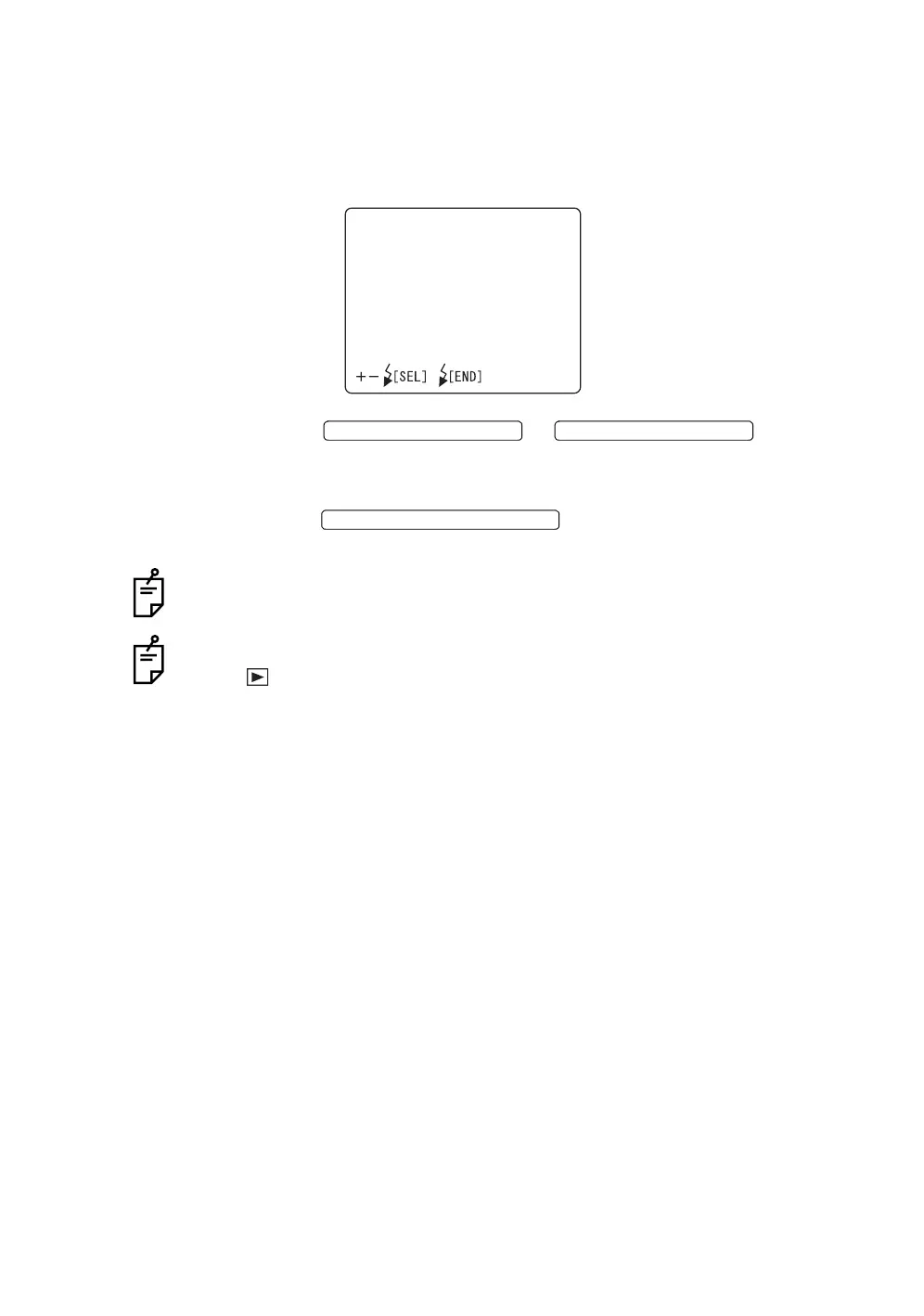
1 Select "FILE PROTECT" on the "CAMERA" display. The "FILE PRO-
TECT" display appears.
2 Press the or and select
"ALL SET" (exclusively for reading) or "RESET" (not exclusively for read-
ing).
3 Press the ; the setting is done and the "CAM-
ERA" display appears again.
When format is selected, all the data are erased even if file protect is used.
The above setting is possible only when the mode selector knob is set at "play-
back" ( ).
FILEPROTECT
ALLSET
RESET
EXIT
FLASH LEVEL SWITCH (+)
FLASH LEVEL SWITCH (
)
FLASH LEVEL SWITCH (RESET














 To Next Page