38
PREPARATIONS
Date/time
You can set the date and time.
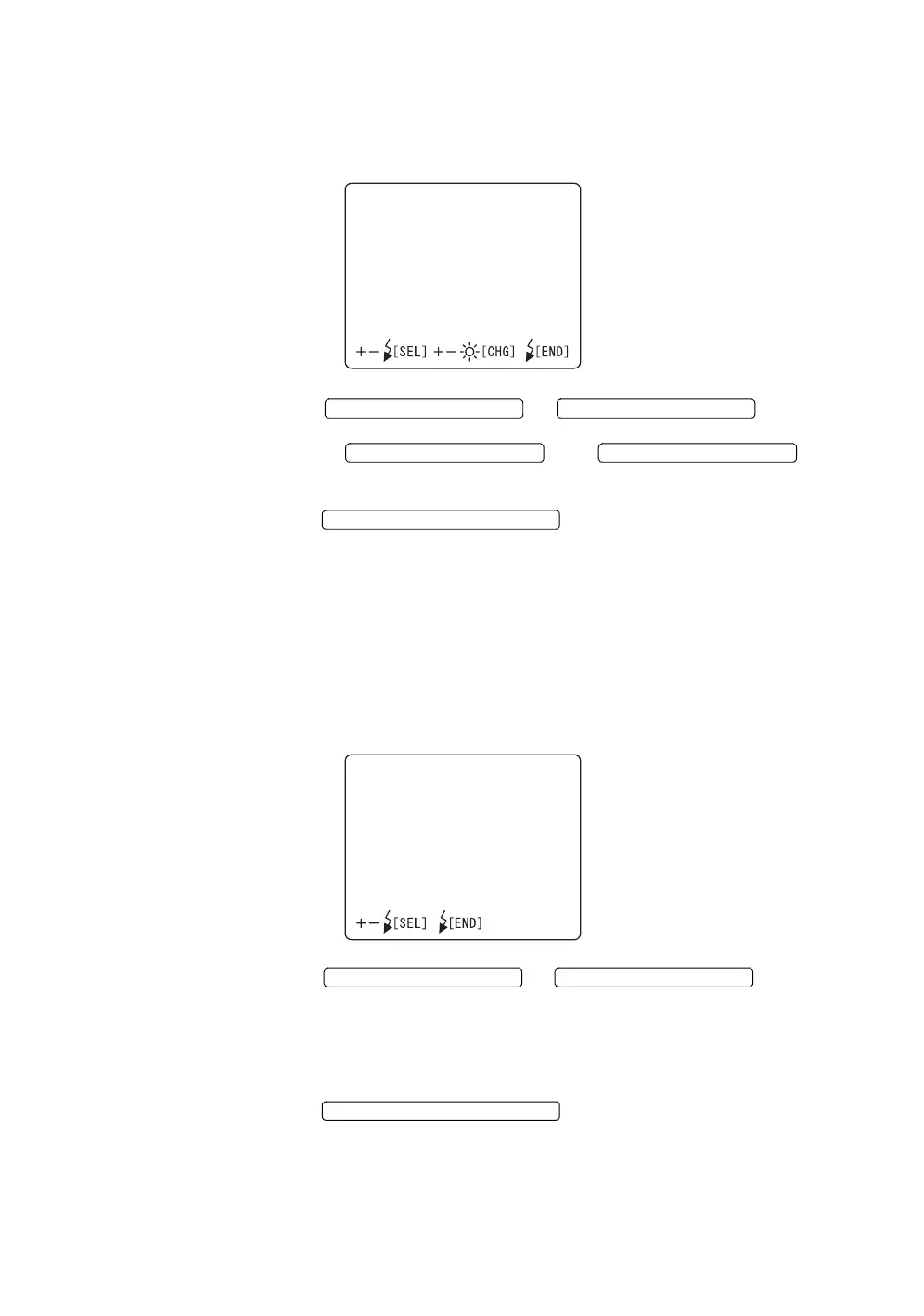
1 Select "DATE" on the "CAMERA" display. The "DATE" display appears.
2 Press the or and move
the cursor to the item to be set.
Press the or and
change the numerals to the desired ones.
3 Press the ; setting is done and the
"CAMERA" display appears again.
Date form
You can set the display order of year, month and day.
When shipped, "year-month-day" is set.
1 Select "DATE FORM" on the "CAMERA" display. The "DATE FORM" dis-
play appears.
2 Press the or and select
the desirable order from the following:
"YY-MM-DD" (year-month-day)
"MM-DD-YY" (month-day-year)
"DD-MM-YY" (day-month-year)
3 Press the ; setting is done and the
"CAMERA" display appears again.
DATE
04‑04‑20
17:36
FLASH LEVEL SWITCH (+)
FLASH LEVEL SWITCH (
)
FLASH LEVEL SWITCH (+) FLASH LEVEL SWITCH (
)
FLASH LEVEL SWITCH (RESET
DATEFORM
YY‑MM‑DD
MM‑DD‑YY
DD‑MM‑YY
FLASH LEVEL SWITCH (+)
FLASH LEVEL SWITCH (
)
FLASH LEVEL SWITCH (RESET














 To Next Page